
How to Retrieve Dashcam Footage After a Car is Totaled (2026 Complete Guide)
Your car's a crumpled tin can, probably resting on a tow truck flatbed, and you're staring at a dead dashcam. The footage you need? Trapped. I've seen this a hundred times. That critical 30 seconds of video that proves you weren't at fault is locked behind a smashed screen or a completely severed power cable.
Your car's a crumpled tin can, probably resting on a tow truck flatbed, and you're staring at a dead dashcam. The footage you need? Trapped. I've seen this a hundred times. That critical 30 seconds of video that proves you weren't at fault is locked behind a smashed screen or a completely severed power cable. The insurance adjuster isn't going to wait around while you figure out data recovery. They want their lowball offer on your totaled vehicle today.
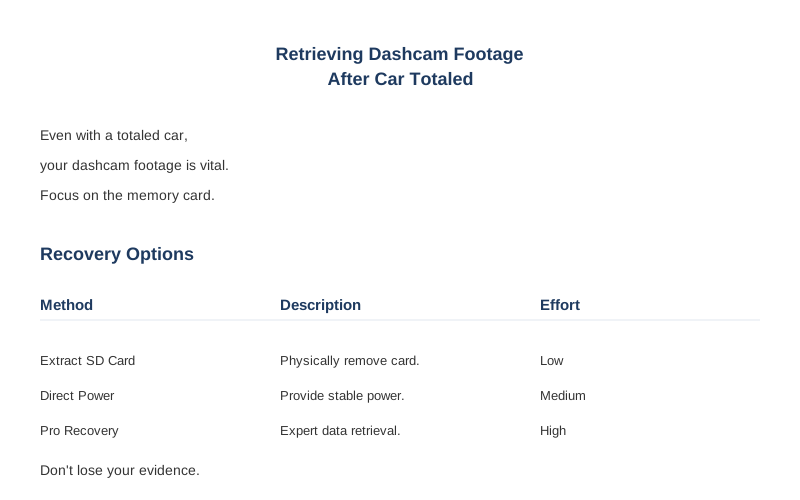
Your goal is simple: get that memory card out. Even Tesla owners worry about accessing footage after an accident. Don't let a totaled car total your evidence.
The Short Answer
When the 12V supply is suddenly cut, the dashcam's internal capacitor or small battery is supposed to provide enough juice for a 'graceful shutdown.' This means finalizing the last recording segment, writing the file allocation table, and properly dismounting the filesystem. If that power buffer is compromised or too short, the last file segment might be corrupted or incomplete. Many dashcams split files into smaller segments, which can make recovery tricky if the last segment is hosed.
The real failure mode here is a data integrity issue caused by an unexpected power interruption. The physical SD card itself might be fine, but the filesystem metadata - the index that tells the computer where each video file starts and ends - gets scrambled. Think of it like a library where the librarian got knocked out mid-shelf organization. All the books are there, but the catalog is garbage.
Some systems, like Tesla's, save recent driving footage automatically, but even that's dependent on power.
Your first objective is always physical access to the storage medium. If the camera itself is powered off, crushed, or submerged, the data isn't gone until the NAND flash memory cells are physically destroyed or overwritten. The challenge is extracting that tiny piece of plastic. Then, you're dealing with standard data recovery principles: don't write to the card, use specialized software to reconstruct fragmented files, and pray the critical sectors weren't active during the power loss.
Even if the camera looks like a melted crayon, the SD card might be intact. The camera's plastic housing is designed to absorb impact energy, not protect the internal electronics from shear forces. But those tiny flash chips inside the card are surprisingly resilient to blunt force, provided the card itself doesn't crack or bend past its plastic yield strength. It's usually the file system's logical integrity that fails before the physical memory cells do.
So, the framework is: 1) Secure the physical card. 2) Ensure no further data writes. 3) Use software that understands fragmented video files and common dashcam file systems like FAT32 or exFAT. Dashcam recordings are generally stored on FAT32 or exFAT file systems, but proprietary formats exist.
The Reality Check
The real problem isn't the dashcam itself; it's the external environment. Your car is totaled, meaning significant kinetic energy transfer. This means high g-forces, deformation of structural members, and often, a sudden loss of electrical power. All these factors hammer your dashcam's ability to finalize recordings.
Consider the mounting. Most dashcams are suction-cupped or adhesive-mounted. A 30g impact can easily rip that off the windshield, sending the camera flying. The impact energy transfers to the device, potentially cracking the PCB or dislodging the SD card from its socket. A dislodged card means an immediate electrical open circuit, no graceful shutdown. The files get corrupted. Power outages are a common cause of file corruption.
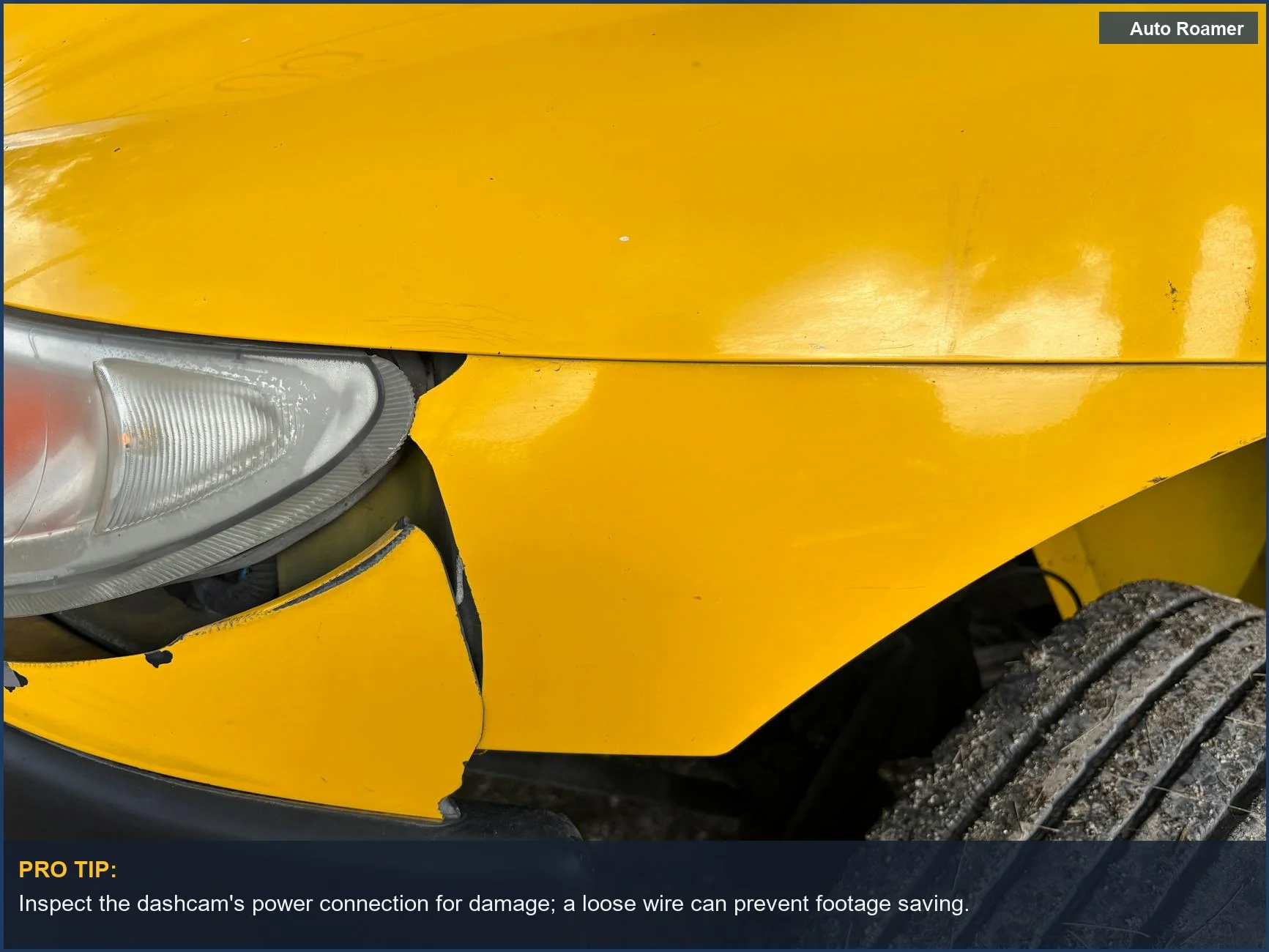
Then there's the power supply. Hardwired dashcams often use buck converters to drop 12V to 5V USB power. If the main battery is disconnected or the wiring harness is sheared, that power disappears instantly. Battery-powered dashcams have a slight buffer, but internal lithium-ion cells can also be damaged, leading to thermal runaway or simply a dead circuit. A dead circuit means no power to write the final data.
| Component | How It Fails | Symptoms | Fix Cost |
|---|---|---|---|
| MicroSD Card | Physical fracture, electrical contact corrosion, logical file system corruption from power loss. | 'Card Error', unreadable files, missing segments, camera won't boot. | $0 (DIY recovery software) to $300+ (data recovery service). |
| Dashcam Unit | PCB fracture from impact, component desoldering from thermal cycling, lens housing deformation. | No power, blank screen, physical damage, inability to eject card. | $50-$400 (new camera). |
| Power Wiring | Cable shear, terminal corrosion, fuse blow from short circuit. | No power to unit, intermittent operation, camera unexpectedly shuts off. | $5 (fuse) to $50 (replacement cable). |
My personal experience? I had a BlackVue DR900X on a heavy-duty adhesive mount. Car took a fender bender at 15 MPH. The camera stayed put, but the impact caused enough G-force to momentarily dislodge the SD card. It re-seated, but the last 10 seconds of footage were corrupted. The camera's internal buffer wasn't enough to handle the transient electrical open circuit. Someone needs to get your camera's out of the car, then get that card.
Your dashcam uses high-endurance SD cards for a reason. Constant read/write cycles generate heat and cause wear. A cheap, consumer-grade card has a lower Program/Erase cycle rating (P/E cycles), maybe 3,000 to 10,000 cycles for MLC NAND, versus 30,000+ for high-endurance MLC or SLC. A damaged card, or one near its end-of-life, is more prone to corruption when power is abruptly cut. The flash memory controller can't complete its internal housekeeping, leaving data in limbo.
How to Handle This
Here's the grubby procedure to get your data, assuming the car isn't a smoldering wreck and you have some access.
-
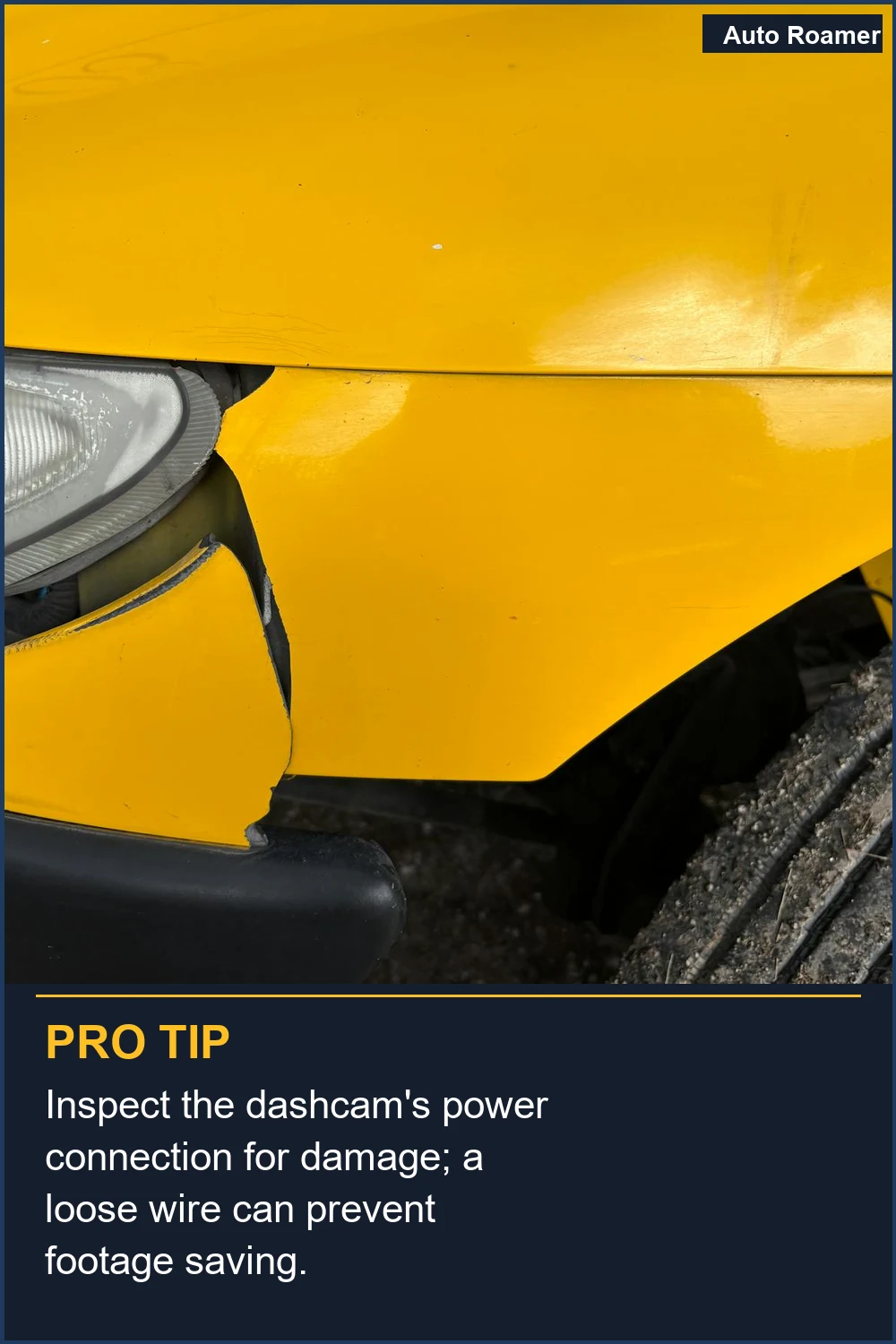
Locate and Power Down: First, if the vehicle still has any residual 12V power, disconnect the main battery. On an EV, this usually means pulling the low-voltage battery. This prevents any further writes to the dashcam's memory card, which could overwrite critical data. Disconnecting the low voltage/12v battery on any wrecked vehicle is one of our priorities.
-
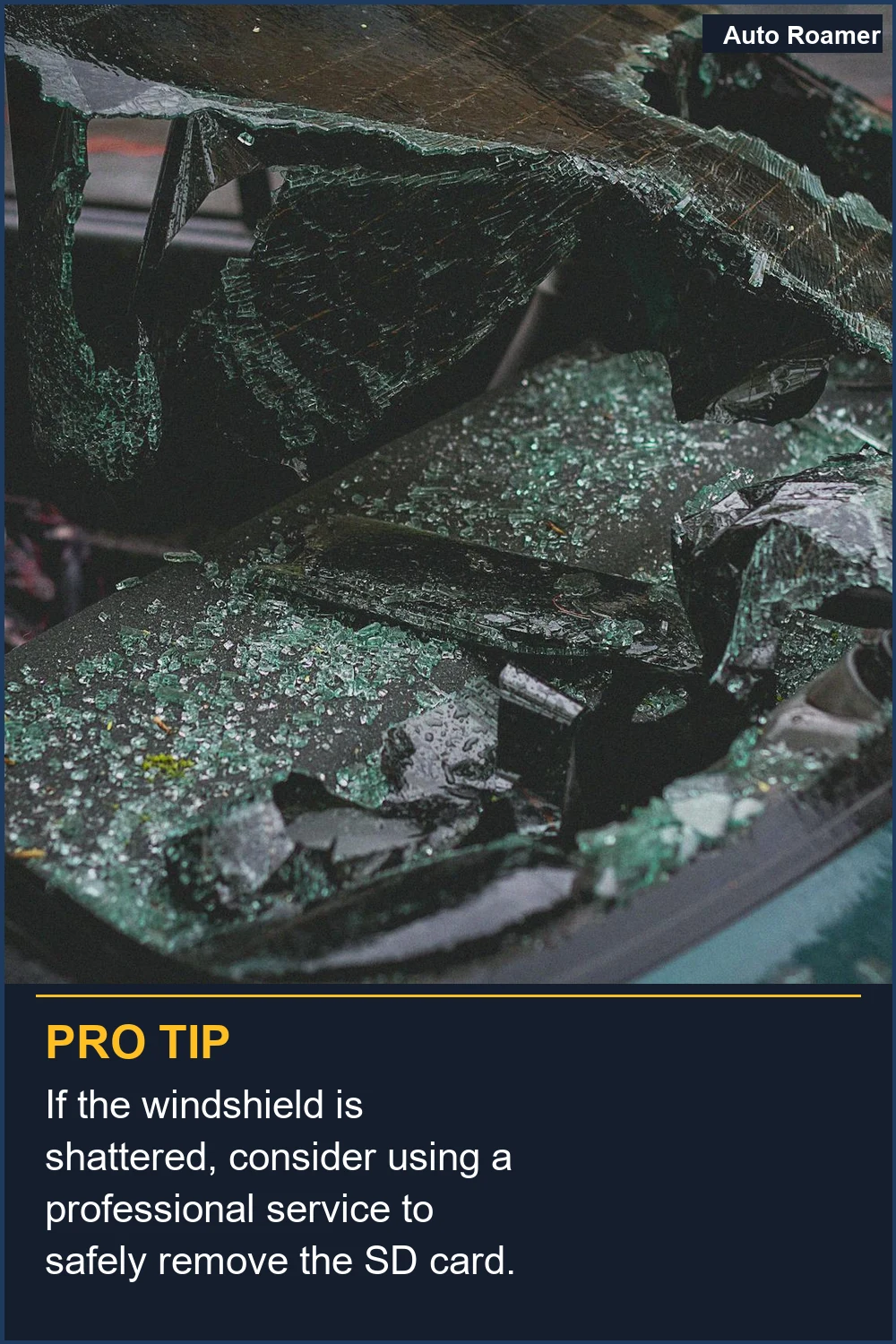
Extract the Memory Card: This is the critical mechanical step. Most dashcams use a microSD card, often hidden under a rubber flap or recessed slot. Use a pair of needle-nose pliers or tweezers if the camera's housing is deformed. Apply gentle, even pressure to eject the card. If the camera itself is cracked, you might need to carefully pry open the casing. Be careful not to bend or snap the card.
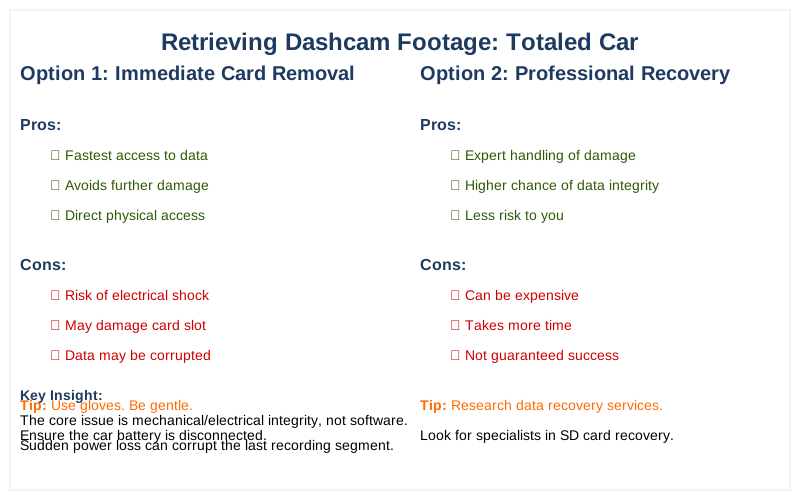
The quickest method is to remove the microSD card.
-
Inspect the Card: Check for physical damage - cracks, bends, or missing contacts. If it looks fine, proceed. If it's physically compromised, your chances drop significantly, and professional data recovery might be your only (expensive) option.
-
Use a Card Reader: Insert the microSD card into a reliable USB card reader. Avoid plugging the dashcam directly into a computer if the camera itself is damaged, as it could short something or further corrupt the card. A dedicated card reader isolates the memory from potential electrical issues in the camera.
-
Access on a Computer: Open 'My Computer' or 'Finder' and navigate to the card. Look for folders like 'Event', 'Parking', 'Normal', or 'Emergency'. Dashcams often segment video by type. The crucial footage is likely in 'Event' or 'Emergency' folders, often tagged with a 'RO' (Read-Only) attribute to prevent overwriting. Manually exploring your dash cam's memory card is key.
-
Copy All Files: DO NOT play or edit files directly from the SD card. Copy all contents of the card to a folder on your computer's hard drive. This creates a backup and prevents accidental overwrites or further corruption. If you're using recovery software, it will work on this copy.
-
Data Recovery Software (If Needed): If files are missing or corrupted, download a free data recovery tool like Recuva or PhotoRec. These tools scan the raw data on the card (or your copied image) to find remnants of deleted or fragmented files. They look for file headers and footers to reconstruct video segments. Be patient; this can take hours depending on card size. Applications like Disk Drill, HandBrake, Recuva, or PhotoRec can help recover lost files.
-
Review and Secure: Once recovered, review the footage. If it's intact, make multiple copies on different storage devices. This evidence is gold. Don't rely on a single copy. The insurance company will demand it.
What This Looks Like in Practice
I've seen some real hacks trying to get footage. Here's what actually happens:
-
Scenario 1: Minor Front-End Impact, Dashcam Still Powered. A 2017 Honda Civic gets rear-ended at 20 MPH. The dashcam stays mounted, still recording. The driver immediately pulls the SD card. Footage is intact, no corruption. This is the ideal. The internal capacitor had enough juice to finalize the file. The quickest method is often to remove the microSD card.
-
Scenario 2: Side Impact, Dashcam Dislodged and Dead. A 2019 Ford F-150 takes a T-bone hit at 35 MPH. The dashcam, a cheap $40 unit, gets ripped from its suction cup mount and lands on the floor, power cable severed. The SD card is still inside. I used a small screwdriver to pop the case open. The card was fine; the last 5 seconds of footage were corrupted due to abrupt power loss.
Recovered 95% of the critical video with PhotoRec. Cost: $0, plus my time.
- Scenario 3: Totaled Vehicle, Submerged Dashcam. A 2020 Toyota RAV4 goes into a ditch, fills with water. Dashcam is submerged for 4 hours. The internal SD card is extracted. The water ingress didn't destroy the NAND flash, but surface tension and minor corrosion on the contacts could be an issue. Cleaned contacts with isopropyl alcohol. Footage was intact. The card's plastic housing has a decent IP rating against water for short periods.
Dashcam footage can provide crucial evidence in a hit and run.
- Scenario 4: Tesla Sentry Mode, Battery Disconnected. A 2022 Tesla Model 3 gets crunched in a parking lot. Sentry Mode should have recorded, but the 12V battery was disconnected by emergency services for safety. This cuts power to the USB drive. The last minute of footage before disconnection is often saved, but any subsequent events are not. Retrieving that last minute is usually straightforward by plugging the USB drive into a computer.
To view or save footage later, tap the Dashcam icon > Viewer.
- Scenario 5: Corrupted Card, Unreadable Files. A 2016 Subaru Forester in a minor collision. The dashcam recorded, but the files on the SD card are reported as 'corrupted' by the computer. The issue was a faulty dashcam controller that didn't properly finalize the file on power loss. Playing the video back on the dashcam itself sometimes triggers a self-repair function for the file system. Then, copy to PC. This is a brilliant bit of over-engineering by some manufacturers.
Mistakes That Cost People
People screw this up constantly. Here are the big ones:
| Mistake | Consequence | Why It Fails (Physics/Engineering) |
|---|---|---|
| Not disconnecting power | Further data overwrite or corruption. | Continuous loop recording will overwrite the oldest footage. Any active power means the camera still tries to write data, potentially over the critical event. |
| Playing footage on a damaged camera | Electrical short, card corruption, or camera destruction. | Damaged internal circuits can short the SD card's controller or apply incorrect voltage, physically damaging the memory cells. |
| Using a cheap SD card | Higher failure rate, data corruption. | Low-end cards have fewer P/E cycles and lower endurance. They degrade faster, leading to bad blocks and data corruption under constant write conditions. |
| Not making a copy immediately | Accidental deletion, further overwrites. | Operating directly on the original card risks accidental deletion or modification. Data recovery should always be done on a cloned image or copy. |
| Formatting the card | Permanent data loss (often). | Formatting erases the file allocation table. While some data might be recoverable, it makes reconstruction much harder and can overwrite critical sectors. |
| Ignoring the 'Event' folder | Missing critical footage. | Dashcams often use G-sensor triggers to move critical footage to a protected 'Event' folder, preventing it from being overwritten by loop recording. |
| Waiting too long | Footage overwritten by new recordings. | If the camera somehow remains powered and continues recording, the loop recording function will eventually overwrite the event footage, leading to permanent data loss. |
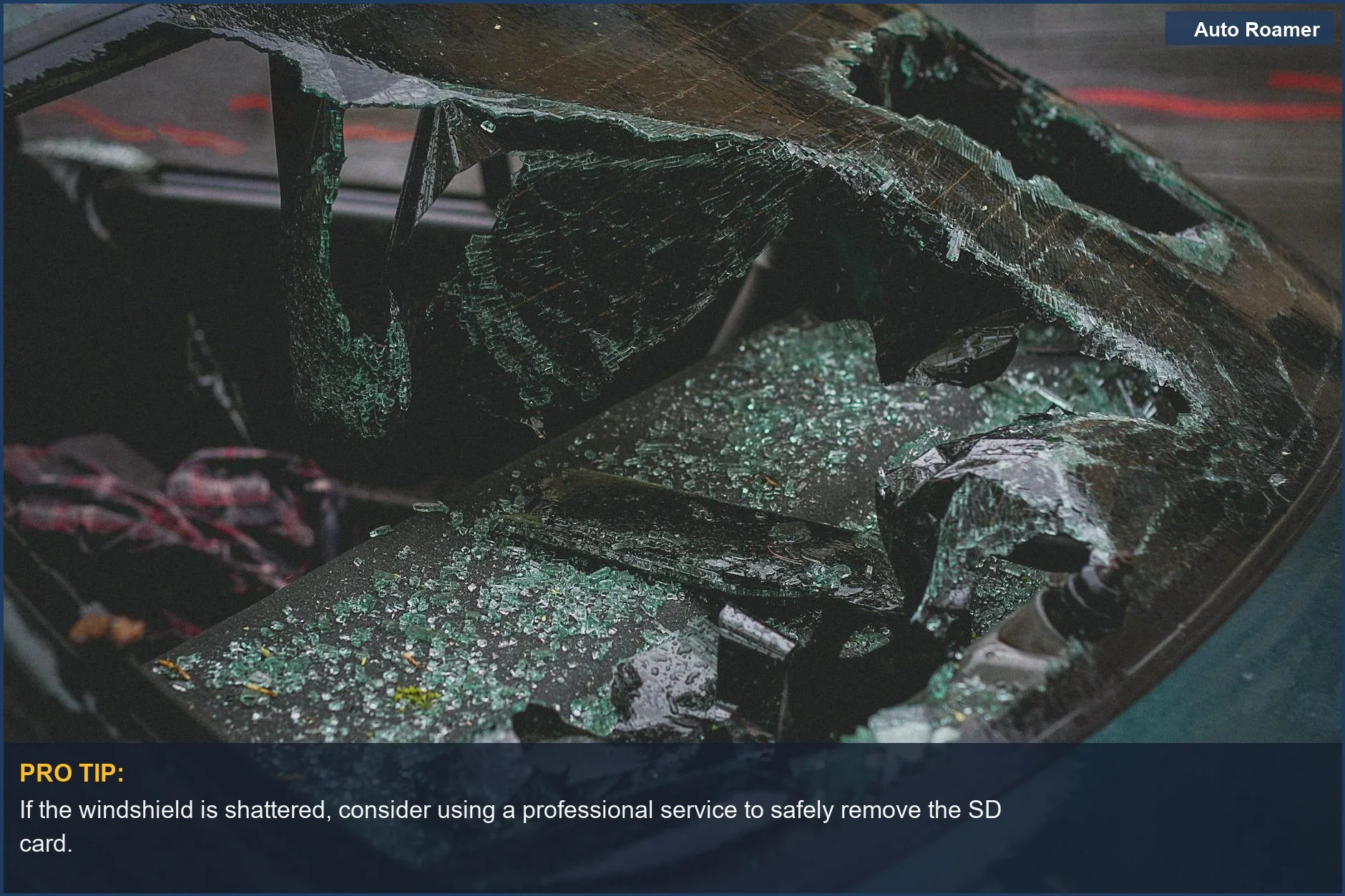
Don't be a hero and try to 'fix' the camera on site. Your priority is the data, not the broken plastic housing. The mechanical stress on the camera from a collision is immense. Internal components can shift, leading to intermittent contact or short circuits. Plugging that into a PC is asking for trouble. Get the card, get out. Dashcam video recovery works best when you understand why videos are lost.
Key Takeaways
Getting dashcam footage after a car's totaled isn't magic; it's basic electrical and data forensics. Focus on these points:
- Prioritize Physical Card Extraction: Your immediate goal is to get the microSD card out of the dashcam. This is a mechanical task, often requiring small tools and patience. Don't worry about the camera unit itself. Removing the microSD card is the quickest method.
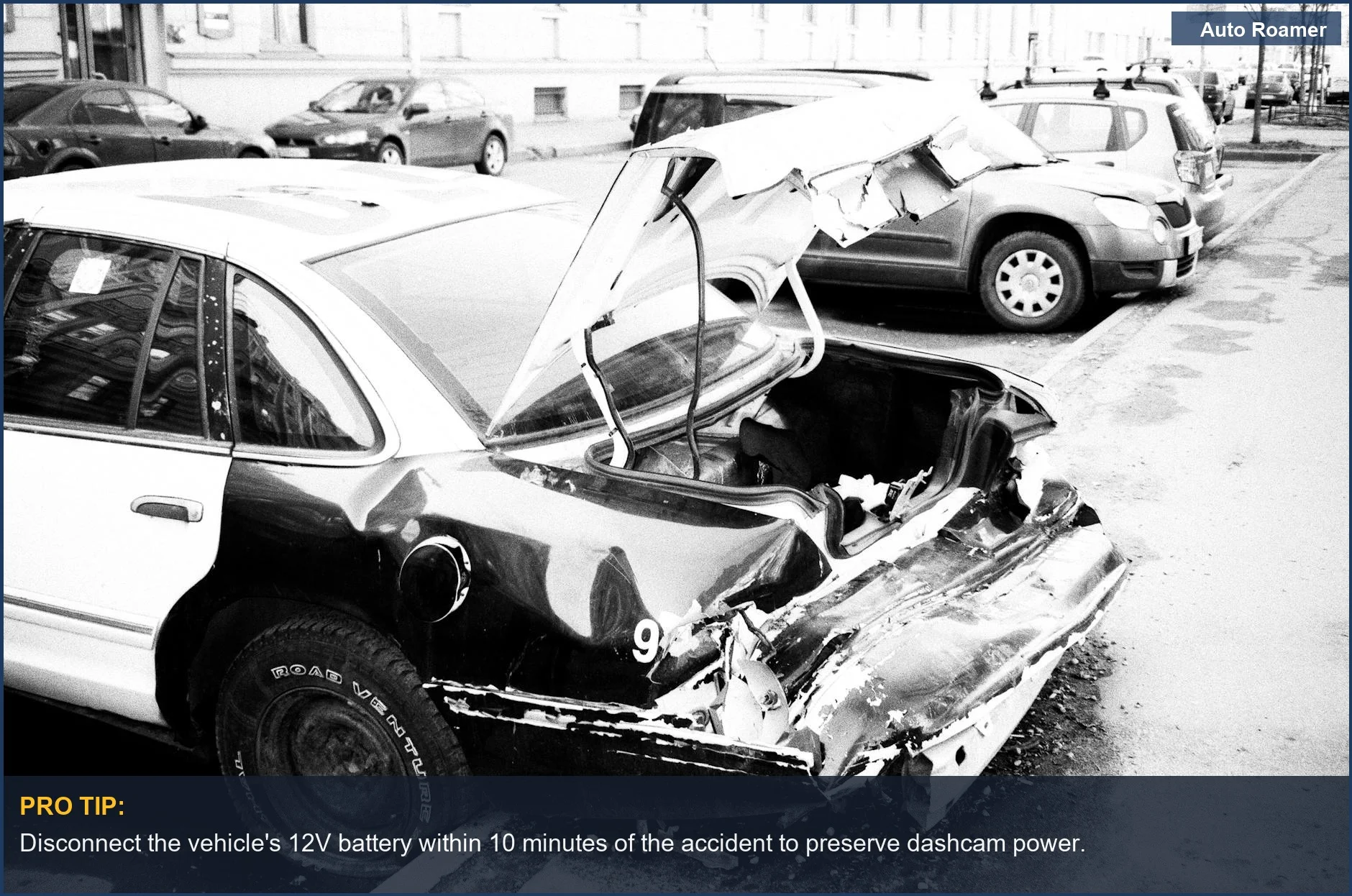
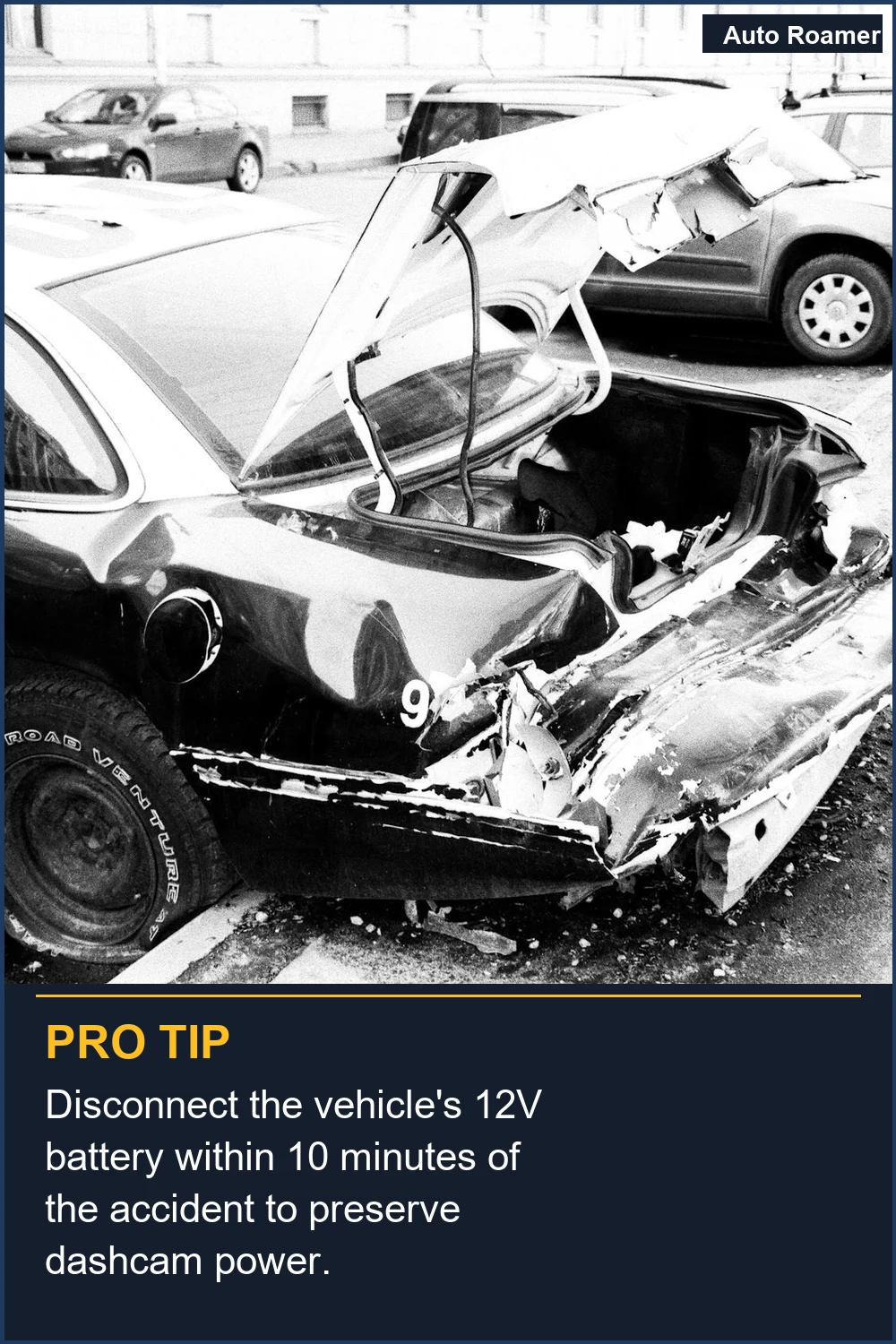
- Prevent Further Data Writes: Disconnect the vehicle's 12V battery if possible, and definitely don't plug the dashcam back into power. Once the card is out, use a dedicated card reader for access.
Any new data written to the card can overwrite your critical event footage. The best way to recover videos is to use data recovery software. * Understand File Corruption: Power loss during an impact often results in corrupted file headers or fragmented files, not physically destroyed data. Data recovery software is designed to reconstruct these.
It's a logical problem, not always a physical one. * Backup Immediately, Recover Later: Copy everything from the SD card to a computer before trying to play or recover specific files. Work from the copy to avoid further damage to the original evidence. This is non-negotiable. * High-Endurance Cards Matter: A quality, high-endurance SD card is less prone to corruption under stress. It's an investment in data integrity.
A cheap card is a false economy when your insurance claim is on the line. Using subpar cards may result in data corruption and loss.
Frequently Asked Questions
What's the cost difference if I try to recover the footage myself versus hiring a 'professional'?
Do I really need a special SD card reader, or can I just plug the camera into my computer?
What if I've tried all these steps and still can't get the footage?
Can trying to recover the footage myself permanently damage the SD card or my computer?
I heard that dashcam footage is automatically uploaded to the cloud, so I don't need to do anything, right?
Sources
- How to Recover Lost Dash Cam Footage: A Step-by-Step Retrieval ...
- Dashcam Video Recovery: The Importance and Methods of ...
- How to Recover Dash Cam Footage - BlackboxMyCar
- How to Recover Deleted Videos from Dashcam - Disk Drill
- How to retrieve dash cam video after car accident? - Facebook
- Is it possible to retrieve dashcam footage of an incident if I did not ...
- how-to-read-dashcam-footage_after_an_accident.html
- How to Read Dashcam Footage After an Accident - Auto Roamer
- Free data recovery for dash cam after car accident? - Facebook
- how-to-read-dashcam-footage-after_an_accident.html
- recovering-lost-dashcam-footage?srsltid=AfmBOooarcZbQueiAgVlq_Ubpz9o-Hy8hdWbOtchuD5A3AuIsZzv8Peb
- r/Dashcam on Reddit: Hit and run totaled my car. Insurance paid out ...
- Accessing dash cam footage after accident : r/TeslaModelY - Reddit
- How to Recover Dash Cam Footage - BlackboxMyCar