Why a Mirror Dash Cam Even Exists
The pitch is seductive: a dash cam that hides inside your rearview mirror, leaves your windshield clean, and throws a giant 4K rear view on a touchscreen where your boring glass mirror used to be. No little black box stuck to the glass, no second screen cluttering the dash. I get why it sells. The question a skeptic asks is whether the mirror form factor actually solves a problem or just moves the compromises somewhere you'll notice later.
Here's the honest version. A mirror dash cam does two real things a normal cam doesn't. First, it's invisible — a thief glancing in your window sees a mirror, not a camera worth grabbing. Second, the rear 'mirror' is actually a live camera feed, so a high headrest, a packed cargo area, or a trailer doesn't block your view the way a glass mirror does. For a lot of drivers, that streaming rear view is the whole reason to buy one, and it's a genuine upgrade.
But the marketing never mentions the catches, and there are a few that decide whether you love it or rip it off in a week. Below I'll separate what a mirror cam genuinely fixes from what the brochure is glossing over — the glare, the mounting, the factory-mirror conflict — and tell you which models are worth it and which are the cheap ones riding the trend.
Real-World Scenarios Where the Streaming Mirror Wins
Forget the spec sheet for a second and think about when the mirror form actually earns its keep. The first scenario is a loaded vehicle. If you road-trip with the cargo area packed to the headliner, or you've got tall passengers and headrests, your glass mirror shows you the back of a seat. The streaming camera mirror shows you the road behind, because the lens is mounted on the rear glass or bumper, not looking through your interior.
The second is towing. Hitch up a trailer and a normal mirror is useless — you're looking at a wall. A mirror cam with a rear camera on the trailer or rear bumper gives you an actual view of what's behind the rig. The third is backing up: most of these double as a backup camera with guidelines when you shift into reverse, which on an older car without a factory backup cam is a real safety add, not a gimmick.
So the streaming mirror isn't marketing fluff for everyone. If you haul, tow, or pack the car, it solves a visibility problem you actually have. If you drive an empty sedan with a clear rear window, you're buying the screen for the dash-cam recording and the stealth, and the live rear view is a nice-to-have rather than the point. Know which buyer you are before you spend.
How to Choose the Right Screen and Sensor
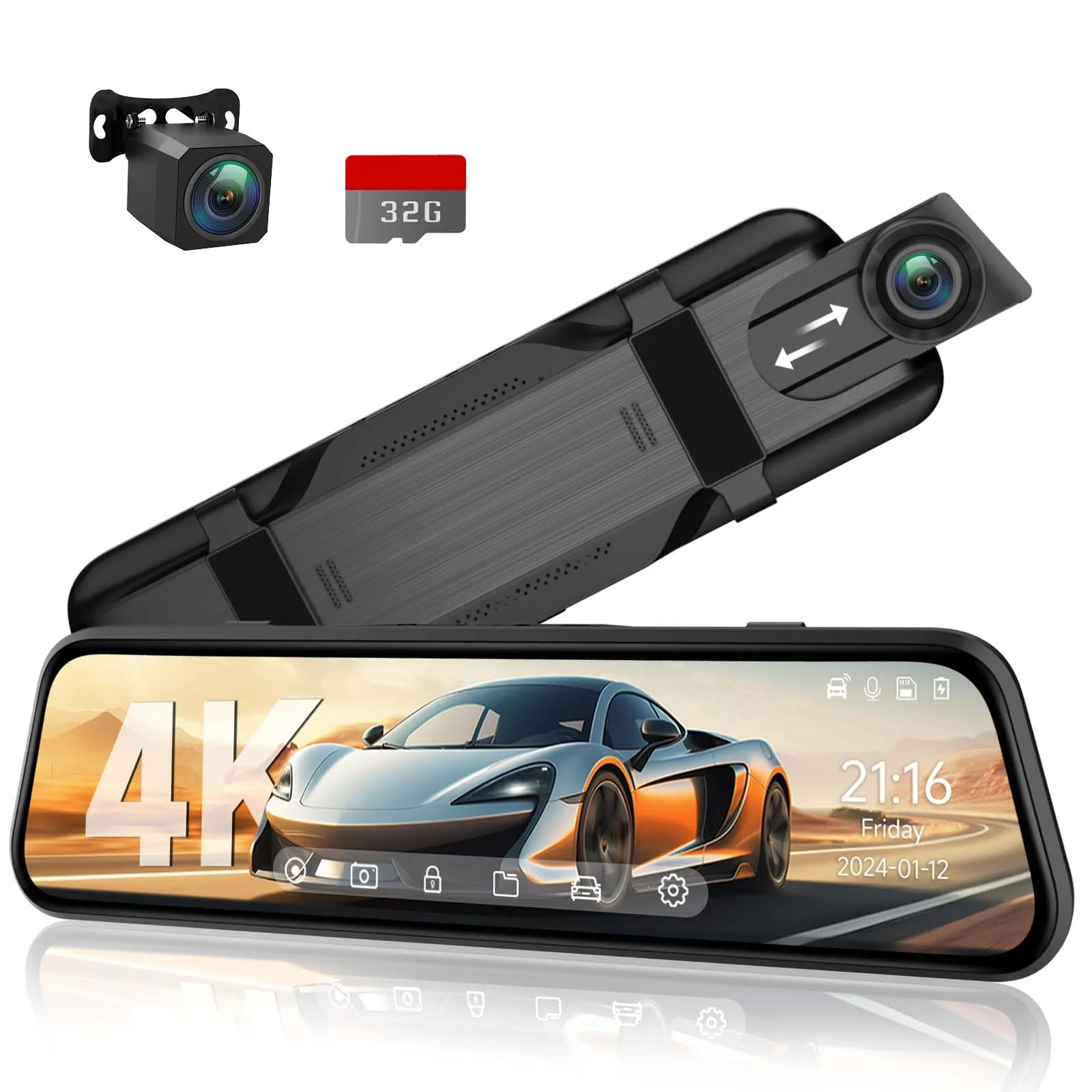
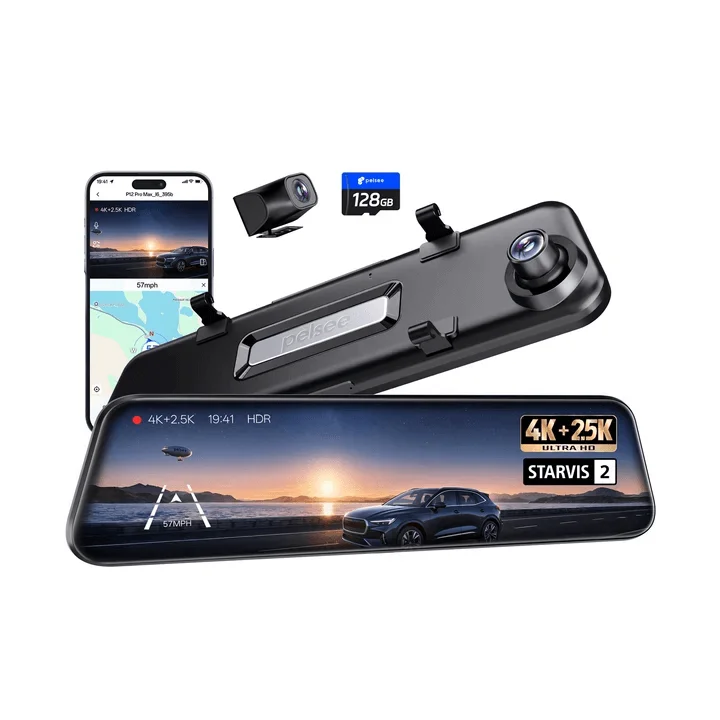
A mirror dash cam lives or dies on its screen, because that screen replaces a mirror you legally and practically depend on. Two specs matter and the listings bury both. First, the anti-glare coating. A glossy mirror screen at night turns every headlight behind you into a starburst, which is worse than the glass mirror you replaced. The good units — the WOLFBOX G840S, the Pelsee P12 Pro — use an anti-glare panel; the cheap ones use a bare glossy LCD and you'll hate it after dark.
Second, the front sensor. The screen is the headline, but the front camera is still the thing recording your evidence, and a 'mirror' cam with a weak front sensor is a fancy screen wrapped around a mediocre dash cam. Look for a named low-light sensor on the front, same as any cam. The WOLFBOX and Pelsee list theirs; the budget mirror cams go quiet on it, which is the tell.
The screen is what you'll judge it by every drive, but the front sensor is what you'll need the day something happens. Don't buy the biggest, brightest mirror screen wrapped around a no-name sensor — that's paying for the part that doesn't matter and skimping on the part that does.
Brightness adjustability matters too. The screen has to be dim enough at night not to wash out your night vision and bright enough in daylight to actually read. Auto-brightness sounds nice but is often clumsy; manual control is the safer bet. If a listing doesn't mention adjustable brightness, assume it's stuck at one setting that's wrong half the time.
What to Check Before You Buy a Mirror Cam
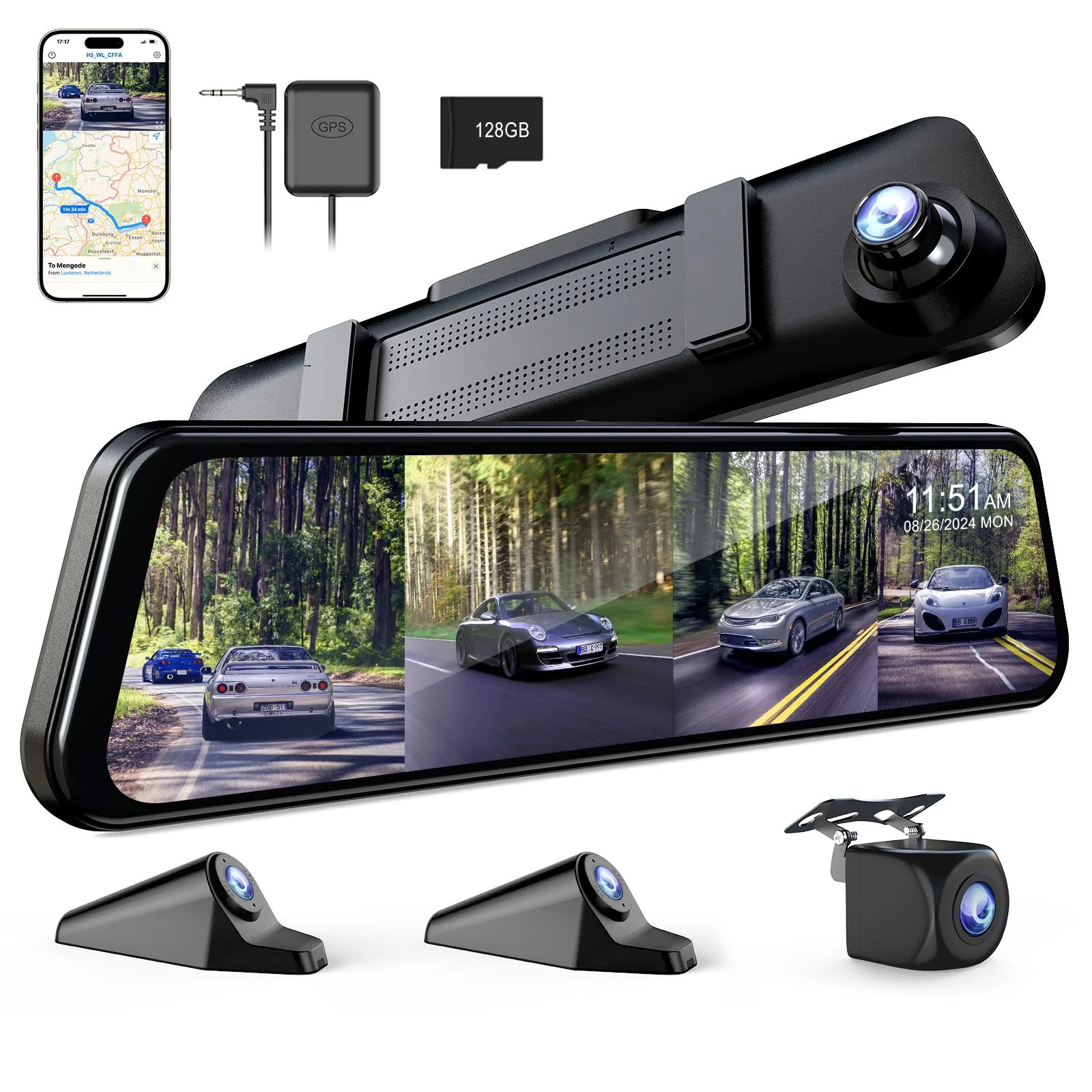
A mirror dash cam has failure modes a normal cam doesn't, so run this checklist against your actual car before you order — most returns trace straight to skipping one of these:
- Anti-glare screen. Confirm it's an anti-glare panel, not a bare glossy LCD. A glossy screen at night is worse than the mirror you replaced.
- Factory auto-dimming mirror conflict. If your car has an auto-dimming or HomeLink mirror, a strap-on unit covers those functions. Decide whether you can live without them, or buy a model designed to work with them.
- Strap mount vs. weight. Big 12-inch units are heavy and hang off your factory mirror by rubber straps. On a long mirror stalk they sag and vibrate. Check owner reports for droop on your trim.
- Front sensor, by name. The screen is the headline; the front sensor is the evidence. Don't accept silence on it.
- Rear camera type. A rear lens on the license-plate frame or bumper gives a real backup/tow view; one stuck inside on the rear glass shoots through tint and trunk junk. Know which you're getting.
The one buyers skip most is the auto-dimming conflict. They strap a big screen over a factory mirror that used to dim automatically and HomeLink the garage, lose both, and only then read the fine print. Check your mirror's features first.
Cleaning and Upkeep Without the Sag
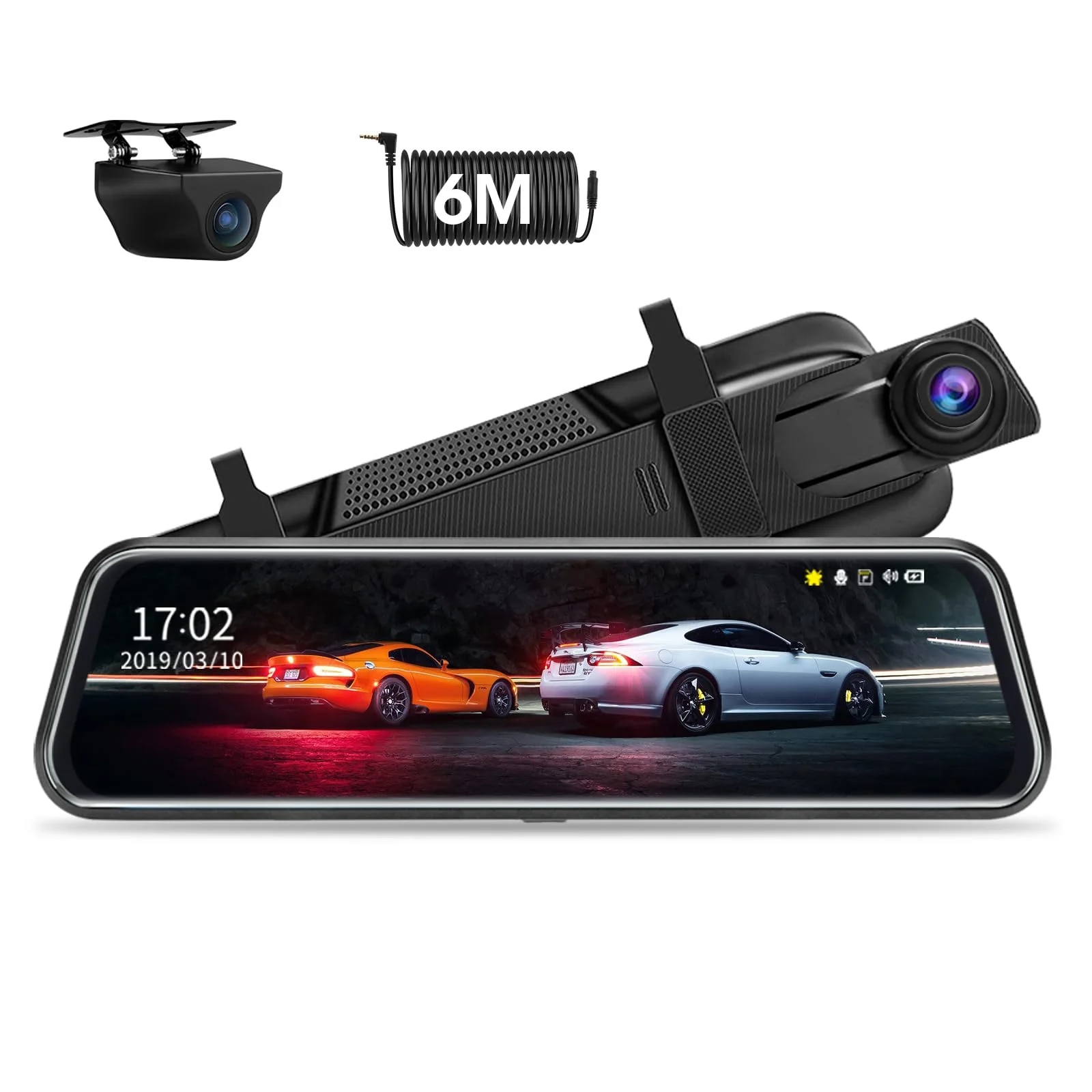
Installing a mirror dash cam looks trivial — it straps right over your existing mirror — and that's exactly why people get it wrong. The straps have to be tight enough that a heavy 4K screen doesn't droop or buzz on a washboard road, but not so tight they crack your mirror's plastic housing. Snug them evenly, top and bottom, and test by tapping the unit; a good mount barely moves.
The wiring is the real upkeep question. The power lead runs from the mirror up to the headliner and down the A-pillar to the fuse box or 12V socket, same as any cam, but the rear-camera cable on a mirror unit runs the whole length of the car to the rear glass or bumper. Route it through the headliner and door jambs with slack at every flex point, or the rear feed — the streaming view you bought it for — cracks and dies in a year.
Maintenance on these is mostly the screen. Wipe it like you'd wipe a mirror, keep the front lens clean behind the glass, and re-snug the straps every few months — a heavy unit works its mount loose over time, and a sagging mirror screen is both a safety problem and an annoyance you'll curse daily.
One more upkeep note: these run hot because the screen is on the whole time the car is. In a hot climate, a cheap mirror cam will thermal-throttle or glitch the recording in summer. The better-built units handle heat soak; the bargain ones are where the 'my screen goes black on hot days' reviews come from.
WOLFBOX vs. Pelsee vs. the Budget Mirrors
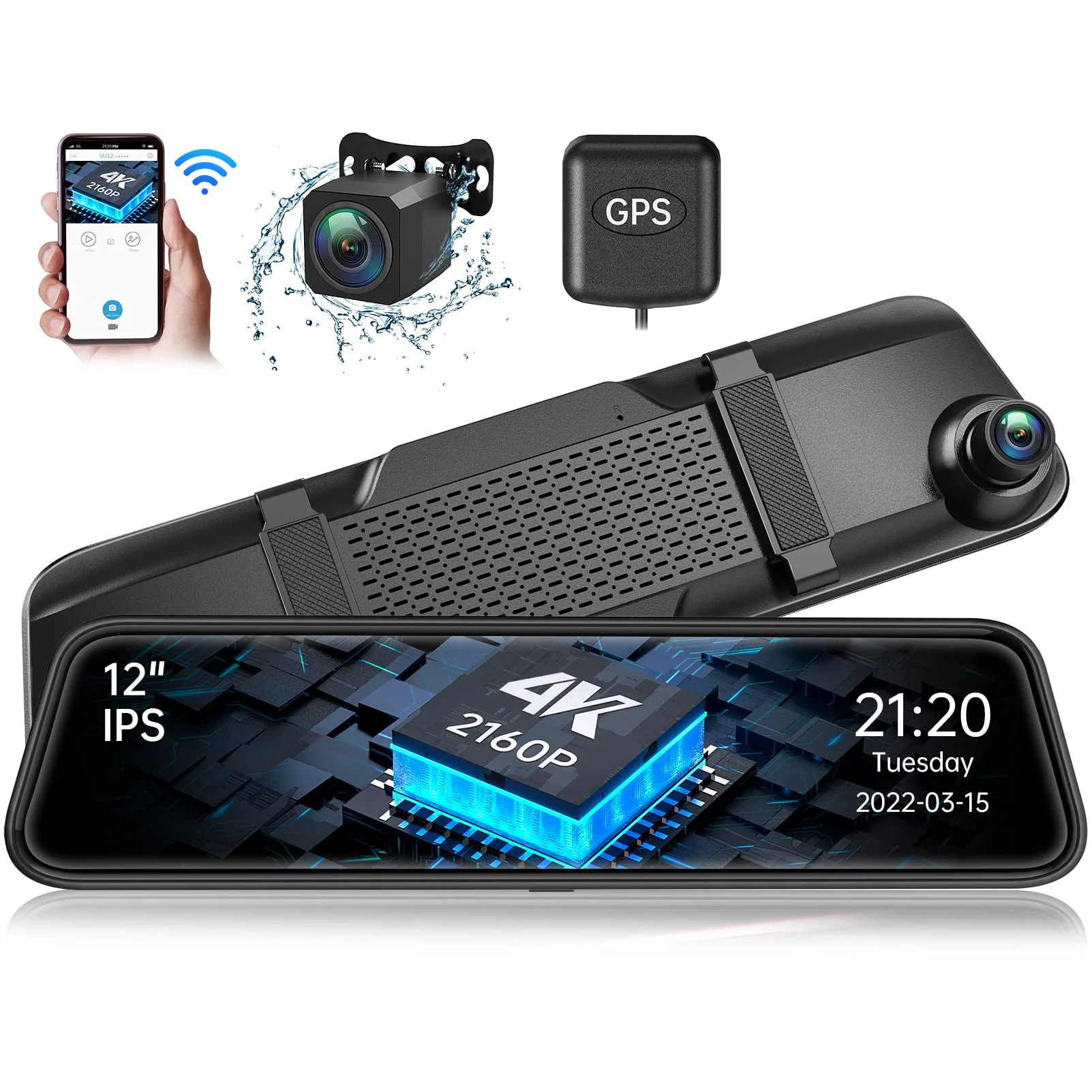
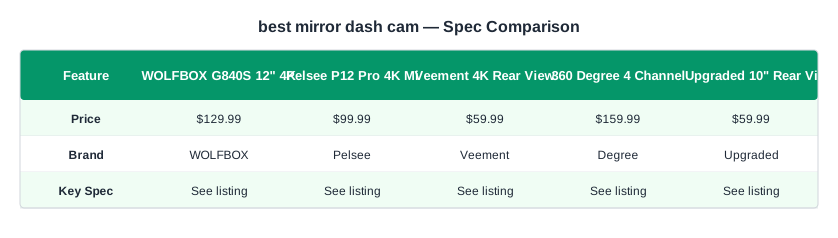
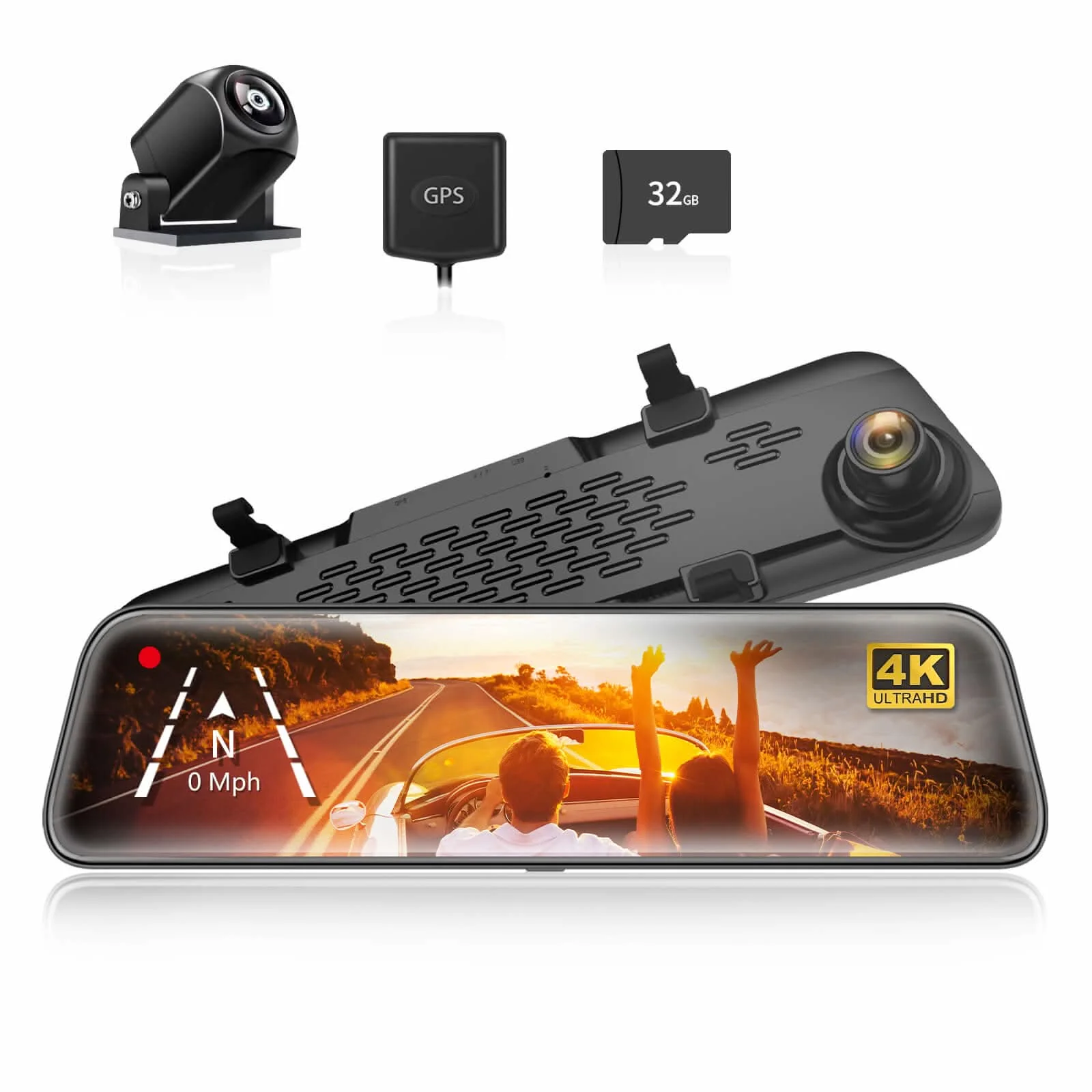
The real decision sits between the WOLFBOX G840S, the Pelsee P12 Pro, and the cheap 10-inch units like the Upgraded 10" mirror cam. The WOLFBOX is the one I'd point most buyers to: a genuine 4K front, an anti-glare 12-inch screen that's actually usable at night, a rear camera that doubles as a clean backup view, and a build that survives a summer. It costs around $130, and for a do-it-right mirror cam that's fair.
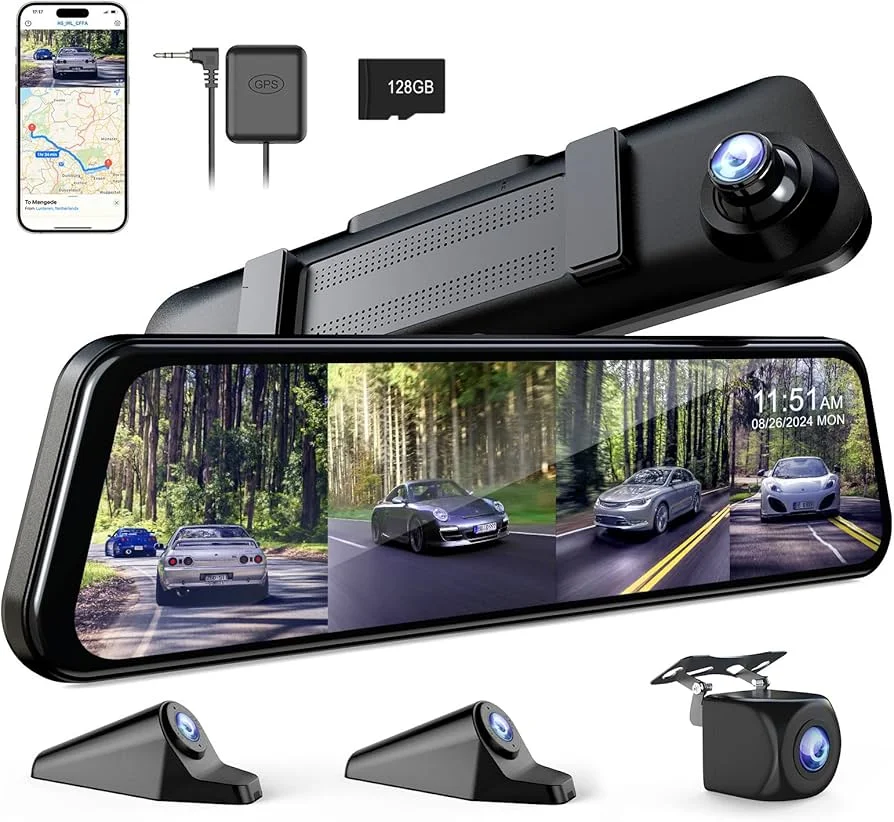
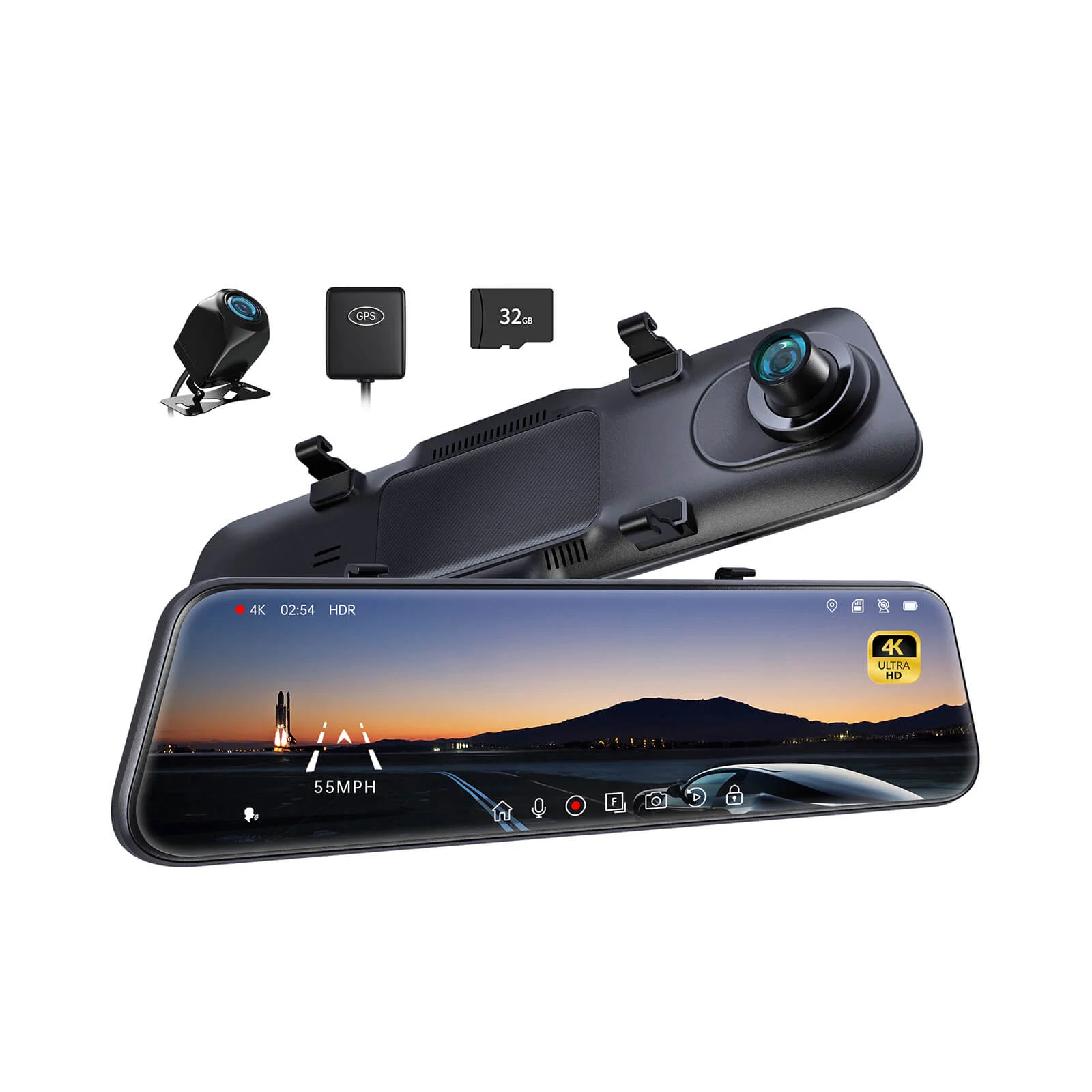
The Pelsee P12 Pro is the value play — most of the WOLFBOX experience for less, with a solid front sensor and a decent screen. It's the one to buy if the WOLFBOX is more than you want to spend but you still want the anti-glare panel and a named sensor. The Veement 4K sits just below it as a budget pick that still does the core job. The 360 Degree 4 Channel mirror cam is the overkill multi-channel option for people who want a cabin and side view too — real, but most buyers don't need it.
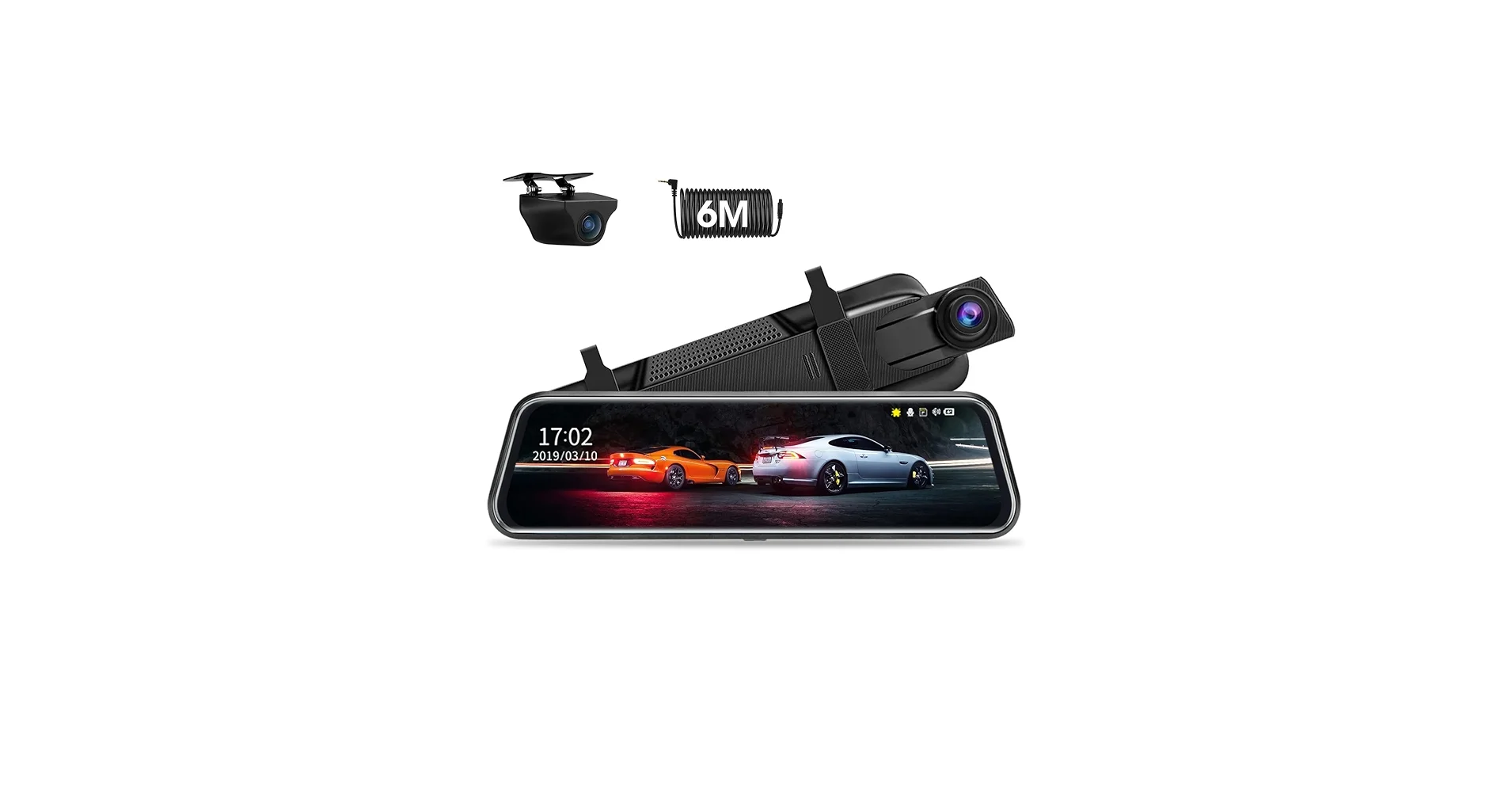
The sub-$60 generic 10-inch mirrors are where the skepticism earns its keep. They deliver the form factor and not much else: glossy glare-prone screens, unnamed sensors, and the thermal glitches. If your only goal is a cheap streaming rear view and you'll tolerate the night glare, fine. If you want the recording to hold up as evidence and the screen to be usable after dark, the extra fifty to seventy dollars for the WOLFBOX or Pelsee is the honest buy, not the splurge.
The Marketing Claims Worth Ignoring
Mirror dash cams attract some of the most inflated spec claims in the category, so here's a skeptic's translation guide. '4K mirror display' — no. The screen isn't 4K; the front camera might record 4K, but the mirror panel is a modest-resolution LCD. The '4K' is doing marketing work on the wrong noun. What you want is a 4K front recording and a screen that's bright and anti-glare, which are different claims entirely.
'360-degree view' — usually two or three cameras stitched, not a true surround view, and the stitching is rough on the cheap ones. It's not a lie exactly, but it's not the seamless bird's-eye the render implies. '1080p rear that's crystal clear at night' — clarity at night is the sensor's job, and a 1080p rear on a cheap chip is a smear in a dark lot regardless of the resolution printed on the box.
The one claim that's usually honest is the stealth angle. A mirror cam genuinely is harder to spot than a windshield box, so the anti-theft point holds up. But treat every resolution and 'view' number as an opening offer to be checked against the actual sensor and screen specs, not a fact. The brands that name their sensors and screen coatings are the ones telling you the truth; the ones shouting '4K 360 HD Ultra' and naming nothing are selling the sizzle.
Common Mirror Dash Cam Mistakes and Regrets
Plenty of mirror cams get returned or ripped off within a week, and the regrets cluster around a few avoidable mistakes. The biggest is buying a glossy screen and discovering it's a glare bomb at night. The screen is on every drive; a non-anti-glare panel turns night driving into a starburst show, and no amount of brightness tweaking fully fixes it. Buy anti-glare or don't buy.
The second is the auto-dimming mirror surprise. Drivers strap a big screen over a factory mirror that auto-dimmed and ran HomeLink, lose both, and feel ambushed. That's not the product's fault — it's a spec they didn't check. Know your mirror's functions before you cover it.
The third is the sag. A heavy 12-inch unit on rubber straps droops on a long mirror stalk and buzzes on rough roads, and a mirror that won't stay put is worse than useless. Match the unit's weight to your mirror and snug the straps right. The last regret is thermal: the bargain units go black or glitch on hot days, exactly when you're parked in the sun and might want parking-mode footage. Heat tolerance separates the keepers from the returns.
What Each Price Tier Actually Buys
The price range on mirror cams is wide, and the skeptic's job is knowing what each tier really delivers versus what the listing implies:
- $50-70 (generic 10-inch mirrors): the form factor and a basic recording. Glossy screens, unnamed sensors, thermal glitches in heat. Fine for a cheap streaming rear view; weak as evidence and rough at night.
- $100-140 (Pelsee P12 Pro, WOLFBOX G840S): the sweet spot. Anti-glare screen, a named 4K front sensor, a usable backup/rear view, and a build that handles summer. This is the right amount of money for a mirror cam you won't fight.
- $150+ (multi-channel mirror rigs like the 360 Degree 4 Channel): adds a cabin camera and side/bumper views for rideshare or fleet use. Real capability, but overkill for a private driver who just wanted a clean rear view and stealth recording.
The false economy is the $55 mirror bought for its '4K' label. You save seventy bucks, get a glare-prone glossy screen and a no-name sensor, and either live with it annoyed or buy the WOLFBOX anyway. For a device that replaces a mirror you depend on, the middle tier once beats the bottom tier twice.
The Verdict After Reading Past the Hype
For the buyer who wants the mirror form done right, the WOLFBOX G840S is the one I'd actually spend on. It delivers what the category promises without the catches that sink the cheap ones: an anti-glare 4K-front cam with a screen you can read at night, a rear camera that doubles as a clean backup view, and a build that survives heat. At around $130 it's the honest price for a mirror cam you'll keep.
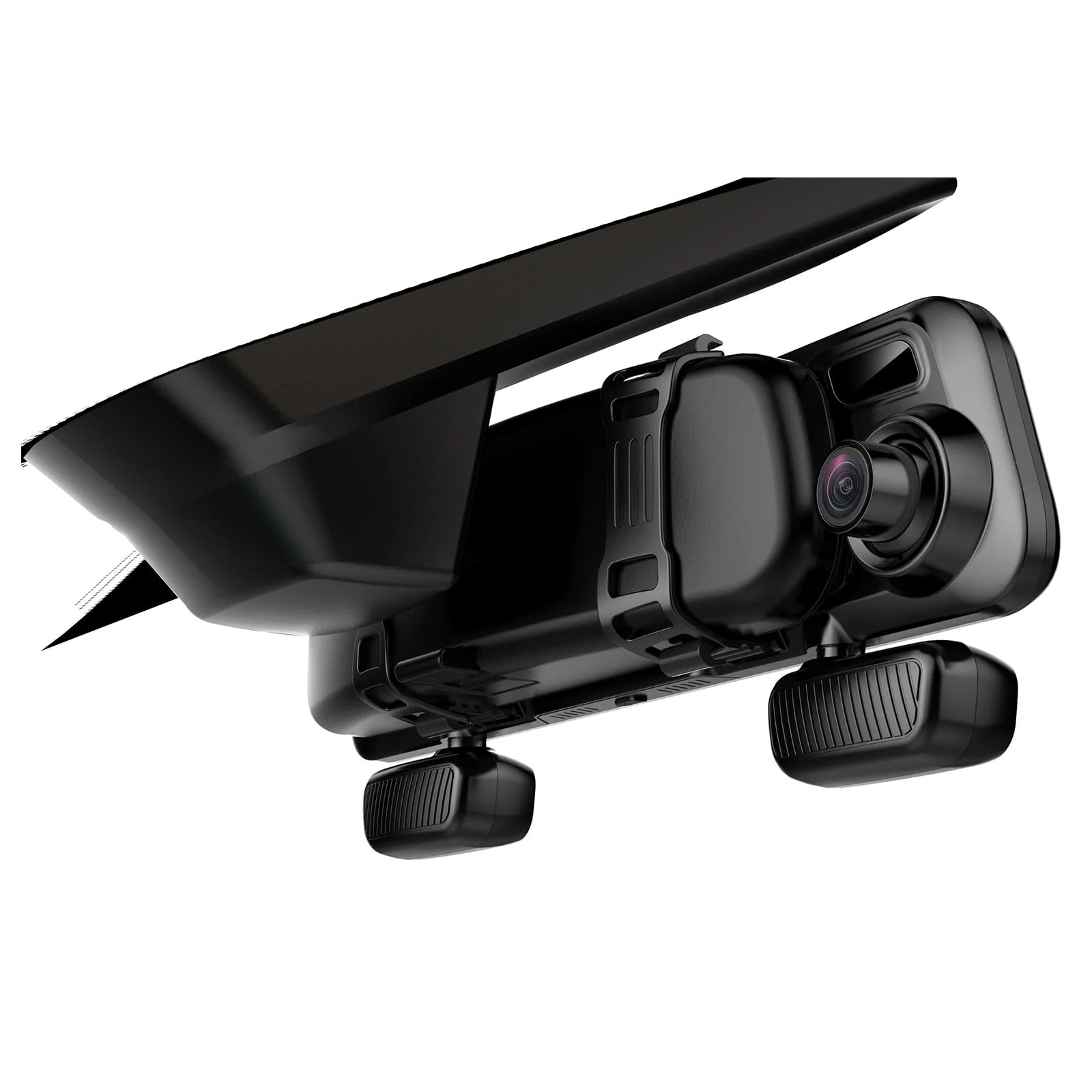
If that's more than you want to spend, the Pelsee P12 Pro is the value pick that keeps the parts that matter — the named sensor and the anti-glare screen — and the Veement 4K is the budget step below it. The 360 Degree 4 Channel mirror cam is the multi-channel overkill for rideshare drivers. The generic $55 mirrors I'd skip unless a glare-prone streaming view is genuinely all you want.
The bottom line: a mirror dash cam is a real upgrade if you haul, tow, or pack the car and you buy one with an anti-glare screen and a named front sensor. It's a trendy downgrade if you grab the cheapest '4K mirror' on the page and discover the glare, the sag, and the no-name sensor after it's strapped on. Check the screen, the sensor, and your factory mirror's features first, and the form factor delivers. — Tom Reyes
The complete lineup also includes WOLFBOX G840S 12" 4K Mirror Dash Cam ($129.99), Veement 4K Rear View Mirror Camera ($59.99), Upgraded 10" Rear View Mirror Dash Cam ($59.99) — each compared on the same specs and reviewer consensus.