Why Hardwire Your Dashcam?
A dashcam is one of the best investments for vehicle safety and protection, but a loose cigarette lighter power cable running across your dashboard isn't ideal. Hardwiring a dashcam offers a permanent, clean solution that eliminates the clutter of exposed wires and ensures your dashcam remains powered whenever your vehicle is running. Unlike temporary power solutions, hardwiring connects directly to your vehicle's electrical system through the fuse box, providing a professional installation that protects both your dashcam and your car's interior. Whether you're a seasoned DIYer or taking on your first car project, this step-by-step guide will walk you through everything you need to know about hardwiring a dashcam, from selecting the right dashcam hardwire kit to completing the final connections.
What You Need: Tools and Materials
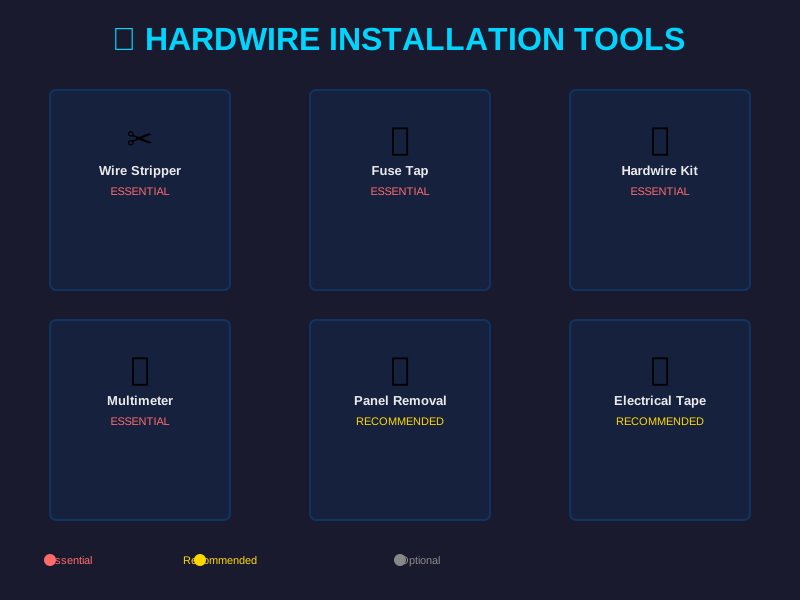
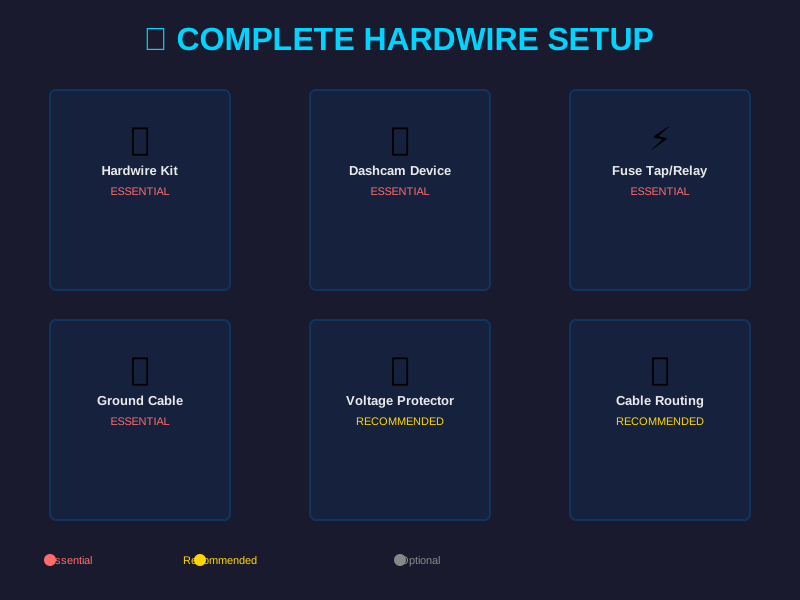
Before starting your dashcam hardwire installation, gathering the right tools and materials ensures the process goes smoothly. First and foremost, you'll need a quality dashcam hardwire kit, which typically includes a power cable with built-in voltage monitoring, fuse holders, and connectors designed specifically for dashboard camera installation. The dashcam hardwire kit serves as the bridge between your vehicle's electrical system and your dashcam, protecting both from power surges and providing clean power distribution.
Essential tools include a panel removal tool set to safely remove interior trim without damaging your car's interior. A wire stripper is crucial for preparing wires for connections, and a crimper tool helps create secure connections that won't come loose while driving. You'll also need a multimeter to test electrical connections and verify voltage before and after installation. Electrical tape is indispensable for insulating connections and preventing short circuits.
Additionally, gather the following safety equipment and supplies: work gloves to protect your hands, a flashlight or headlamp for visibility in tight spaces, a fuse puller tool for safely removing fuses from your vehicle's fuse box, and various wire gauges (typically 18-20 AWG for power lines). Some installers prefer using inline fuse holders as an extra safety measure. Having a vehicle-specific wiring diagram is invaluable, as it shows you exactly where safe connection points exist and which fuses control specific circuits. You can usually find this in your owner's manual or through online automotive forums dedicated to your make and model.
Understanding Your Vehicle's Fuse Box
The fuse box is the heart of your vehicle's electrical system and the key connection point for permanent dashcam installation. Located either under the dashboard on the driver's side or under the hood near the battery, your fuse box houses multiple fuses and relays that control different electrical circuits throughout your vehicle. When learning how to hardwire a dash cam, understanding the fuse box layout is critical to a safe installation.
Your vehicle typically has two fuse boxes: the interior fuse panel and the underhood fuse box. For dashcam fuse box installation, most installers use the interior fuse panel because it's more accessible and offers plenty of suitable connection points. Each fuse in the panel is rated for a specific amperage (usually 10A, 15A, or 20A) and controls different systems--windshield wipers, interior lights, power windows, and other accessories. Never use a fuse slot that controls critical safety systems like brakes or airbags.
Before touching anything, disconnect your vehicle's negative battery terminal to prevent electrical short circuits. This simple step protects both you and your vehicle's electrical system. Consult your owner's manual to identify the fuse panel location and layout. The fuse box cover usually has a diagram showing which fuses control which systems. Look for fuses that power accessories that are active when your vehicle is running but inactive when the engine is off--such as interior lights, power outlet circuits, or radio circuits. These provide ideal connection points for your permanent dashcam installation because they offer reliable power without draining your battery when the car is parked. Some vehicles also have empty fuse slots specifically designed for adding aftermarket accessories, which is the safest option if your vehicle provides this feature.
Step-by-Step Hardwire Installation Process
Now that you understand the basics, let's walk through the actual hardwiring process. Start by examining your vehicle's dashboard and planning your cable route. Most dashcam power cables run along the passenger side of the windshield, down the interior pillar, and behind the dashboard to reach the fuse box. This path keeps the cable hidden from view and protects it from damage.
Begin by removing the negative battery terminal using an appropriately sized wrench. This ensures you're working with a dead circuit and cannot accidentally create a short. Next, use your panel removal tool to carefully pry off the plastic trim that covers your dashboard sides and the area around the fuse box. Take your time with this step to avoid cracking the plastic. Once exposed, you'll have clear access to run your power cable behind the dashboard.
Within the dashcam hardwire kit, you'll find a power cable with a fuse holder and connector already attached at the end. This end connects to your dashcam. The other end has exposed wires ready for fuse box connection. Strip about half an inch of insulation from each wire if they're not already prepared. Now, select your fuse slot. If your vehicle has an empty slot designed for accessories, use that first. If not, choose a slot controlling an accessory that matches your dashcam's power draw (usually 1-2 amps, so any standard 15A or 20A fuse works).
Using your fuse puller tool, remove the existing fuse from your chosen slot. If it's an empty slot, skip this step. Insert the positive (red) wire into the positive connector slot and the negative (black) wire into the negative connector slot. Many dashcam hardwire kits use a T-tap connector that pierces the wire insulation to create the connection. If your kit uses this design, insert the T-tap firmly into the fuse slot until you hear a click, which indicates a secure connection. Install a new, properly-rated fuse into the holder.
Once the fuse box connection is complete, carefully run the power cable along the predetermined route toward your dashcam. Tuck it behind trim pieces and along existing wire bundles to keep it concealed and protected from damage. Avoid routing the cable near heat sources like defroster vents or areas prone to friction. When you reach your dashcam location, connect the cable to your dashcam's power input port.
Before finalizing everything, test your installation. Reconnect the negative battery terminal. Turn on your vehicle's ignition and verify that your dashcam powers on. Use your multimeter to confirm proper voltage delivery to your dashcam. If everything checks out, secure all trim pieces back into place using firm pressure until they click into position.
Advanced Features: Parking Mode and Battery Monitoring
Many modern dashcam hardwire kits offer advanced features that go beyond simple power delivery. One critical feature is intelligent battery monitoring, which automatically cuts power to your dashcam when your vehicle's battery drops below a safe threshold. This prevents dashcam use from draining your car battery while parked, a major concern for anyone considering permanent installation. The best dashcam hardwire kits include built-in voltage monitors that detect when your engine is off and reduce or eliminate power delivery accordingly.
Parking mode is another advanced feature that distinguishes premium hardwire kits from basic options. Parking mode allows your dashcam to continue recording even when your vehicle is parked and the engine is off, capturing potential theft, vandalism, or hit-and-run incidents. However, parking mode requires careful battery management--this is where intelligent hardwire kits shine. These kits monitor your vehicle's battery state and automatically disable parking mode if the battery voltage drops too low, ensuring your vehicle can still start the next morning.
Some dashcam hardwire kits include auxiliary wires for connecting to other features, such as parking mode sensors or emergency power disconnect switches. When installing these advanced systems, the process remains fundamentally the same as basic installation, but you'll have additional connections at the fuse box. These kits might include secondary power draws that need their own fuse slots or connections to accessory circuits. Always follow the specific manufacturer instructions for your particular kit, as advanced features may require precise connection sequences and specialized fuse ratings.
When setting up parking mode with a hardwire kit, verify that your chosen fuse circuit handles the additional power draw safely. Some dedicated parking mode cables include timer functions that limit how long the camera records while parked, further protecting your battery. Test the battery drain over several parked sessions to ensure it meets your comfort level.
Troubleshooting Common Hardwiring Issues
Even with careful planning, hardwiring challenges sometimes arise. If your dashcam doesn't power on after completing the installation, first check that all trim pieces are properly secured and the power cable connection at the dashcam is fully seated. Disconnect and reconnect the cable firmly to ensure proper contact. Use your multimeter to verify voltage at the fuse box connection point. If the multimeter shows no voltage, the fuse may be blown or installed incorrectly--remove it and reinstall carefully.
If voltage tests correct but your dashcam still won't power on, the issue likely lies with the dashcam itself or a damaged wire in the hardwire kit. Try connecting your dashcam to a 12V power supply directly (not through the hardwire kit) to determine if the problem is the camera or the kit. If the dashcam powers on with direct connection, the hardwire kit connection is at fault. Recheck all crimped connections and consider recrimping them if they appear loose or corroded.
Cable routing issues can also cause problems. If your dashcam powers on initially but cuts out while driving, a loose connection somewhere along the cable route is likely the culprit. The vibration of driving can shake a loose connection and interrupt power. Retrace your cable route and check that all connectors are fully seated and that no cable is pinched or damaged by trim pieces.
Battery drain is another common concern. If your vehicle battery seems depleted after parking for a few days, your hardwire kit's battery monitoring may not be functioning properly. This is particularly important if you've enabled parking mode. Check your kit's settings and battery threshold. Some kits allow adjustment of the voltage threshold that triggers automatic power shutdown. If your kit doesn't have this feature and battery drain is excessive, you may need to upgrade to a kit with better battery monitoring capabilities.
Finally, if you experience electrical interference with your dashcam video or audio, the power cable may be routing too close to vehicle radio cables. Separation of power and signal cables prevents interference. Reroute the dashcam power cable away from radio wiring and vehicle computer cables if possible. Use electrical tape to bundle your camera power cable separately from other electrical connections.