Why a Teen Driver's Dash Cam Is a Different Buy
A dash cam for a teen driver isn't the same purchase as one for yourself, and the differences decide which model you want. Drivers age 16 to 19 crash at roughly 3 times the rate of drivers 20 and older, and the risk spikes in the first 12 months and with other teens in the car. So the job here isn't just capturing the other guy's fault in a wreck — it's also seeing what your driver was doing, and in the best case, giving you a way to coach before a habit turns into a collision.
That changes the feature list. For yourself, a good front-and-rear cam is plenty. For a teen, the features that matter most are the cabin camera (what was happening inside the car), GPS with speed data, and — on the units built for this — live remote alerts that ping your phone when there's hard braking, speeding, or an impact. Those are the parent-specific features the standard buyer's guides skip.
I install a lot of gear, and the teen-driver job has one more wrinkle: the cam has to be wired so it can't simply be unplugged. A cam on the 12V socket gets 'accidentally' knocked loose the week after you install it. Below I'll walk through the features that actually matter for a new driver, the install that makes it tamper-resistant, where the money goes, and which cam I'd put in a kid's first car.
Real-World Situations the Camera Has to Handle
Think about the situations a teen-driver cam actually has to cover, because they're different from your daily commute. Situation one: the fender-bender in a parking lot or at a stop sign, where a new driver may not even be sure what happened. The front and rear cameras settle the fault, and a cam with GPS shows the speed going in — which matters when a teen's account is shaky.
Situation two: the habits you can't see from the passenger seat because you're not in the car. Distraction, a phone in the lap, too many friends aboard, a heavy right foot on the on-ramp. A cabin camera plus speed data turns 'how's the driving going?' into something you can actually review together — calmly, with footage, not a lecture. That's the coaching use, and it's where the cabin camera earns its place.
Situation three: the emergency you want to know about immediately. The cams built for teen drivers send a live alert to your phone on a hard impact, so if your kid is in a crash you know now, not when they get home. Some stream live video and location on demand. That real-time link is the single biggest reason to spend up on a connected cam for a new driver versus a record-only unit that you only review after the fact.
The Connectivity and GPS Features That Matter
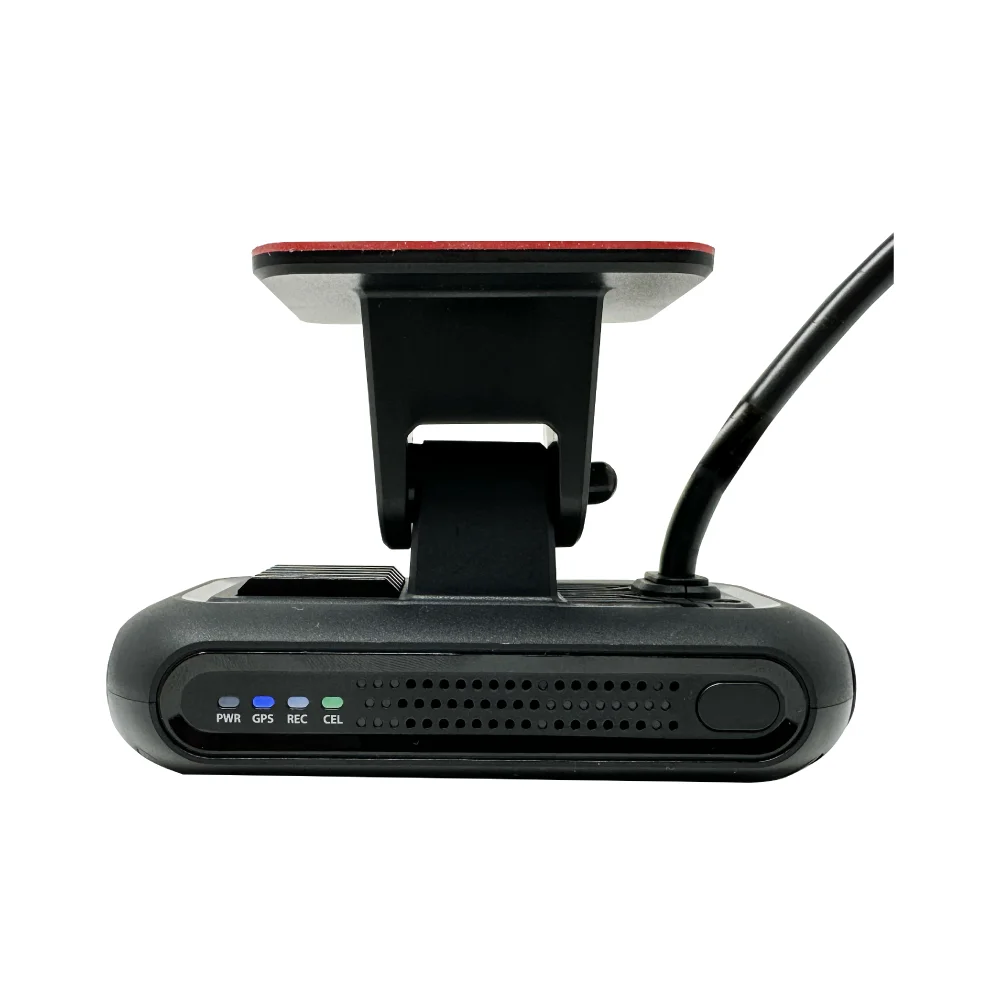
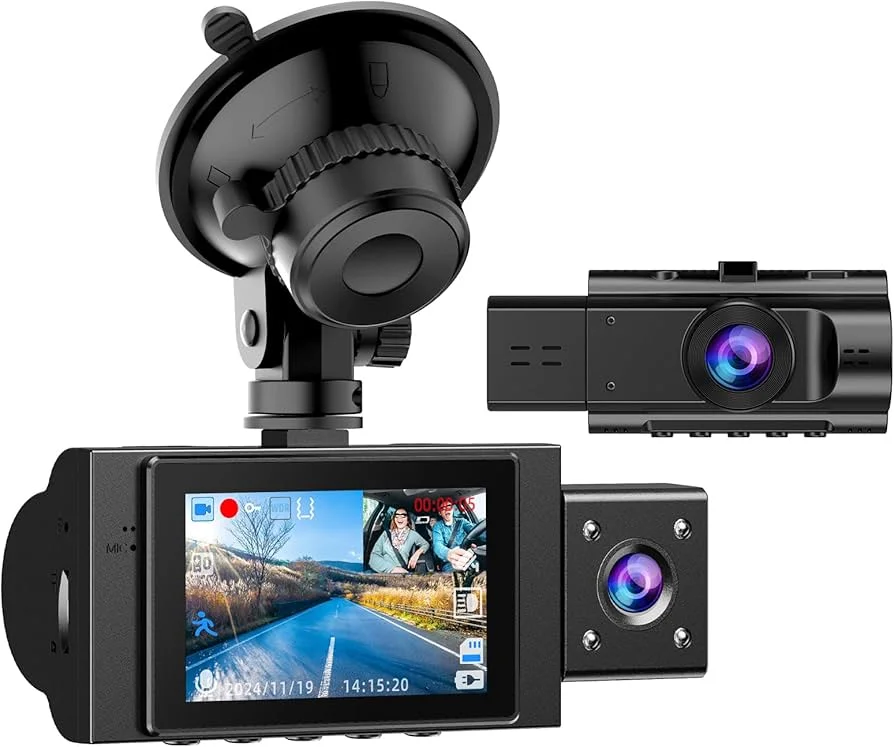
The features that separate a teen-driver cam from an ordinary one are connectivity and location, so understand what each actually does. A 4G LTE cam like the LAMTTO has its own cellular connection, which means it can push alerts and live video to your phone from anywhere — no WiFi, no waiting until the car's home. That cellular link is what enables real-time impact alerts and live look-in, the headline parent feature.
GPS does two jobs. It stamps every clip with location and speed, which is the data you want when reviewing a near-miss or verifying what happened, and on the connected units it powers geofence and speed alerts — a ping when the car leaves a set area or crosses a speed you set. A cam with GPS but no cellular records that data locally; you review it later. A cam with both pushes it live. Decide which you actually need before you pay for the cellular tier and its subscription.
The honest split: a record-only cam with a cabin camera and GPS covers fault and after-the-fact coaching for around a hundred dollars and no monthly fee. A 4G LTE cam adds live alerts and remote look-in but usually carries a data subscription. Pay for cellular only if the real-time link is the point for you; otherwise the local-record cam does the coaching job without the bill.
One feature to weigh honestly: live cabin monitoring of your own kid is a trust conversation, not just a tech spec. The footage is far more useful as a coaching tool you review together than as covert surveillance, and most families get better results treating it that way. The hardware enables both; how you use it is the part that actually affects the driving.
How to Choose a Teen-Driver Cam for Your Family
Before you buy, run this checklist against what you actually want the cam to do — it's the difference between the right tool and an expensive one with features you'll never turn on:
- Cabin camera with IR night vision. If seeing inside the car matters, confirm a real infrared cabin lens, or the interior view is useless after dark.
- Live alerts vs. record-only. Decide if you need real-time impact/speed alerts to your phone (a 4G LTE cam, usually with a subscription) or just footage you review later (a local-record cam, no fee).
- GPS with speed stamp. Confirm GPS so clips carry location and speed — the data that settles a near-miss and powers geofence alerts.
- Hardwire capability. The cam should support a hardwire install so it runs on ignition and can't be casually unplugged.
- Subscription cost. If it's a connected cam, read the data plan. The cam price is the down payment; the monthly fee is the real cost over the years your kid drives.
The check parents skip most is the subscription. They buy a 4G LTE cam for the live alerts, then discover the cellular plan is a recurring bill, and either pay it grudgingly or let it lapse and lose the feature they bought it for. Know the ongoing cost before you commit to the connected tier.
The Teen-Cam Marketing Claims Worth a Second Look
This category attracts some marketing aimed straight at worried parents, so here's what to read past. 'Full real-time monitoring' usually means it can stream live when you open the app over cellular — useful, but it's not a constant feed you watch all day, and it leans on a data plan. Treat 'monitoring' as 'check-in on demand,' not a nanny cam running 24/7.
'AI driver coaching' on the cheaper units is often just basic event detection — hard brake, hard accel — flagged in an app, not genuine analysis. That's still useful data, but don't pay a premium expecting a driving instructor in a box. And 'no monthly fee' on a cam advertised with live alerts deserves a hard look: the local-record models are genuinely fee-free, but a cam promising cellular alerts almost always needs a data plan for those alerts to work.
The claim that usually holds up is the safety-record angle: cameras do change driver behavior, and teens who know the cam is there and that you'll review footage together tend to drive more carefully. That's real and well-documented. Just buy the feature set you'll actually use — a fee-free local cam used for honest coaching beats an expensive connected cam whose subscription you cancelled.
The Hardwire Kit and Accessories That Make It Tamper-Proof
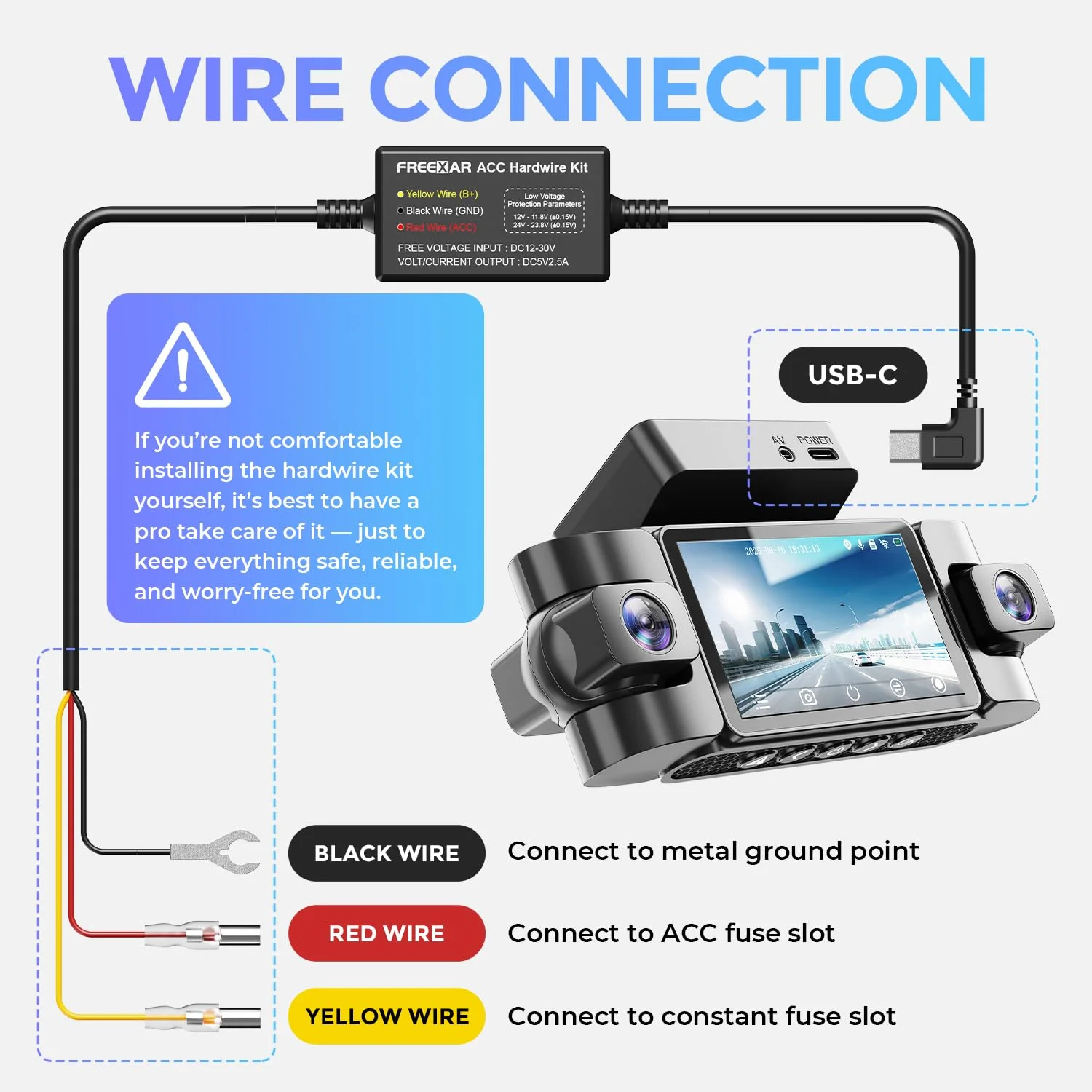
Here's where my trade matters most: a teen-driver cam is only useful if it's actually recording, and a plug-in cam on the 12V socket is one annoyed teenager away from being 'accidentally' unplugged. The step that fixes this is a hardwire install. You tap the cam into an ignition-switched fuse and a constant-power fuse with a hardwire kit, tuck the wire into the trim, and there's nothing dangling to pull.
Walk it like a procedure. Mount the front camera high behind the mirror, slightly to the passenger side, so it's out of the driver's sightline and legal. Route the wire up into the headliner and down the A-pillar — pop the trim with a plastic tool, not your fingers, or you'll snap a clip and get a rattle. At the fuse box, use a fuse tap on a switched circuit so the cam powers with the key, and ground to clean bare metal. Skip the clean ground and you get intermittent dropouts that show up as missing clips weeks later.
For parking mode — catching a hit while the car's parked at school — the hardwire kit needs a low-voltage cutoff so it stops before it drains the battery and leaves your kid stranded. Set the cutoff on the conservative side; a teen's car often sits all day in a lot, and a dead battery at 3 p.m. is a worse outcome than a missed parking clip.
If wiring isn't your thing, this is the one step worth paying a shop an hour for. A hardwired cam mounted clean records every drive without anyone thinking about it, which is exactly what you want for a new driver — the cam does its job whether or not your teenager remembers it's there.
LAMTTO vs. HUPEJOS vs. N300Pro: The Real Decision
The real choice comes down to how connected you want to be. The LAMTTO 4G LTE is the one I'd point most parents to: it has its own cellular link, so it pushes live impact and location alerts to your phone and lets you look in remotely, with a cabin camera for the interior view. For the parent who wants to know now if their kid is in a crash, that real-time link is the whole point, and it's the feature a record-only cam simply can't match. Budget for its data plan.
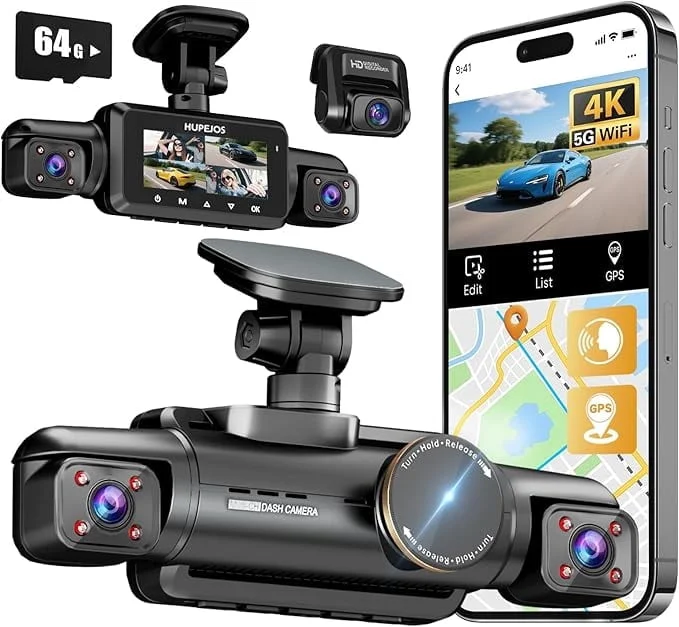
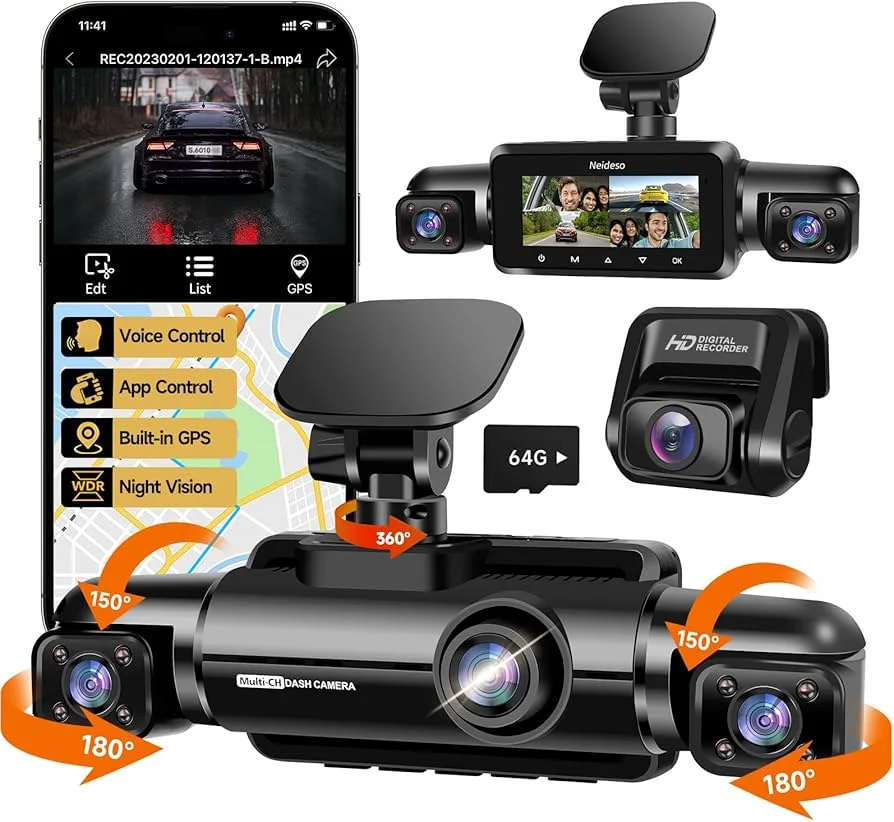
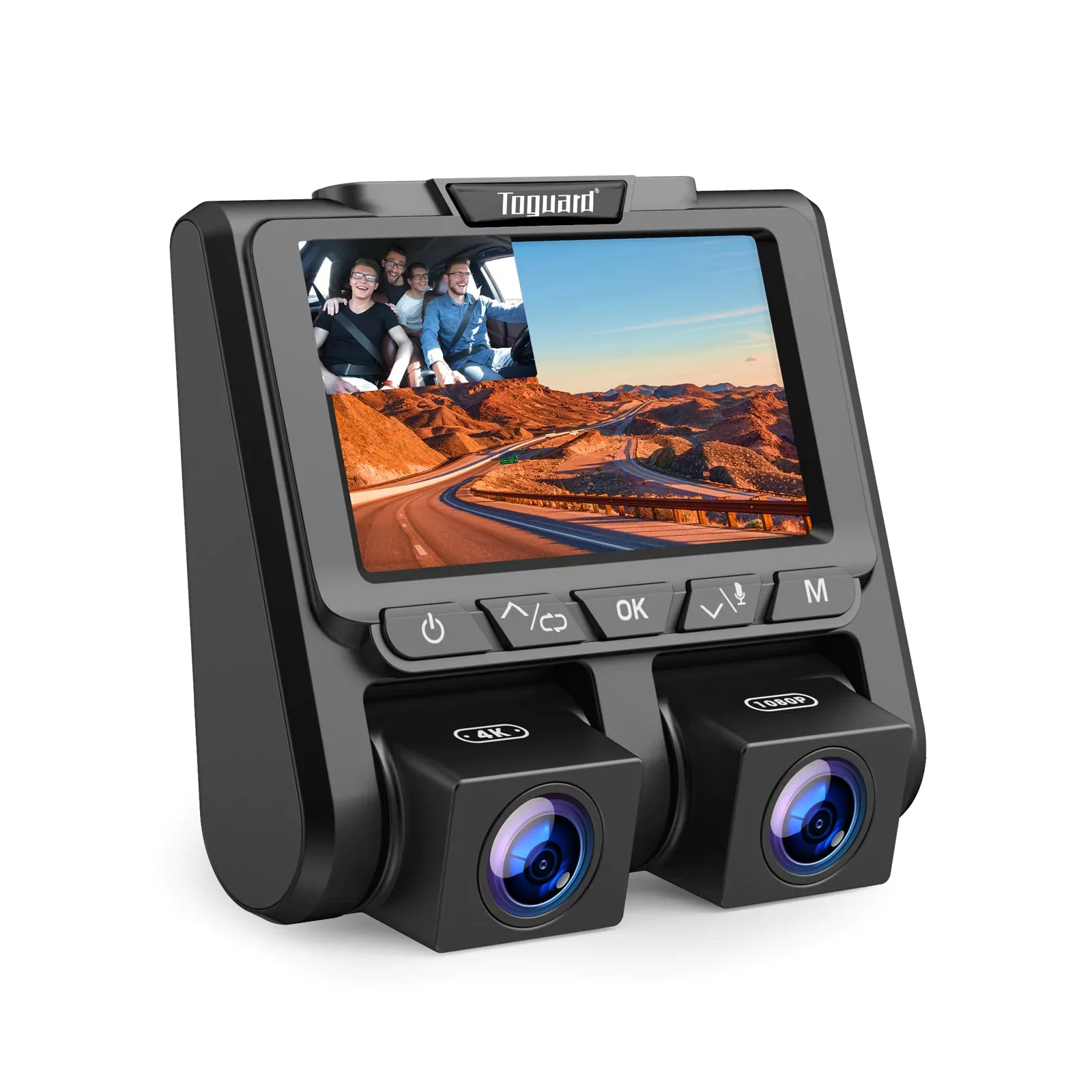
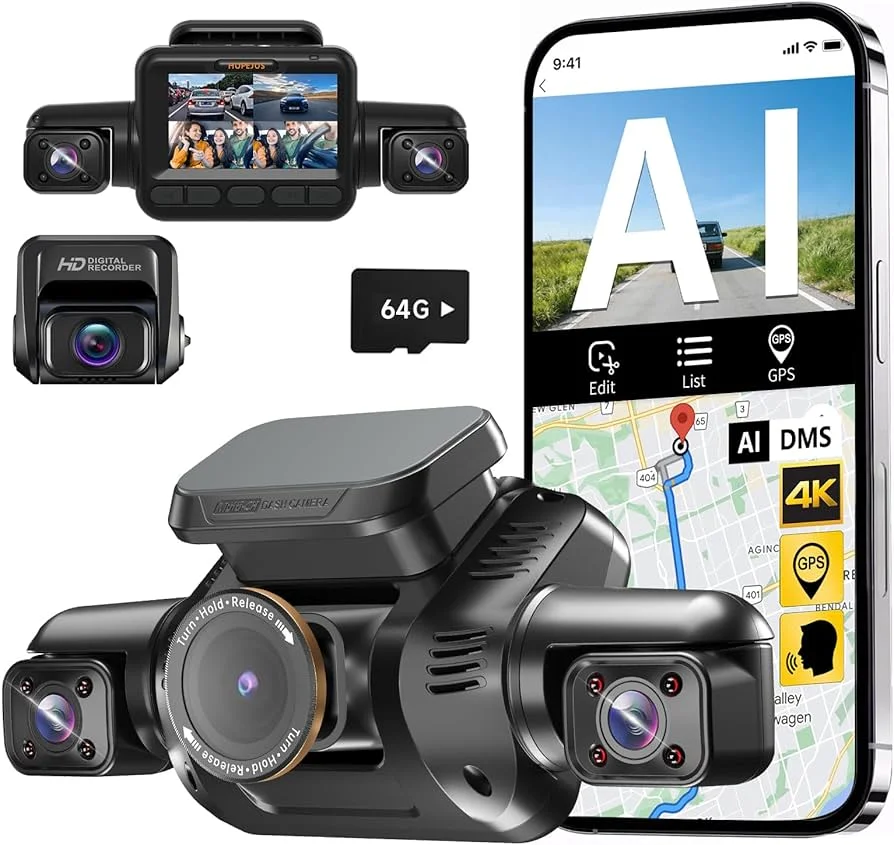
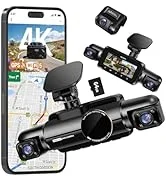
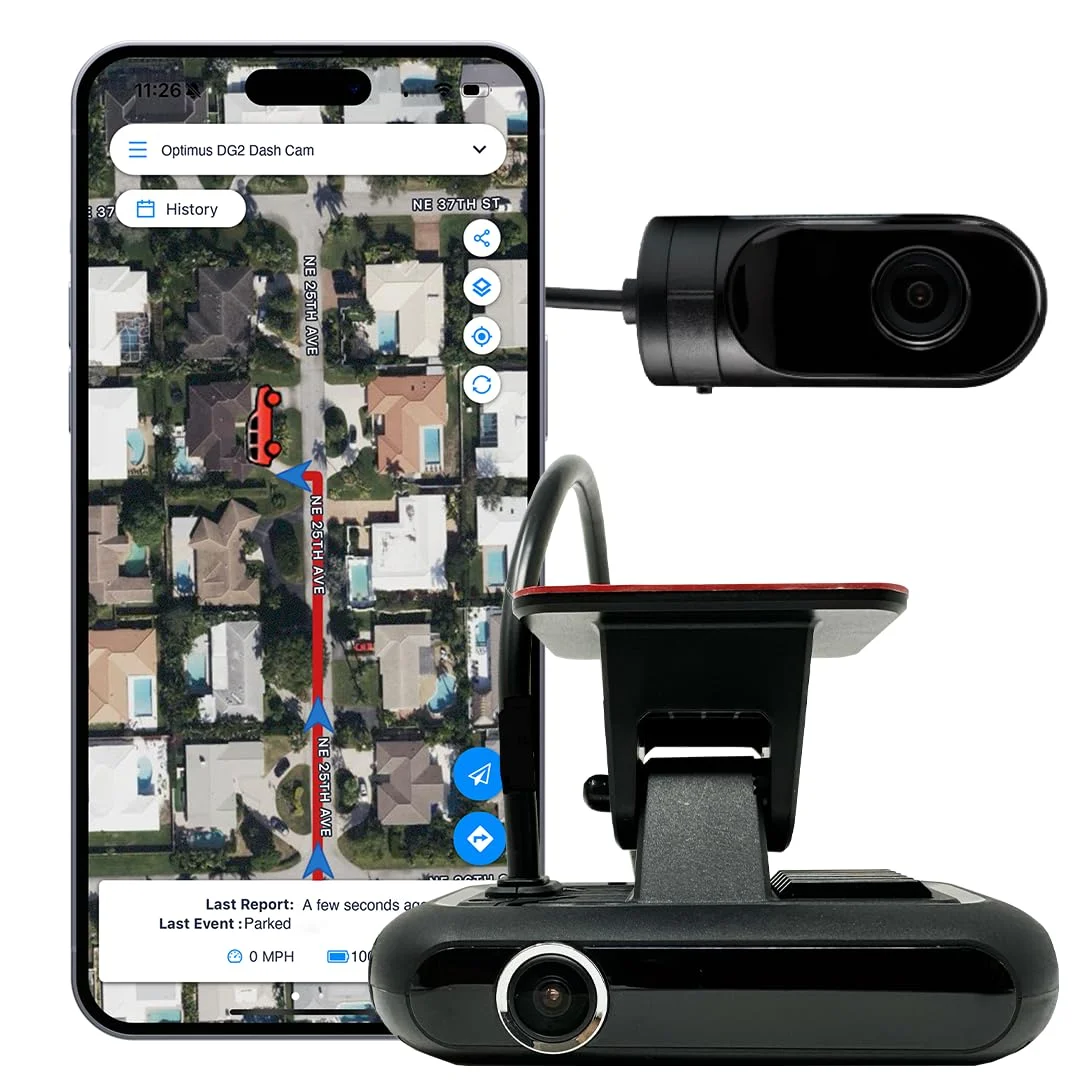
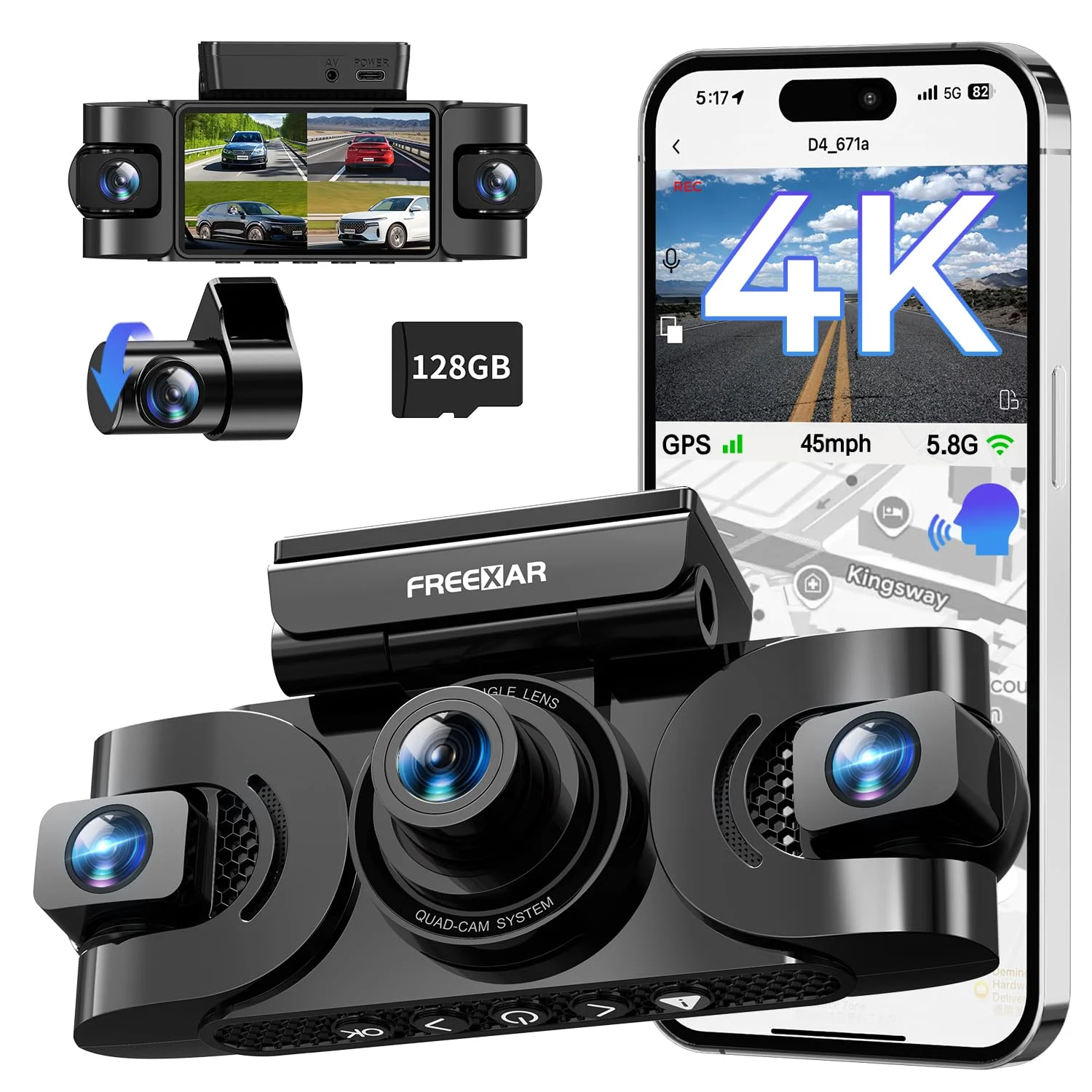
The HUPEJOS AI 4K is the value pick — a strong front-and-cabin cam with a named sensor and event detection at a friendlier price, no cellular subscription, ideal if you're fine reviewing footage after the fact rather than getting live alerts. The N300Pro and FREEXAR 4K are the multi-camera options that add rear and side coverage for full situational footage, and the Optimus DG2 pairs a cam with a GPS tracker for parents who care most about location and speed data.
So match it to your priority. Want live alerts and remote look-in? The LAMTTO, and accept the subscription. Want solid cabin-plus-road footage to coach from, fee-free? The HUPEJOS. Want full multi-camera coverage? The N300Pro or FREEXAR. Want location and speed tracking above all? The Optimus. There's no single 'best' here — there's the best for what you're actually trying to do, and for most parents wanting peace of mind in real time, that's the connected LAMTTO.
What Each Price Tier Actually Buys
The money on teen-driver cams maps cleanly to features, and knowing the tiers keeps you from paying for capability you won't use or skimping on the one you need:
- $100-160 (HUPEJOS AI, LAMTTO): the sweet spot. A front-and-cabin cam with a named sensor, GPS, and either local AI event detection (no fee) or a 4G LTE live-alert link (subscription). For most parents this tier has the right features.
- $190-240 (N300Pro, FREEXAR, Optimus DG2): multi-camera coverage (front, cabin, rear, sides) or a dedicated GPS tracker bundle. Worth it if you want full situational footage or location tracking as the priority, not just the cabin view.
- The recurring line item: any 4G LTE cam carries a data plan. Over the few years your teen drives, that subscription can cost as much as the cam. Factor it in — it's the real price of the live-alert feature.
The false economy here cuts both ways. Buying the cheapest record-only cam misses the live-alert link if real-time peace of mind was the point; but paying for a connected cam and its subscription when you'd have been happy reviewing footage after the fact is money spent on a feature you won't use. Decide live-vs-local first, then buy the cam that fits.
Common Teen-Cam Mistakes Parents Make
Plenty of parents buy a dash cam for a new driver and get less out of it than they hoped, and it traces to a few avoidable mistakes. The biggest is the plug-in install. A cam on the 12V socket is trivial to unplug, and a teen who'd rather not be recorded will find it knocked loose within a week. Hardwire it on a switched circuit so it records every drive without anyone's cooperation.
The second is buying the connected tier and ignoring the subscription. Parents grab the 4G LTE cam for the live alerts, then balk at the monthly fee and let it lapse — losing the exact feature they paid extra for. If you want live alerts, commit to the data plan; if you don't, buy the fee-free local-record cam and save the money.
The third is treating the cabin camera as covert surveillance instead of a coaching tool. Footage reviewed together, calmly, changes driving habits; footage used to ambush a teen breeds resentment and a cam that gets 'broken.' The hardware is the easy part. The last mistake is skipping the low-voltage cutoff on parking mode — a teen's car often sits in a lot all day, and a cam that drains the battery leaves your kid stranded, which is a worse problem than the parking clip you were trying to catch.
The Verdict: Which Teen-Driver Cam to Buy
For the parent who wants real-time peace of mind, the LAMTTO 4G LTE is the one I'd install in a teen's car. Its cellular link pushes live impact and location alerts to your phone and lets you look in remotely, and the cabin camera records what's happening inside — the full feature set a new-driver situation calls for. Budget for the data plan, because the live link is the whole reason to choose it over a record-only cam.
If you're comfortable reviewing footage after the fact, the HUPEJOS AI 4K is the fee-free value pick with a strong cabin-and-road view, and it's the one I'd recommend for coaching without a subscription. The N300Pro and FREEXAR 4K add full multi-camera coverage, and the Optimus DG2 is the choice when location and speed tracking is your top priority.
Whatever you choose, the install matters as much as the model: hardwire it on a switched circuit so it can't be unplugged, set a conservative low-voltage cutoff for parking mode, and use the footage as a coaching tool you review together rather than a hidden camera. Do that and the cam does its real job — not just recording a wreck, but helping a new driver become a safer one before one happens. — Carl Whitmore
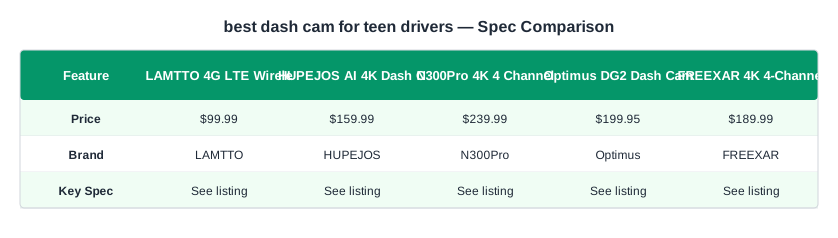
The complete lineup also includes LAMTTO 4G LTE Wireless Dash Cam Front and Inside ($99.99), HUPEJOS AI 4K Dash Cam Front and Inside ($159.99), N300Pro 4K 4 Channel Dash Cam Front and Rear ($239.99), Optimus DG2 Dash Cam ($199.95), FREEXAR 4K 4-Channel Dash Cam ($189.99) — each compared on the same specs and reviewer consensus.