The Cable Was Never the Problem — Until It Was
I lived with a wired CarPlay cable for two years and barely thought about it, right up until the connector started getting flaky. Plug it in, nothing. Wiggle it, the screen flickers on. Bump a pothole, it drops the call. The Lightning port on my phone had collected enough pocket lint and the cable's strain relief had cracked, and suddenly the one feature I used every single drive was a coin flip.
That's the moment most people go looking for a wireless CarPlay adapter. Your car has the wired version baked in from the factory, your phone supports wireless CarPlay, but the head unit only does the wireless handshake on newer cars — so a little dongle bridges the gap. It plugs into your car's USB port, pretends to be your phone over a cable, and then hands the actual connection off to your phone over Wi-Fi and Bluetooth. Phone stays in your pocket. Screen comes up on its own.
The catch is that this is a harder trick than it sounds, and the spread between a dongle that just works and one that reboots itself in stop-and-go traffic is enormous. The good ones hold a rock-steady link for the whole drive. The cheap ones drop audio for a half-second every few minutes, lag the touchscreen, or need a full power-cycle when you pull out of a parking garage. Same idea, wildly different execution.
So below I'll lay out how these adapters actually work, the real-world drives where wireless earns its keep, the mistakes that leave you with a flaky link, how the name brands compare to the budget dongles, where the price tiers genuinely buy you a better connection, how long these last across iOS updates, how to match one to your car and phone, and which one I'd put in my own console. None of it is complicated once you know what the dongle is really doing — and knowing that is what keeps you from buying the wrong one twice.
How the Dongle Works: Wi-Fi Bands and Chipsets
Strip the marketing away and the job is a translation. Your car's head unit speaks WIRED CarPlay over the USB port. Your phone speaks WIRELESS CarPlay over Wi-Fi and Bluetooth. The adapter sits in the middle: it tells the car "I'm an iPhone on a cable," accepts the wired CarPlay session, and then re-broadcasts that session to your real phone wirelessly. The car never knows the phone isn't plugged in.
That hand-off is where the quality lives. The dongle runs a tiny Wi-Fi access point your phone joins, and ALL the video and audio for the CarPlay screen streams across that link in real time. If the Wi-Fi is weak or congested, the picture stutters and the audio clips — the exact complaints that fill the one-star reviews. So two specs decide nearly everything:
- Dual-band Wi-Fi (2.4GHz + 5GHz). The 5GHz band has the bandwidth to stream the CarPlay screen cleanly and it's far less crowded than 2.4GHz, which every other gadget in the car is fighting over. A dual-band adapter is the single biggest predictor of a stable link.
- The processor. A faster chipset boots quicker and keeps the video buffer fed. This is why the same brand's "5.0" generation feels night-and-day better than the "3.0" it replaced — the radio and the chip both got upgraded.
There's also a boot delay you can't engineer away. When you start the car, the dongle has to power up, raise its Wi-Fi, and re-pair with your phone before CarPlay appears — usually 10 to 30 seconds. A good one is quick and consistent; a slow one leaves you staring at a blank screen for the first half of a short trip. That delay is the honest tax of going wireless, and no adapter fully removes it.
Real-World Scenarios Where Wireless Pays Off
Once the link is stable, a wireless adapter quietly solves a few problems you stopped noticing. The obvious win is never fishing a cable out of the console, but the bigger one is that your phone's charging port stops wearing out — the constant plug-and-unplug cycle that killed my wired setup never happens, because the phone charges on a pad or a separate cable while CarPlay runs over the air.
It also changes how you get in the car. Phone stays in your bag or your pocket, the screen comes up on its own, and navigation is already running before you've got your seatbelt on. For short errand-running where you'd never bother plugging in for a five-minute drive, that automatic hand-off is the difference between using CarPlay and just driving with your phone loose on the seat — which is the genuinely unsafe habit the adapter quietly removes.
There's a safety angle worth naming plainly. A phone that pairs automatically and lives off your lap is a phone you're not reaching for at a stoplight. Pair the adapter with a good car phone mount or a wireless charging spot and the phone has a permanent home that isn't your hand — which is the whole point of CarPlay in the first place, finally delivered without a cable to fail.
None of this is dramatic. That's the point — a wireless CarPlay adapter is a small fix that removes a small, daily friction, and the good ones do it so completely you forget there's a dongle in the port at all. That's the bar I judge them against: not whether they're clever, but whether you stop thinking about the connection entirely.
The Mistakes That Leave You With a Flaky Link
Plenty of people buy an adapter and still end up frustrated, and it almost always traces back to a few avoidable mistakes. The biggest is buying one for a car that doesn't have factory wired CarPlay in the first place — the dongle can't add a feature the head unit doesn't support, so it sits there doing nothing. Always confirm wired CarPlay works with a cable before you buy the wireless version.
The second is buying the cheapest single-band dongle and then being surprised it stutters in traffic. That's not a defect; it's the band. A 2.4GHz-only adapter is fighting every other radio in a crowded environment, and the fix isn't troubleshooting — it's a dual-band unit. If a rock-steady link matters to you, the band is a buy-decision, not a settings-decision.
The third is plugging it into the wrong USB port. Cars with several ports usually run CarPlay through only one of them, and the others charge but don't carry data. An adapter in a charge-only port looks dead. Check for the CarPlay or phone icon on the port, or work out which one your cable used to live in.
The last one is never updating the firmware. People decide a name-brand adapter is broken when it's just running the version it shipped with eight months ago. The manufacturer's app exists for exactly this, and a two-minute update fixes the majority of "it keeps dropping" complaints on an otherwise capable unit. Get those four things right and even a mid-tier adapter outperforms a premium one set up wrong.
CarlinKit vs. the Budget Dongles
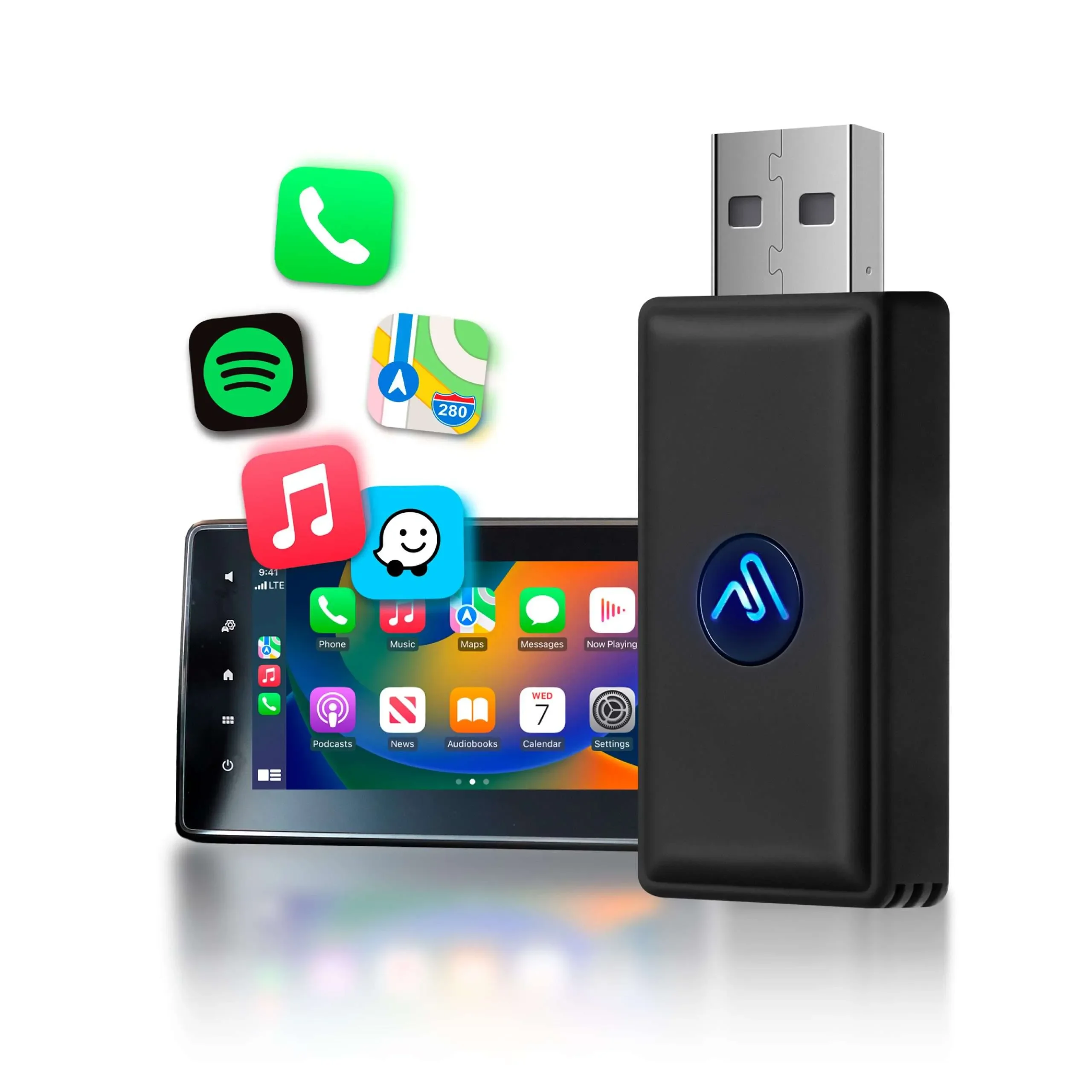
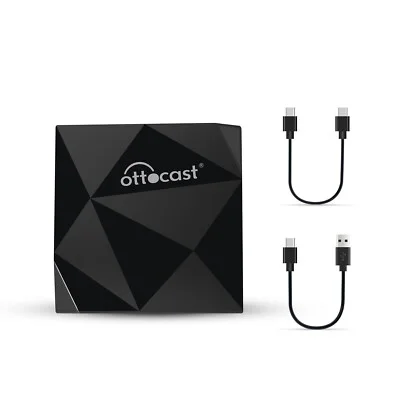
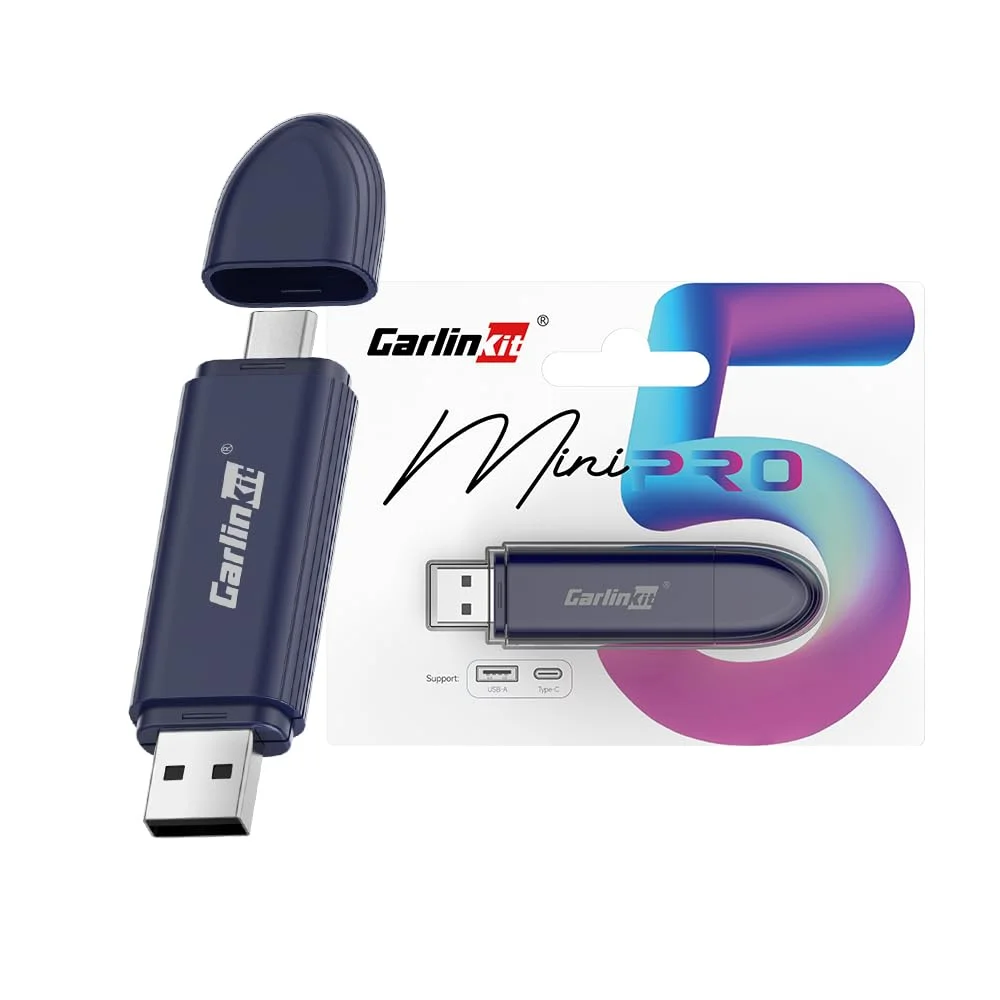
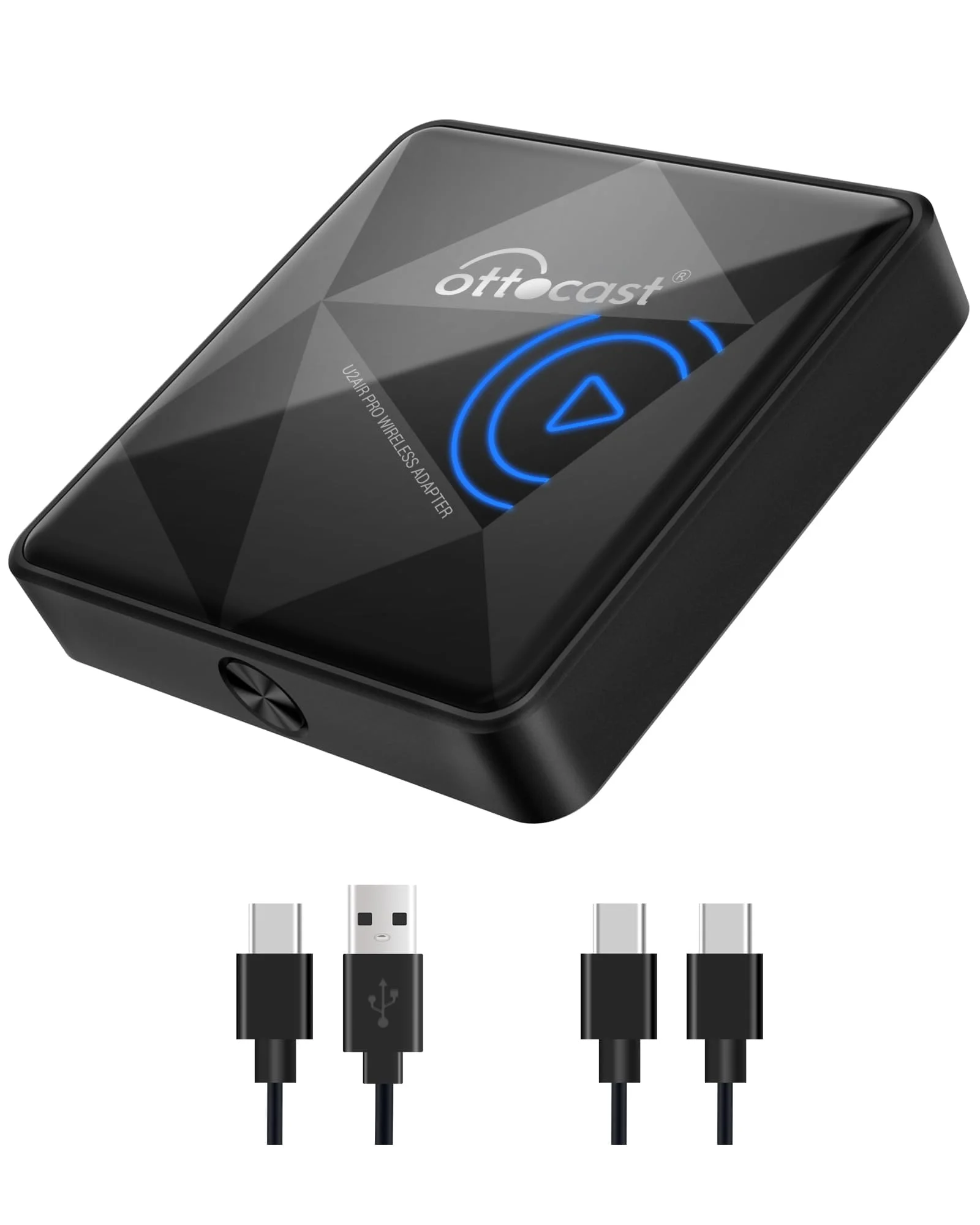
Most of the real decision comes down to a known-name adapter like the CarlinKit 5.0 or the Ottocast U2-Air against the wave of near-identical budget dongles, so it's worth being honest about the trade. The established units win on the thing that matters most: connection stability. Dual-band Wi-Fi, a current-generation chipset, and firmware that actually gets updated mean the link holds for the whole drive and the screen stays responsive. You're paying for the radio and the software, not the plastic.
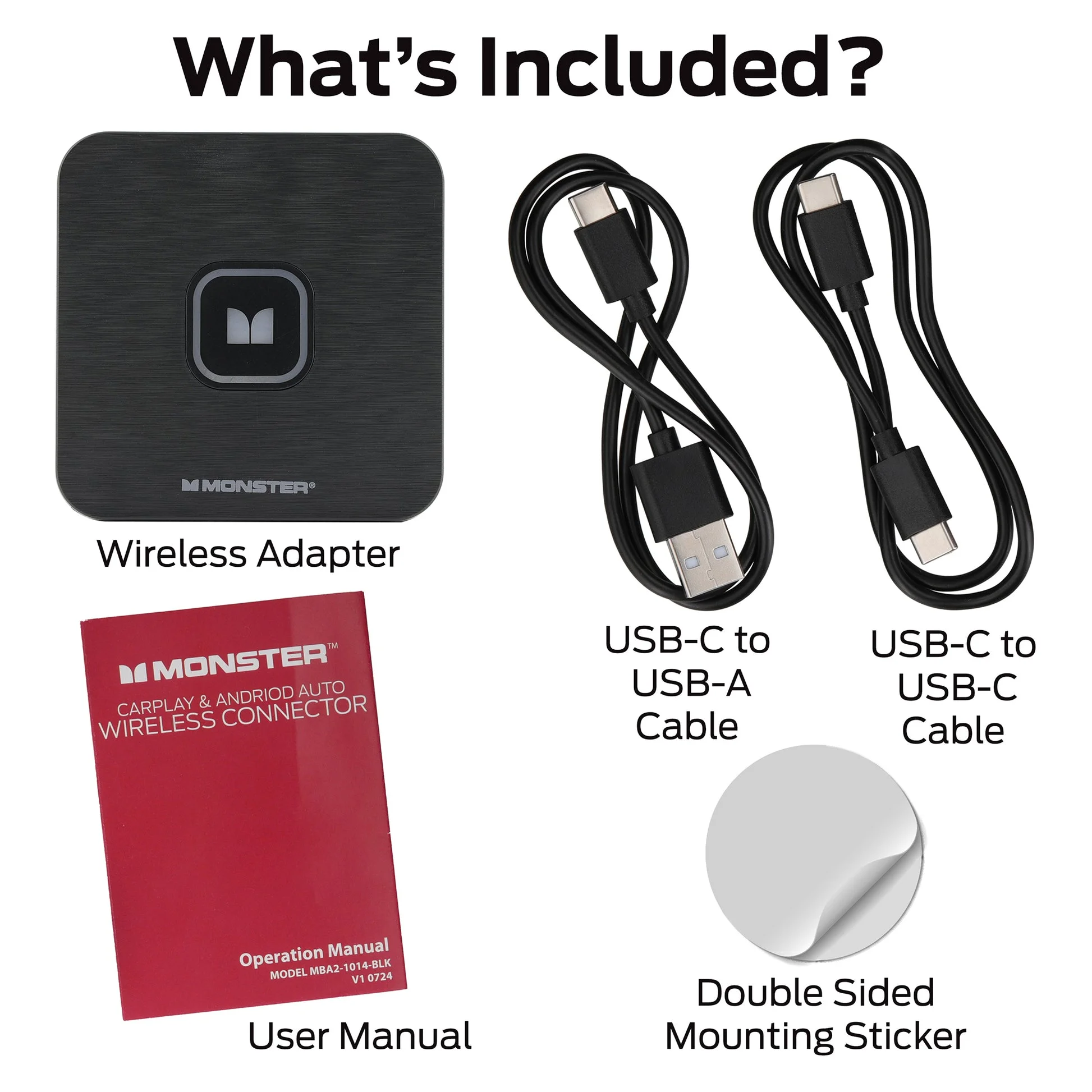
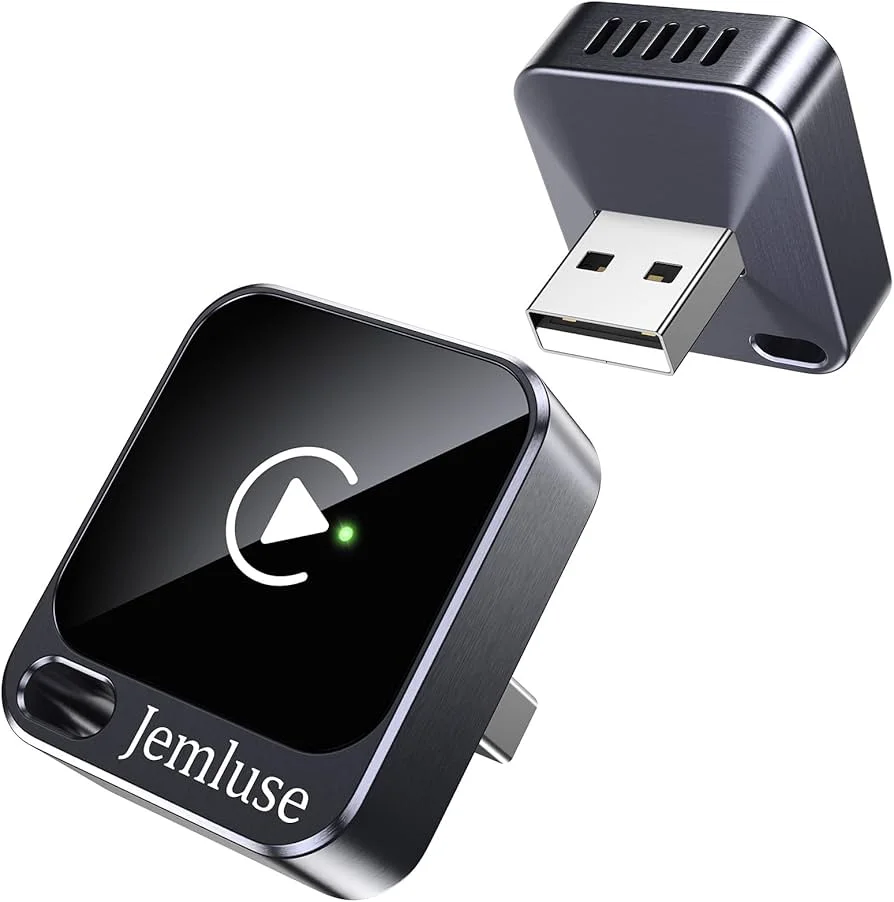
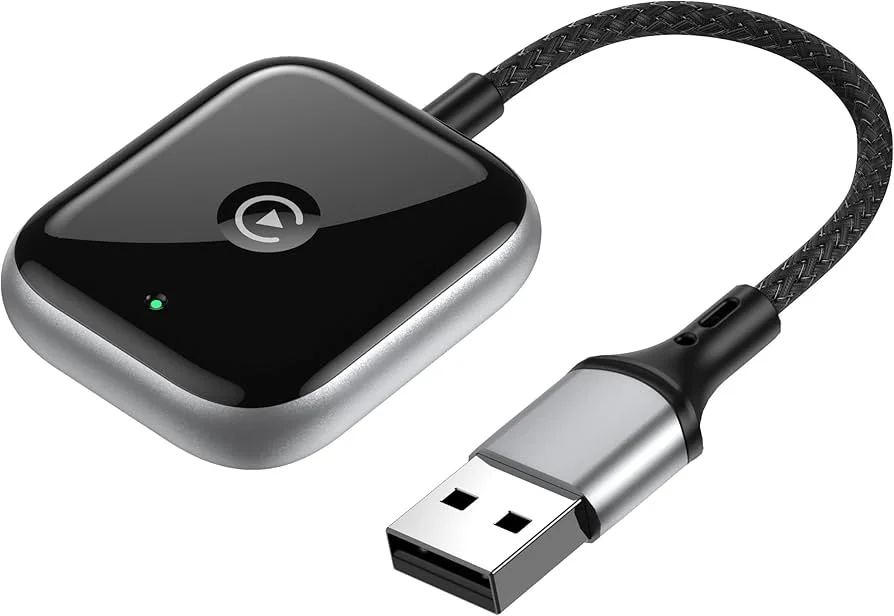
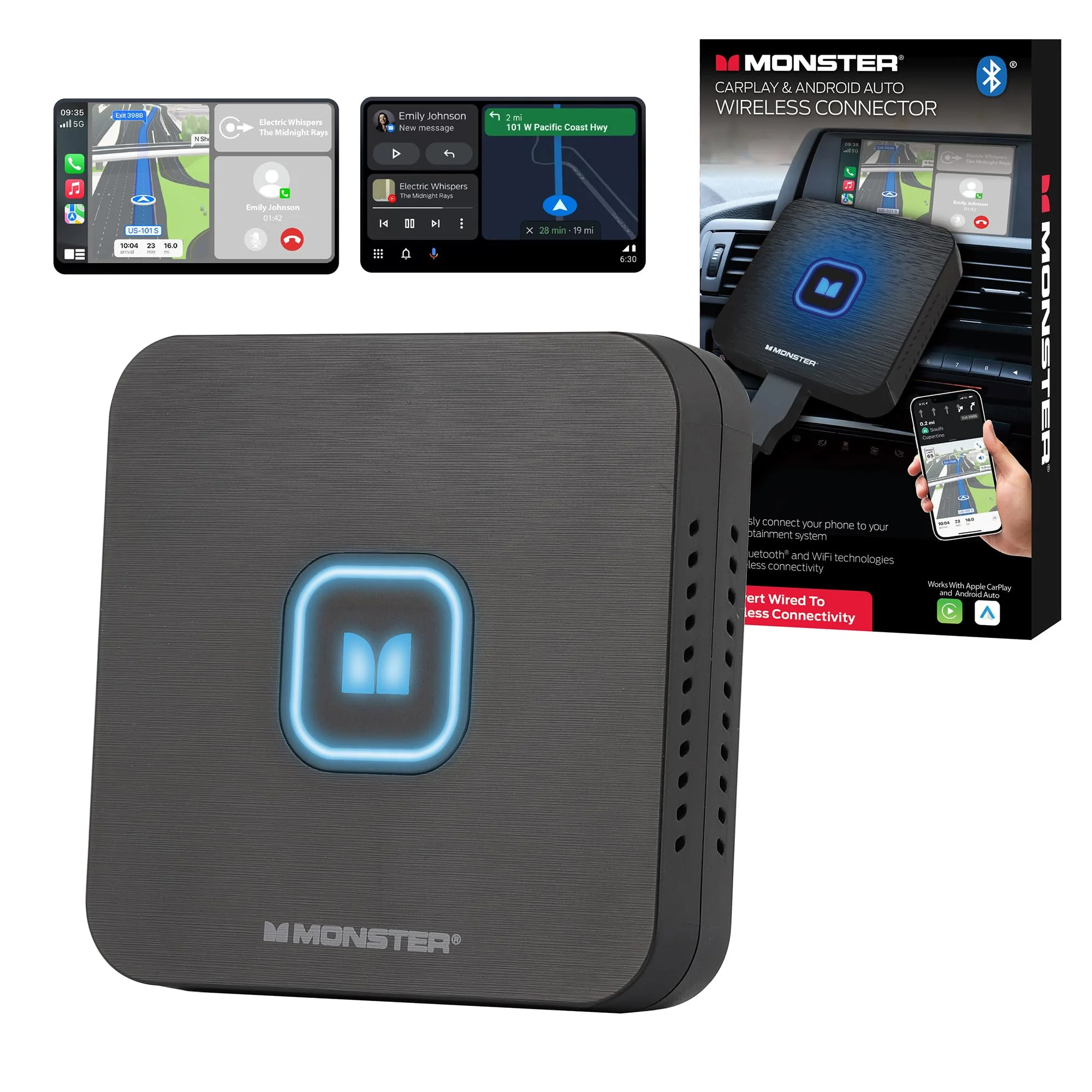
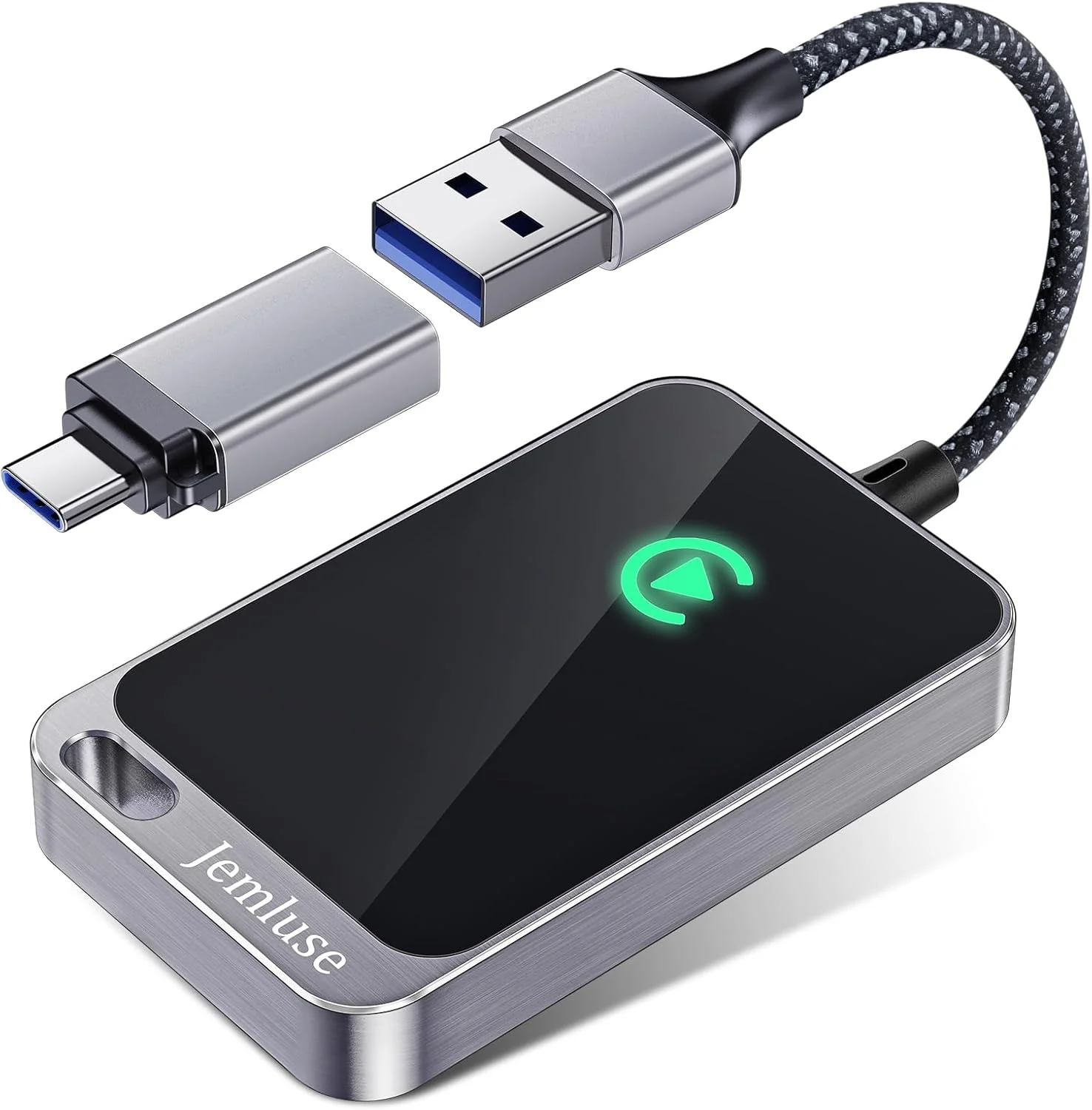
The budget dongles — the Monster, the Jemluse, and the dozens of unbranded ones that look exactly alike — flip that. They're often single-band 2.4GHz only, on an older chip, and the firmware is whatever shipped. They DO work: plenty of owners run them happily. But the common pattern in the reviews is a link that's fine on the highway and stutters in dense traffic or near other Wi-Fi, plus a boot that's slower and less consistent.
So it's genuinely a reliability call, not a features ranking — they all do the same single job. If wireless CarPlay is going to be your everyday interface and a mid-drive audio drop would drive you up the wall, the dual-band, name-brand unit is the better tool. If you mostly do short, simple trips and you're tolerant of the occasional hiccup, the budget dongle saves real money for the same core function.
Where people go wrong is assuming all these adapters are the same because they look the same. The shell is identical; the radio and the chip inside are not. The listing photo tells you nothing — the Wi-Fi band and the chipset generation tell you everything.
What Each Price Tier Actually Buys
The money spread on these is narrow enough that you never have to overspend to get a working adapter — but the tiers buy genuinely different things, and knowing which is which keeps you from paying for a badge or skimping on the radio:
- Around $25-35 (the Monster / Jemluse bracket): a functional single-band dongle. It converts wired to wireless CarPlay and works on open roads. Expect a slower boot and the occasional stutter in crowded RF. Fine for light, simple use.
- $50-75 (the CarlinKit 5.0 / Ottocast range): dual-band Wi-Fi, a current chipset, and real firmware updates. This is the sweet spot — the connection stability and the faster boot are exactly what the extra money buys, and it's worth it for everyday use.
- Above $80: usually adds features beyond plain CarPlay — built-in Android, streaming apps, a screen of its own. Real if you want them, but a poor value if all you wanted was a stable wireless CarPlay link.
The false economy is the no-name single-band dongle bought purely on price. It saves you thirty dollars and gives you a link that drops in exactly the stop-and-go traffic where you most want hands-free navigation, so you end up replacing it with the mid-tier unit anyway. For a part you'll touch every drive, the right move is to spend into the middle tier once rather than save at the bottom twice.
How Long These Last Across iOS Updates
A wireless CarPlay adapter lives at the intersection of two systems that both keep changing — your car's firmware and your phone's iOS — so longevity is really about how well the dongle keeps up with both. Here's how the common types hold up over time:
- Name-brand, dual-band, app-updated (CarlinKit 5.0 / Ottocast): the most durable choice. Because the firmware gets updated, an iOS change that breaks pairing usually gets patched, and the adapter keeps working for years instead of becoming e-waste after the next big update.
- Single-band budget dongles (Monster / Jemluse / unbranded): work fine today, but firmware support is hit-or-miss. When iOS shifts something in the wireless CarPlay handshake, a dongle with no update path can simply stop pairing — and there's no fix but replacement.
- Two-in-one CarPlay + Android Auto units: convenient if you genuinely switch phones, but they're doing twice the work and the reliability ceiling tends to be a touch lower than a single-purpose unit on either platform.
If you keep cars and phones a long time, lean toward the name-brand unit with an update app. The budget dongle is cheaper today, but the one that's still pairing cleanly after two iOS major versions is the one with firmware support — and a dongle that's stopped pairing is just a plug taking up your port.
None of these are expensive enough that compatibility should break the bank, but it should break the tie. Between two adapters that fit your car, the one with an active firmware-update app is the one you won't be replacing after the next iOS release.
How to Choose for Your Specific Setup
This is the decision point, and a little thought here saves you from buying twice. Start with how much you'll lean on it. If wireless CarPlay is going to be on every drive — navigation, music, calls, the whole interface — buy into the stability and get a dual-band, current-gen adapter. The few extra dollars buy a link that simply doesn't make you think about it, and that's the entire point of going wireless.
If you're a lighter user or you're just trying the concept before committing, a budget dongle is a fair way in. Just go in expecting a single-band link: it'll be solid on open roads and a little less so in crowded RF environments like a parking structure or a packed highway interchange. That's the trade you're accepting for the lower price, and for a lot of people it's perfectly fine.
Match it to your phone, too. A newer iPhone with current iOS gets the best results because the wireless CarPlay stack is more mature; very old iPhones can be fussier about re-pairing. And if you carry an Android phone some days and an iPhone others, look hard at whether a two-in-one is worth the slightly higher drop rate, or whether two separate single-purpose dongles is the more reliable answer.
Budget comes last, because the spread is small. These run roughly twenty-five to seventy-five dollars, so price isn't what should drive the call — the connection is. Spending an extra twenty on the adapter that holds its link beats saving it on one that reboots in traffic. The same logic that applies to a lot of car phone mounts applies here: the cheap one that fails at the worst moment isn't a saving, it's a deferred cost.
The Verdict: My Pick After All This
For a connection that simply doesn't make you think about it, the CarlinKit 5.0 is the one I'd put in my own console. The dual-band Wi-Fi holds the link in the dense traffic where the cheap dongles stutter, the current chipset boots quickly and consistently, and — the part that matters over the long haul — the firmware actually gets updated, so it keeps pairing through iOS changes instead of becoming a dead plug. It does one job and does it completely.
If you want the same dual-band reliability in a slightly different package, the Ottocast U2-Air is the alternative I'd trust — comparable radio, comparable updates, pick whichever is cheaper the day you buy. And if you're testing the concept on a budget and you mostly drive open roads, the Monster is the honest entry point: a working single-band dongle that does the core job, with the stutter-in-traffic caveat baked in at the price.
Whatever you choose, judge it by the one thing that matters: does the link hold for the whole drive without a reboot? Confirm your car has factory wired CarPlay before you order, plug the dongle into the correct USB data port, and update the firmware before you decide it's flaky. Do that and the cable you've been wrestling with quietly disappears from your life — which is the whole reason to bother with a part this small. — Nina Park
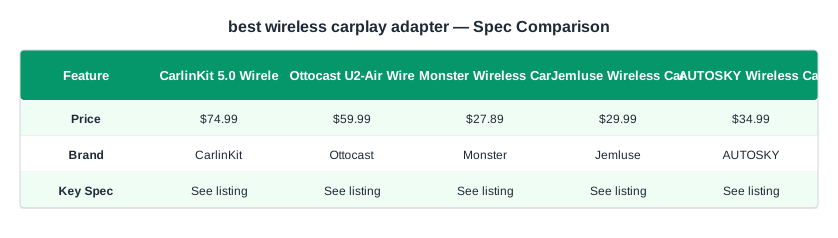
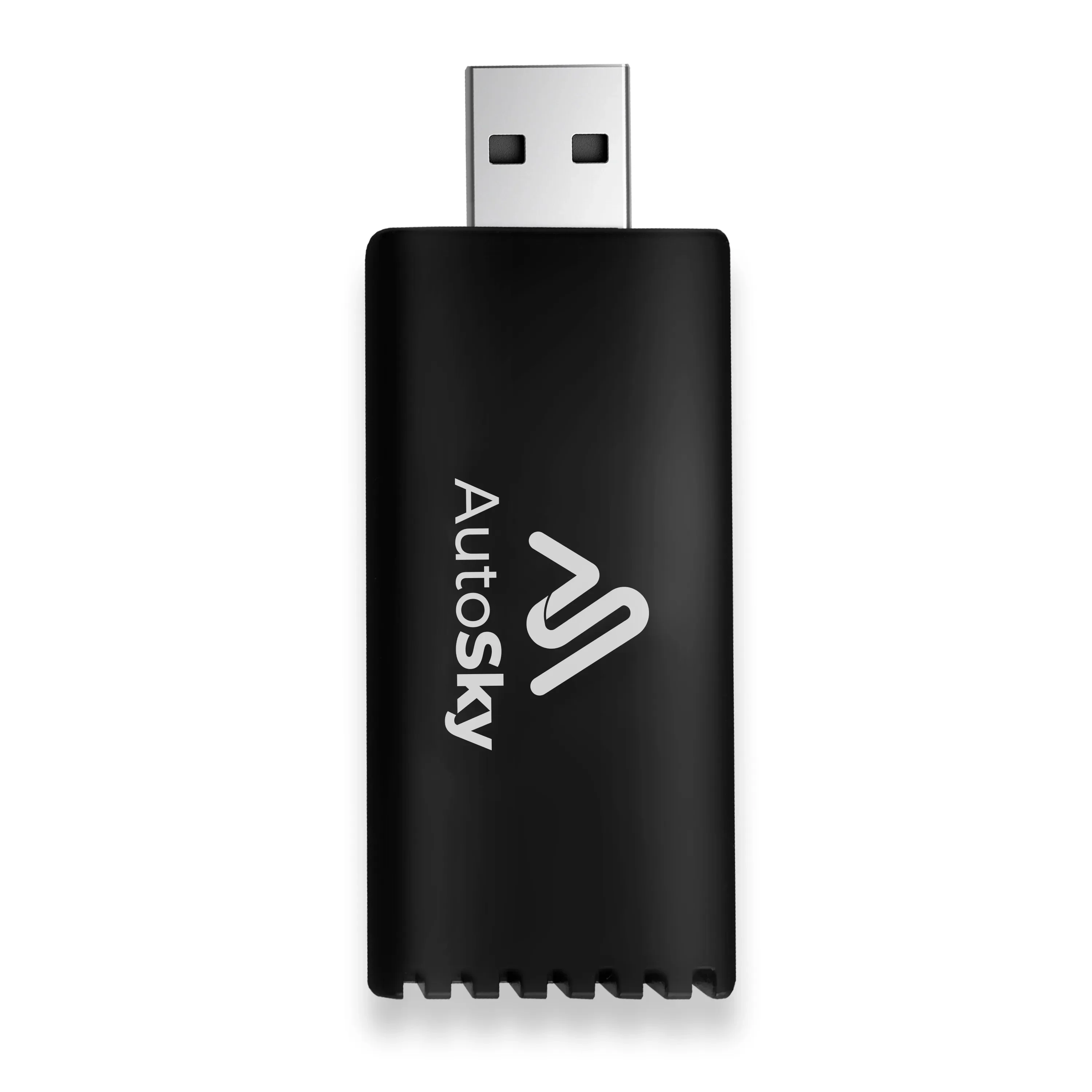
The complete lineup also includes CarlinKit 5.0 Wireless CarPlay Adapter ($74.99), Monster Wireless CarPlay Adapter ($27.89), Jemluse Wireless CarPlay Adapter ($29.99), AUTOSKY Wireless CarPlay Adapter ($34.99) — each compared on the same specs and reviewer consensus.