
Dash Cam Won'T Connect To Wifi
Pulling over to the side of the road, you grab your phone, ready to check that last stretch of highway footage. But your dash cam won't connect to Wi-Fi. You tap the app, then tap again. Nothing. The little Wi-Fi icon on your dash cam is on, but your phone just spins, refusing to find the camera's network.
Pulling over to the side of the road, you grab your phone, ready to check that last stretch of highway footage. But your dash cam won't connect to Wi-Fi. You tap the app, then tap again. Nothing. The little Wi-Fi icon on your dash cam is on, but your phone just spins, refusing to find the camera's network. This is infuriating when you need that footage now. Maybe you're trying to prove a point after a close call, or perhaps you just want to quickly snag a scenic shot. Whatever the reason, a non-connecting dash cam is a major roadblock when you need to access your dash cam footage. This isn't some abstract tech problem; it's happening to you, right here, right now. You're not alone, though. Many of us have been stuck in this exact spot, staring at a blank app screen while the dash cam stubbornly refuses to cooperate after trying to connect to Wi-Fi.
The Short Answer
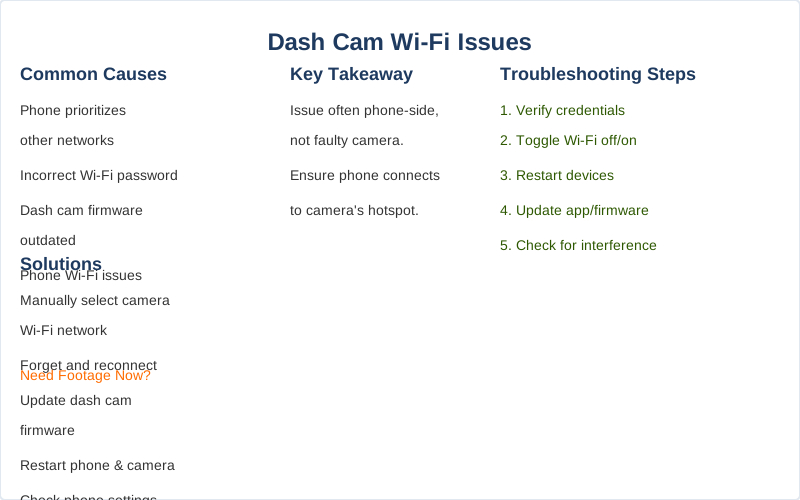
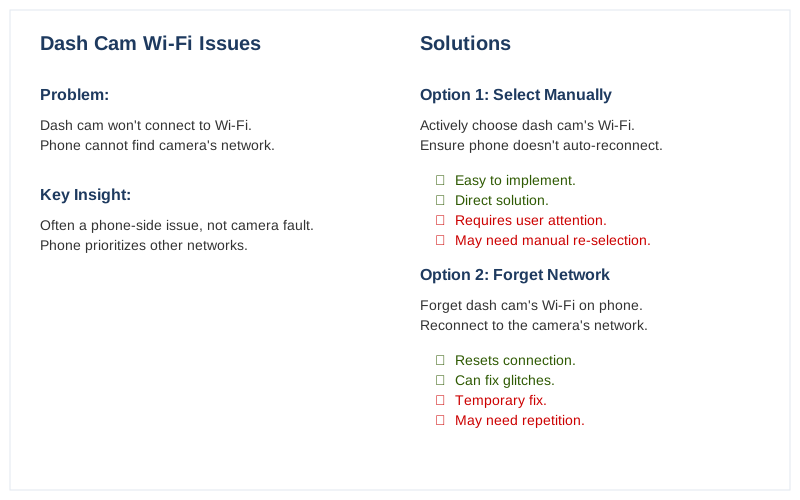
When your dash cam won't connect to Wi-Fi, it's usually a phone-side issue, not a faulty camera. Your phone is likely trying to connect to your home Wi-Fi or another network instead of the dash cam's dedicated hotspot.
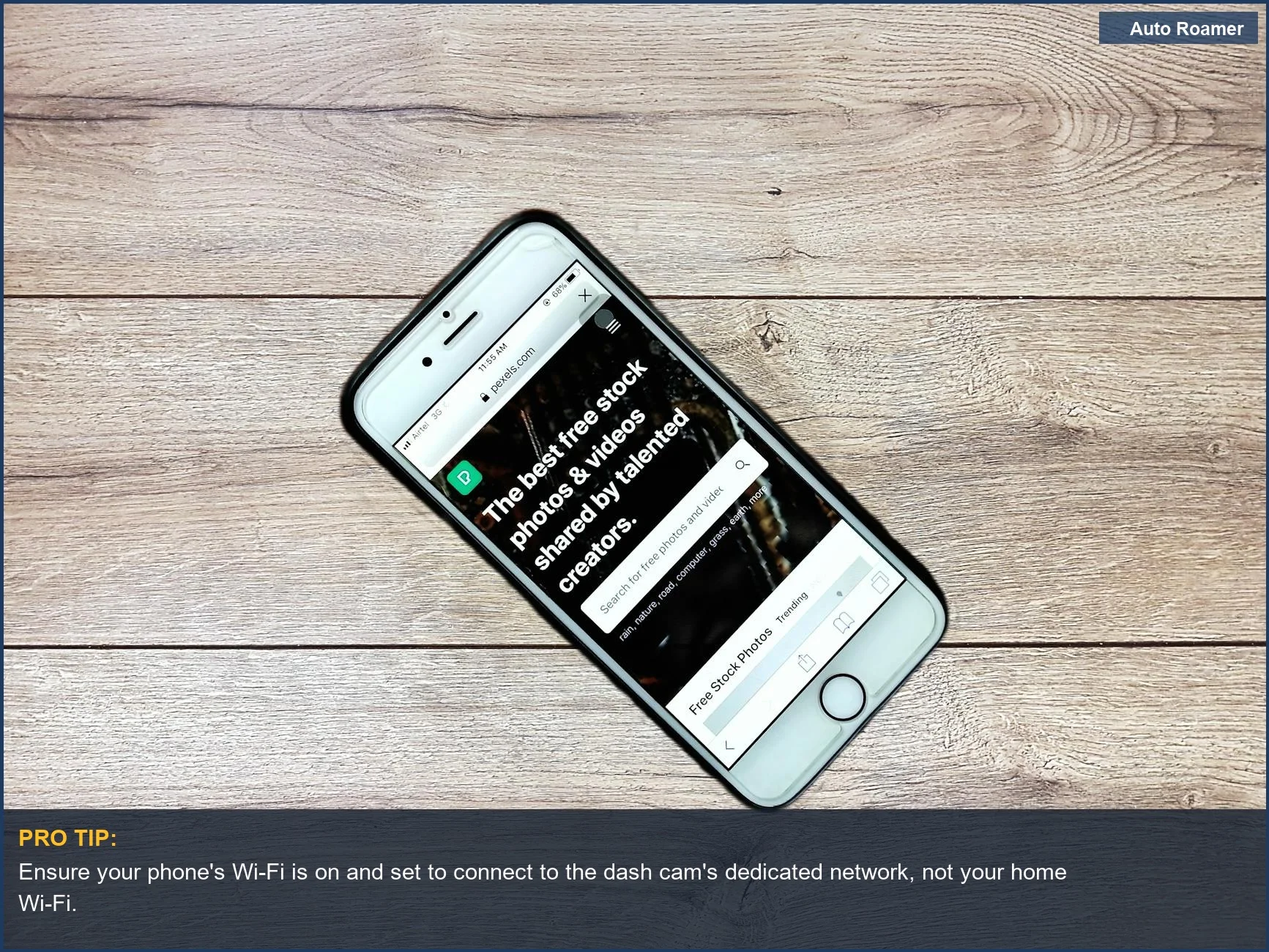
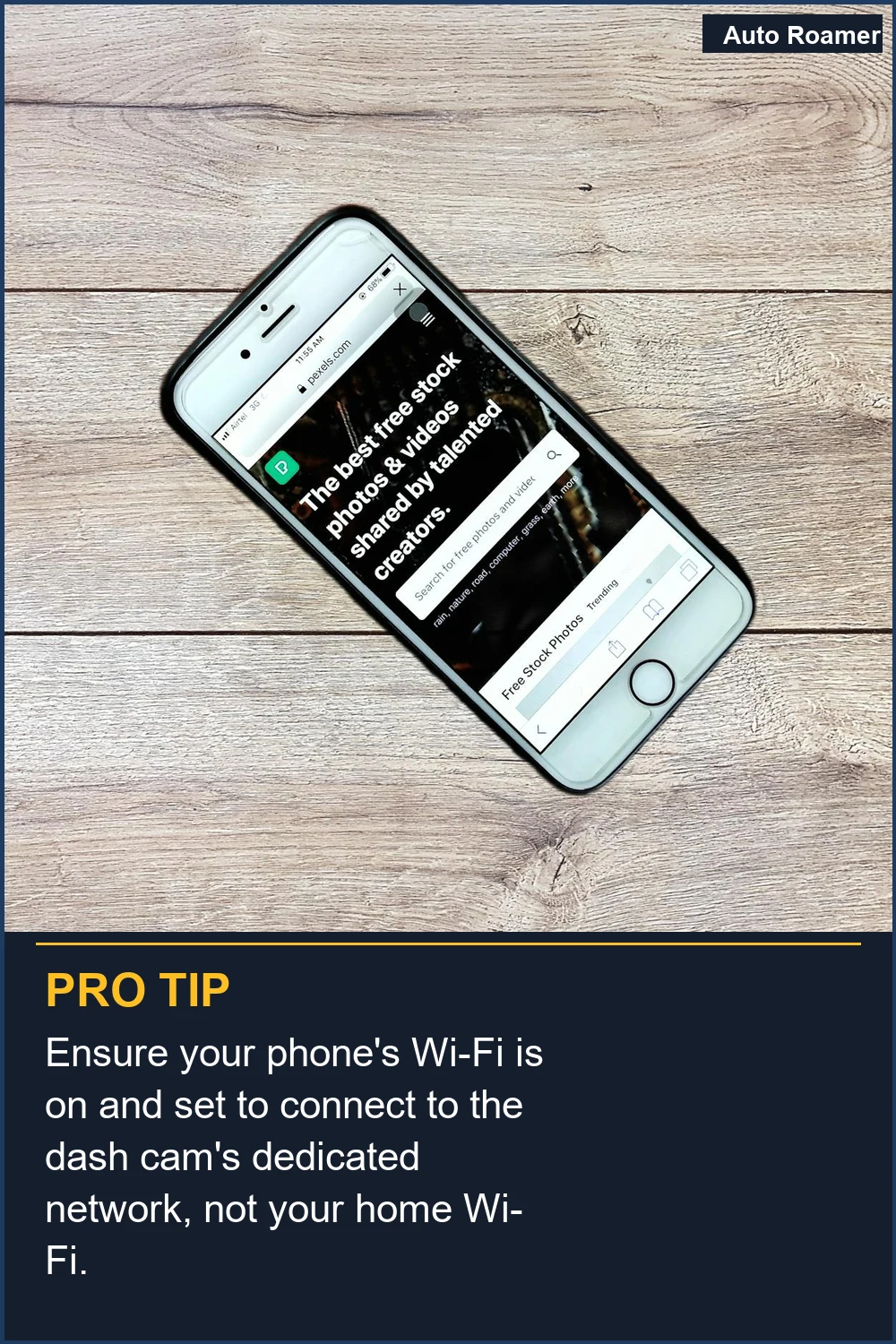
The most common culprit is your phone prioritizing a stronger or known Wi-Fi network over the dash cam's signal. This often happens when you're near your home Wi-Fi or a public hotspot. You need to actively select the dash cam's specific Wi-Fi network, often found in your camera's manual or printed on the device itself, and ensure your phone isn't automatically jumping back to another network RedTiger Cam.
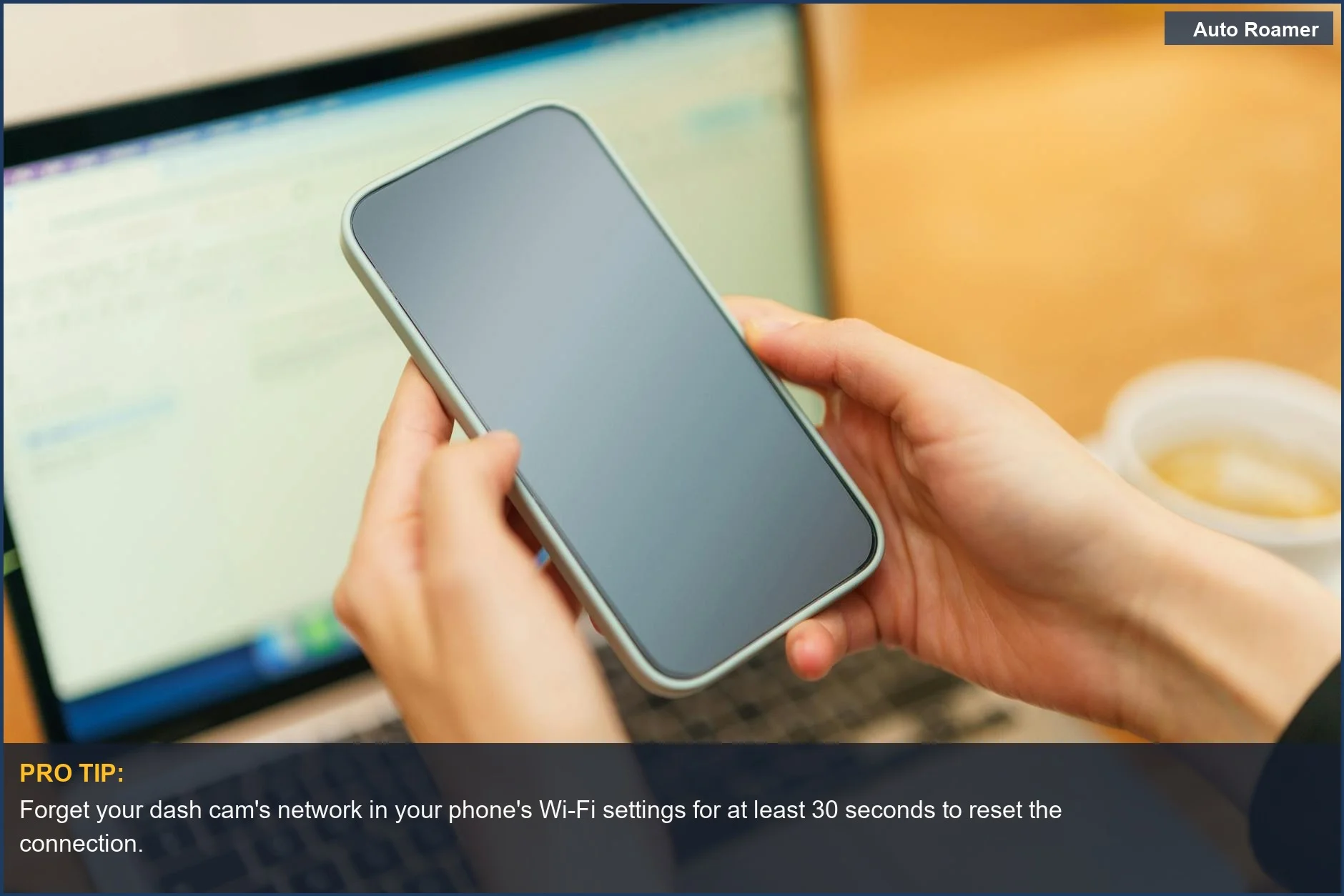
Forget the dash cam's network on your phone and reattempt the connection. This clears any lingering incorrect settings. Sometimes, simply restarting your phone and then re-connecting to the dash cam's Wi-Fi is enough to resolve the issue Facebook.
Interference from other phone features can also be a problem. For example, Apple CarPlay or Android Auto can sometimes hog your phone's Wi-Fi capabilities, preventing it from connecting to the dash cam. Temporarily disabling these can free up your phone's Wi-Fi for the dash cam connection Garmin Support. Similarly, turning off your phone's cellular data can sometimes help, especially if you're getting "no internet" messages, as the dash cam's Wi-Fi often doesn't provide internet access DashCamTalk.
Ensure your dash cam's hotspot is active and that your phone is indeed connected to it, not a different network JustAnswer. Also, check your Wi-Fi password for accuracy and make sure your dash cam app is up to date. Sometimes, the physical range between your phone and the dash cam can be a factor; try moving closer.
What You Need to Know
A common troubleshooting step is to restart your dash cam. If it's hardwired, ensure it's been powered continuously before attempting a reboot. This simple power cycle can resolve temporary software glitches affecting its Wi-Fi hotspot.
Consider if your vehicle has an integrated Wi-Fi hotspot. This can sometimes conflict with the dash cam's own Wi-Fi signal. Temporarily disabling your car's built-in hotspot might be necessary for your phone to connect to the dash cam. YouTube. This is a frequent issue, especially in newer sedans, SUVs, and trucks with advanced infotainment systems.
How to Handle This
What This Looks Like in Practice
- iPhone 12 and CarPlay Interference On a summer road trip in a Subaru Outback, our dash cam wouldn't connect to Wi-Fi. The Garmin app showed "Unable to View Videos or Live View through Wi-Fi" Unable to View Videos or Live View through Wi-Fi in the Garmin .... The issue cleared only when we temporarily disconnected Apple CarPlay, allowing the iPhone's Wi-Fi to connect to the dash cam's hotspot.
- Intermittent Signal on Remote Mountain Passes Driving a Honda Civic on a winter mountain pass, the dash cam's Wi-Fi signal was nearly non-existent. The dash cam's network name appeared briefly but vanished before we could connect. Reducing the distance between the phone and dash cam, or ensuring no other strong Wi-Fi signals were nearby, sometimes helped but was unreliable Dash Cam Not Connecting to WiFi? Quick Fixes You Need to Know.
- Phone Automatically Reverting to Home Wi-Fi In a Ford F-150 parked in our driveway, the dash cam refused to connect. Our phone kept automatically switching back to our home Wi-Fi network. The fix involved going into the phone's Wi-Fi settings and selecting "Forget" for the dash cam's network, then manually reselecting it to prevent defaulting Dash Cam Not Connecting to WiFi? Quick Fixes You Need to Know.
- Cellular Data Conflict on Older iPhones On an iPhone 12 in a Toyota RAV4, the dash cam app reported "no internet" despite being connected to the dash cam's Wi-Fi. Turning off cellular data on the iPhone resolved the issue, allowing the app to function Unable to connect to WIFi Viofo A229 - DashCamTalk. Some users reported this issue remained on certain iPhone models.
- Dash Cam Not Powered On or Fully Connected While testing a new dash cam setup in a Jeep Wrangler, we couldn't find the Wi-Fi network. All cables, including both cameras and the power adapter, needed to be connected and powered on before the Wi-Fi hotspot broadcasted Can't find cam in wifi list to connect to phone : r/Dashcam - Reddit. A simple reboot of the dash cam after ensuring secure connections also fixed the problem.
Mistakes That Cost People
Key Takeaways
- Forget the dash cam network on your phone's Wi-Fi settings before attempting to reconnect. This simple step often clears up connection issues Why can't I connect to my dash cam's WiFi? - Facebook.
- Ensure you're selecting the dash cam's dedicated Wi-Fi network (SSID), not your home or another public network. Your phone might be defaulting to a stronger, familiar signal Dash Cam Not Connecting to WiFi? Quick Fixes You Need to Know.
- Temporarily disable CarPlay or Android Auto if your phone is struggling to connect. These systems can sometimes interfere with your phone's Wi-Fi capabilities, preventing a dash cam connection Unable to View Videos or Live View through Wi-Fi in the Garmin ....
- Always verify you're entering the correct Wi-Fi password for your dash cam. Double-check for typos or case sensitivity Dash Cam Not Connecting to WiFi? Quick Fixes You Need to Know.
- If your dash cam still won't connect to Wi-Fi, try turning off your phone's cellular data. This can sometimes resolve "no internet" warnings that prevent pairing Unable to connect to WIFi Viofo A229 - DashCamTalk.
- The single most important thing to remember when your dash cam won't connect to Wi-Fi is that the problem often lies with your phone's network settings, not the camera itself.
Frequently Asked Questions
My dash cam's Wi-Fi won't hook up to my phone. What's the first thing I should try?
I can't seem to get my dash cam to show up in my phone's Wi-Fi list. Any ideas?
My phone keeps jumping back to my home Wi-Fi instead of connecting to the dash cam. How do I stop that?
I'm having trouble connecting my dash cam to my phone, and I've heard Apple CarPlay or Android Auto might be the culprit. Is that true?
What if my dash cam's Wi-Fi password isn't working?
My dash cam app says 'no internet connection' when I try to view videos. What's going on?
Sources
- Unable to View Videos or Live View through Wi-Fi in the Garmin ...
- support.garmin.com
- Dash Cam Doesn't Connect to App, Why? How do I Connect my App?
- Dash Cam No Internet Connection? Expert Troubleshooting Guide
- Dash Cam Not Connecting to WiFi? Quick Fixes You Need to Know
- Unable to connect to WIFi Viofo A229 - DashCamTalk
- Can't find cam in wifi list to connect to phone : r/Dashcam - Reddit
- Why can't I connect to my dash cam's WiFi? - Facebook