Dashcam Guides

Understanding Dashcam Cable Types: Choosing the Right One for Your Setup

Auto Roamer
11 min read
Includes Video

You're driving, the sun's beating down, and suddenly your dashcam goes black. Or maybe you're trying to get that clean parking mode setup, but the wires are a mess. This is where understanding your dashcam cable types becomes critical. It's not just about plugging something in; it's about ensuring consistent power and functionality, especially when you need it most.

You're driving, the sun's beating down, and suddenly your dashcam goes black. Or maybe you're trying to get that clean parking mode setup, but the wires are a mess. This is where understanding your dashcam cable types becomes critical. It's not just about plugging something in; it's about ensuring consistent power and functionality, especially when you need it most. Forget generic advice; you need to know what connects what.

Most dashcams still rely on older USB standards, often Mini USB or Micro USB connectors, to receive power car camera cable. However, newer models are increasingly adopting USB-C for both power and data, simplifying connections dash cam installation guide. Beyond the dashcam itself, how you power it introduces another layer of cable complexity. If you're using a battery pack for extended parking mode, you'll need the correct output cable to connect it to your dashcam, ensuring the right voltage and current Choosing the Right Output Cable for Your Battery Pack. Hardwiring kits also involve specific wires - red for ignition, black for ground, and sometimes yellow for constant battery power - each with a critical role in powering your device without draining your car's battery How to Hardwire a Dash Camera to a Battery Pack. Getting these connections wrong can lead to a non-functional camera or worse.
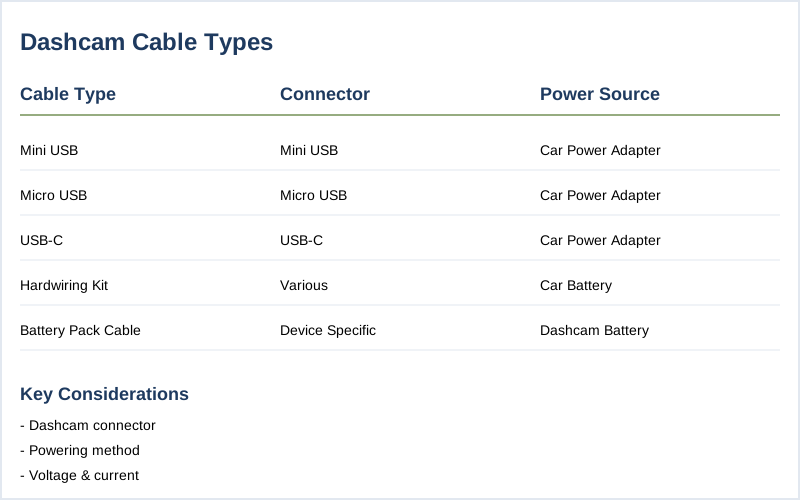
Dashcam cable spec comparison infographic
Key specifications for dashcam cable types

The Short Answer

The dashcam cable type you choose hinges on two primary factors: the dashcam's connector and how you intend to power the device. Don't overthink it; most modern dashcams use common USB variants, while power solutions dictate the cable's other end.

At the dashcam end, you'll most frequently encounter Mini USB, Micro USB, or increasingly, USB-C ports Car Camera Cable. Always check your specific dashcam model's input. Using the wrong connector means no connection, plain and simple.

The other end of the cable is all about power delivery. For basic cigarette lighter power, you'll use a cable with a 12V adapter. If you're aiming for parking mode or a cleaner install, you'll be looking at hardwire kits. These kits typically have bare wires designed to connect to your vehicle's fuse box or, more conveniently, a dashcam battery pack Choosing the Right Output Cable for Your Battery Pack.

Hardwire kits often have three wires: one for constant battery power (usually yellow or red), one for ignition/accessory power (often red or yellow), and one for ground (black) How to Hardwire a Dash Camera to a Battery Pack. The key is matching these to the correct circuits in your car's fuse box or the specific terminals on your battery pack. Some battery packs come with proprietary output cables that simplify this, but ensure it's the correct one for your dashcam model.

When connecting to a battery pack, remember there are input cables (to charge the pack) and output cables (to power the dashcam) Choosing the Right Output Cable for Your Battery Pack. Always use the correct output cable to ensure stable power and prevent damage.
To ensure your dashcam operates effectively, it's also important to understand the different dashcam battery types available.
Ensure your dashcam cable can handle consistent power delivery by checking its gauge and insulation for optimal performance.
A detailed view of a car's digital dashboard highlights the importance of selecting the correct dashcam cable type for reliable power and data transmission. | Photo by Mike Bird

What You Need to Know

1
Dashcam cable types are critical for a reliable setup. The most common connection types are Mini USB, Micro USB, and the increasingly prevalent USB-C. Matching your dashcam's port to the cable's connector is paramount; using the wrong type will simply not work. Alibaba Buying Guides highlights this as the most critical factor for optimal performance.
2
Power delivery is where things get more complex. Most dashcams draw power from your vehicle's 12V socket (cigarette lighter), OBD-II port, or directly from the fuse box via a hardwire kit. For those using dashcam battery packs to extend parking mode recording, you'll need a specific battery pack output cable. These cables deliver the necessary voltage and current without draining your car battery. BlackboxMyCar emphasizes that the correct output cable ensures your dashcam functions properly.
3
Hardwiring kits offer the cleanest installation and enable continuous recording, even when the engine is off. These kits typically involve three wires: a black wire for ground, a red wire for battery positive, and a yellow wire for ignition/accessory power. However, wire color coding can vary by manufacturer, so always double-check diagrams or consult a mechanic. Safe Drives Solutions notes that understanding these basic connections is key.
4
Vehicle-specific considerations can influence your cable choice. For larger vehicles like trucks and vans, you might need longer cables to reach from the front camera to the power source or rear camera. Some users opt for OBD-II power cables, which tap into the vehicle's diagnostic port for a straightforward installation, though availability and compatibility can vary. While NHTSA doesn't dictate specific cable types, ensuring a secure connection that doesn't interfere with vehicle operation is crucial for safety.
To ensure optimal performance, it's also important to consider the different dashcam mount types available for your setup.
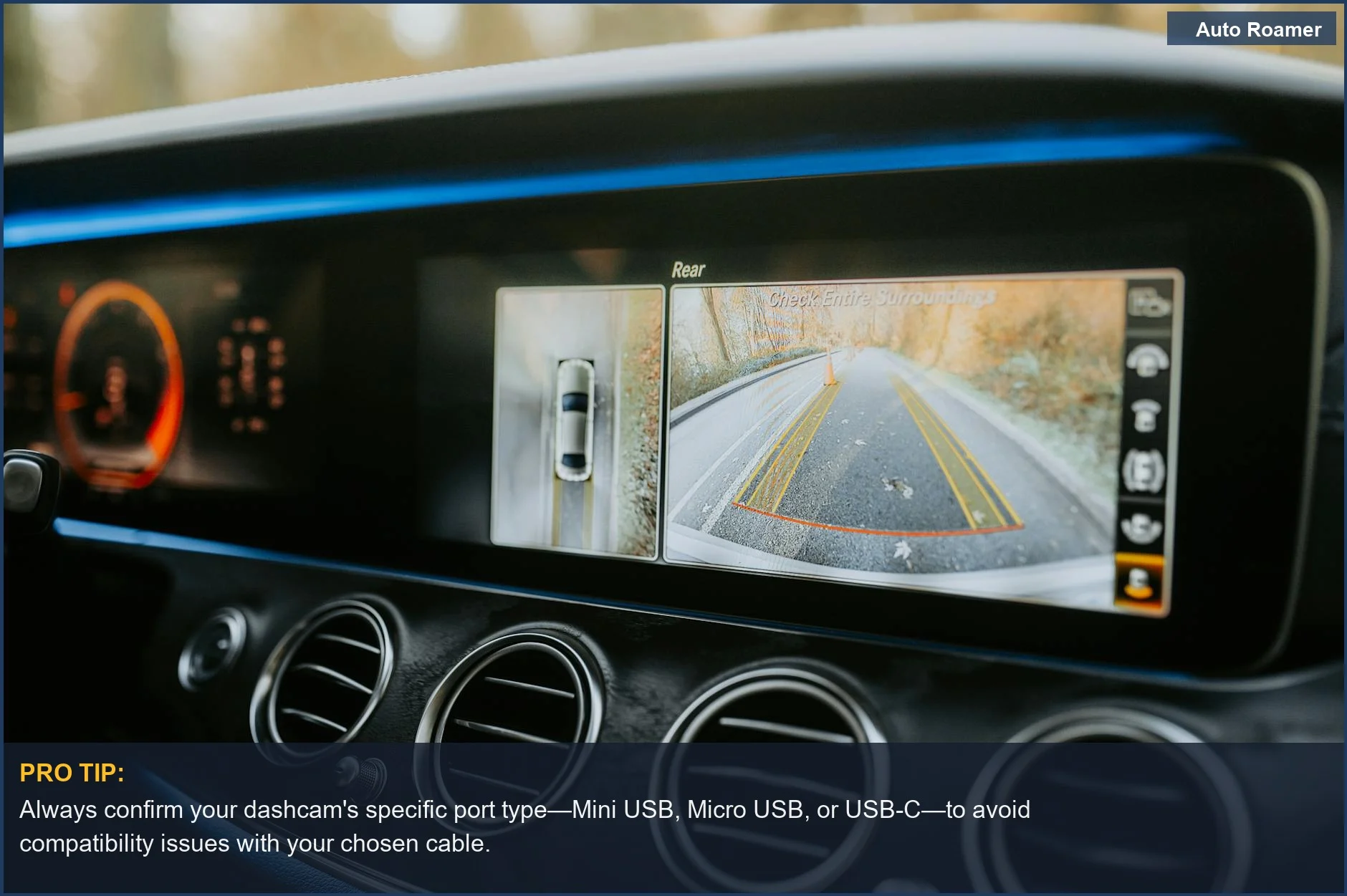
Always confirm your dashcam's specific port type--Mini USB, Micro USB, or USB-C--to avoid compatibility issues with your chosen cable.
This car dashboard features a rear-view camera, illustrating the need to match your dashcam connector type for a seamless installation and operation. | Photo by Luke Miller

How to Handle This

1
Identify your dashcam's power connector - This is the absolute first step. Dashcams use a variety of power input ports, most commonly Mini USB, Micro USB, or USB-C How to choose car camera cable,What cable do dashcams use?. Skipping this means you'll buy the wrong cable, and your dashcam won't power on, leaving you blind when you need it most, especially during late-night drives or in unfamiliar urban areas.
2
Determine your power source method - You'll either power your dashcam directly from your vehicle's accessory socket (cigarette lighter) or hardwire it into your car's fuse box or a battery pack Choosing the Right Output Cable for Your Battery Pack. Using the vehicle's accessory socket is plug-and-play but can be interrupted when the engine is off. Hardwiring offers continuous power for parking mode but requires more effort and understanding of your vehicle's electrical system. Forgetting to consider this means you might not get the parking recording you intended, which is crucial for capturing incidents while parked in a busy parking lot or on a dimly lit street.
3
Select the appropriate output cable type - For accessory socket connections, you'll need a standard dashcam power cable that plugs into the socket on one end and your dashcam's power port on the other Choosing the Right Output Cable for Your Battery Pack. If you're hardwiring to a battery pack, you'll typically use an "unspliced" or bare-wire output cable that connects directly to the battery pack's power terminals and then to your dashcam's power input Choosing the Right Output Cable for Your Battery Pack. Using a cable not designed for your specific power source or dashcam can lead to insufficient power, overheating, or even damage to your equipment, rendering your dashcam useless during critical moments like a sudden downpour at dusk.
4
Consider cable length and routing - Dashcam cables come in various lengths. Measure the distance from your dashcam's mounting location to your power source, adding a bit of slack for clean routing. Hiding wires along the headliner and A-pillar is standard practice for a professional look and to prevent interference with your vision, especially in bright sunlight or during nighttime driving where glare can be an issue How To Install Dash Cam? A Step By Step Guide 2025 - DDPAI. Underestimating cable length can leave you with a dangling wire that's not only unsightly but also a potential distraction or hazard, particularly on winding rural roads.
Once you've identified your dashcam's power connector, consider optimizing your setup with our tips on cable management.
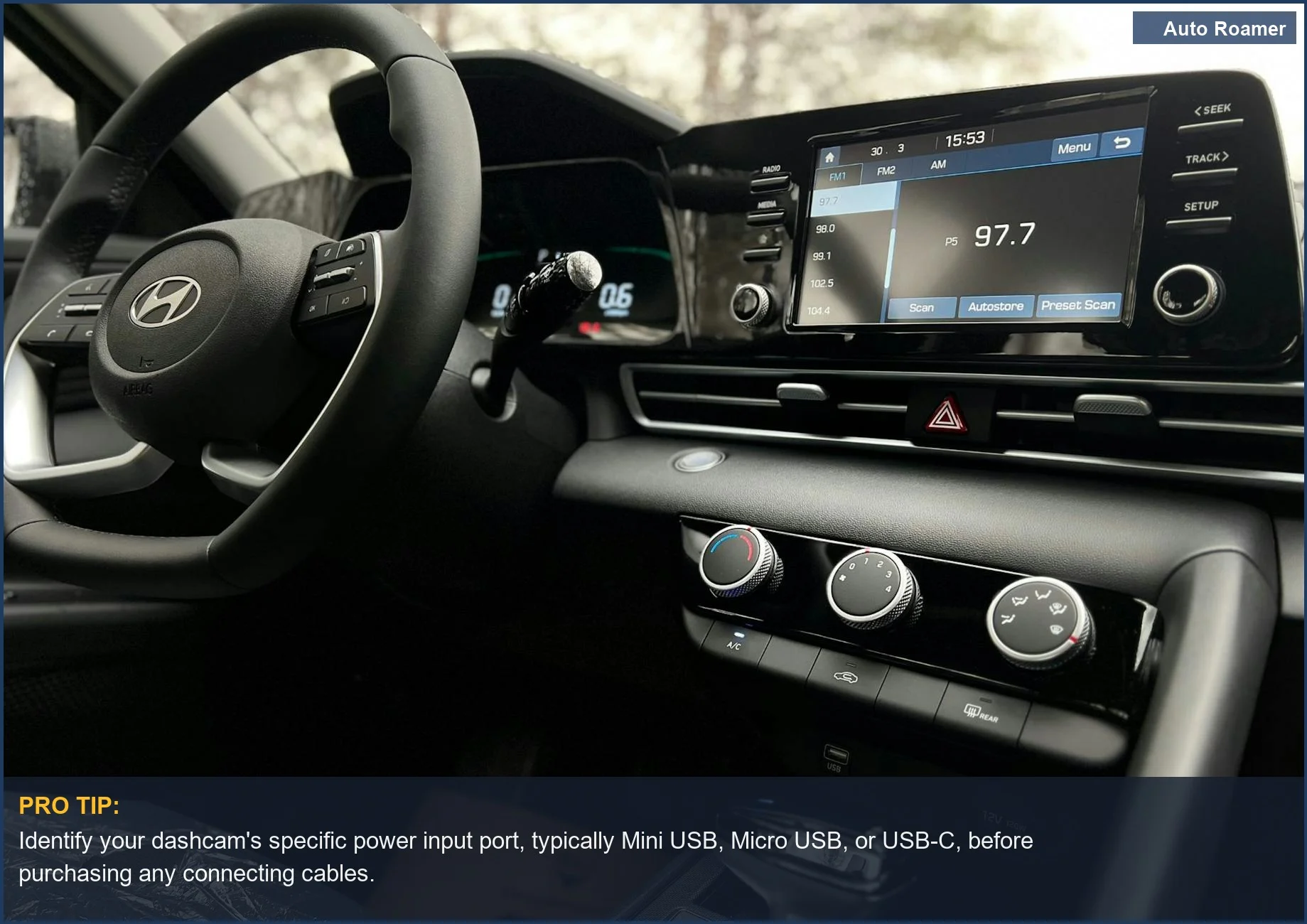
Identify your dashcam's specific power input port, typically Mini USB, Micro USB, or USB-C, before purchasing any connecting cables.
The sleek interior of this car, with its touchscreen system, underscores the variety of dashcam power input ports and the importance of choosing the right cable. | Photo by Kanat Kairatov

What This Looks Like in Practice

  • Winter Mountain Pass in a Subaru Outback. Cold temperatures and a need for reliable parking mode recording meant we had to ensure our dashcam cable could handle the strain. We used a standard power output cable connected to a battery pack. This worked well, providing consistent power without draining the car battery, but ensuring the cable itself remained flexible in the sub-zero temps was key; a brittle cable would have been useless.
  • Summer Desert in a Honda Civic. Extreme heat is brutal on electronics. We opted for a hardwire kit directly to the fuse box to avoid any battery pack overheating issues. The direct connection worked flawlessly, but we had to be meticulous about routing the cable to prevent it from melting against hot interior surfaces. Some older vehicles have less robust fuse box designs, which can make finding a constant power source tricky.
  • Long-Haul Trucking with a Kenworth W900. For days on the road, uninterrupted recording is paramount. We found that using an OBD-II power cable offered a clean and easily accessible power source without needing to tap into the fuse box. This proved reliable, providing power even when the engine was off, but we learned that not all trucks have easily accessible OBD-II ports, and some require specific adapters for older models.
  • Daily Commute in a Ford F-150 with Advanced Infotainment. Modern trucks often have complex electrical systems. We initially tried a simple USB-C to USB-C cable from the car's built-in USB port, but it would cut out when the infotainment system went into low-power mode. Switching to a dedicated hardwire kit with parking mode was the only way to guarantee continuous recording, bypassing the car's power management quirks.
To ensure optimal performance in extreme conditions, it's essential to know how to hardwire a dashcam correctly.
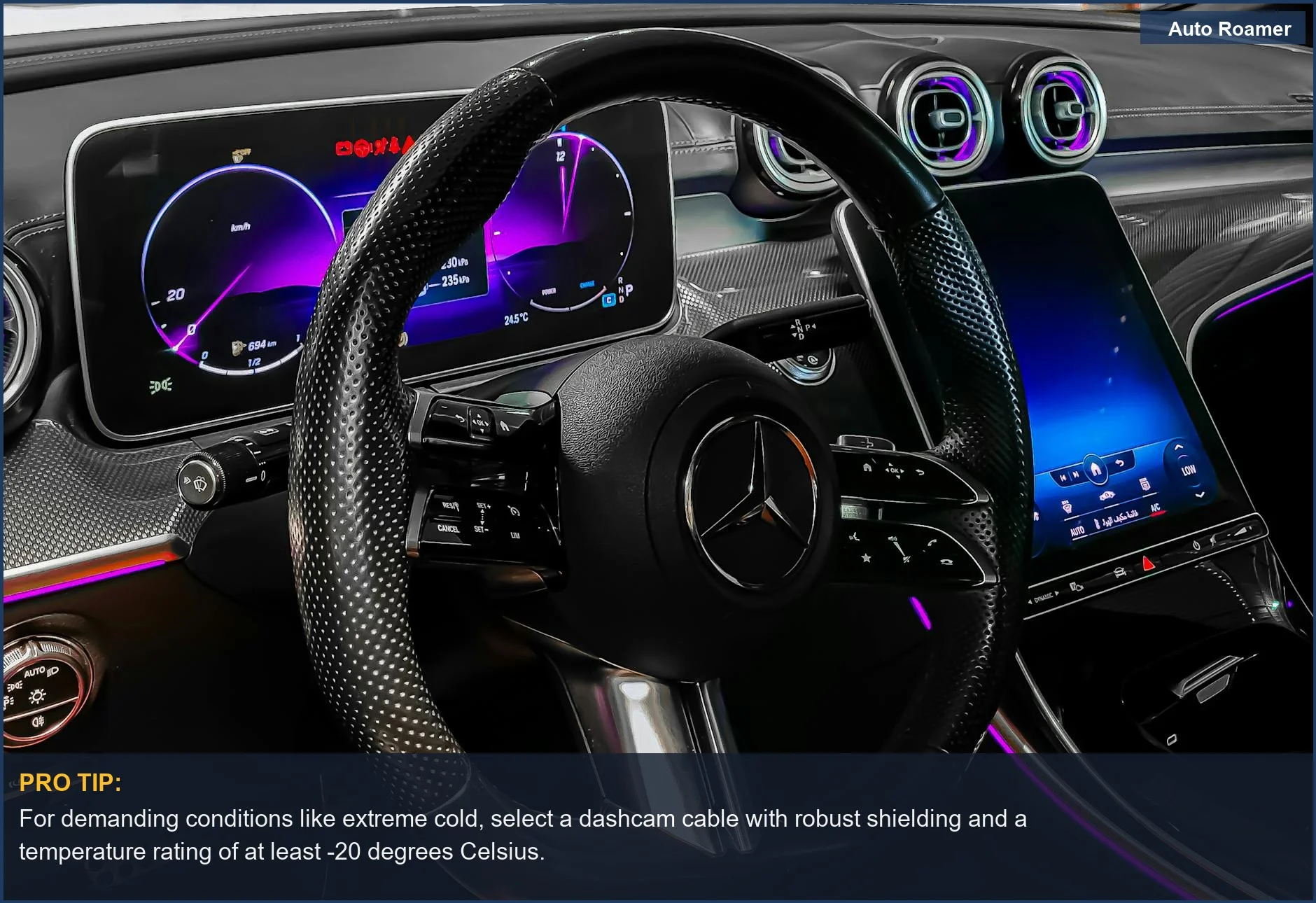
For demanding conditions like extreme cold, select a dashcam cable with robust shielding and a temperature rating of at least -20 degrees Celsius.
This high-tech car interior showcases a digital dashboard, reminding us that the right dashcam cable type is crucial for reliable recording, even in challenging environments. | Photo by Salah Özil

Mistakes That Cost People

Symptom Dashcam stops recording or flickers when the vehicle is turned off, even though you thought it was set up for parking mode.
Signal Check your dashcam's power indicator light after turning off the engine. It might go dark immediately.
Fix Ensure your dashcam's power cable is connected to a constant power source (like the battery direct or an OBD-II port that provides continuous power), not just an ignition-switched accessory port. Many older vehicles have 12V sockets that only activate with the ignition.
Symptom The dashcam frequently disconnects or shows power errors, especially in older cars.
Signal Look for intermittent "power loss" notifications from the dashcam or the recording stopping unexpectedly.
Fix Older vehicles might have less stable power output from their 12V sockets. Using a dashcam hardwire kit that taps directly into the fuse box provides a more reliable and consistent power flow. Always use the correct fuse tap type for your vehicle's fuses. Source
Symptom You bought a battery pack for parking mode, but it doesn't seem to extend recording time as much as advertised.
Signal Note the actual duration of parking mode recording compared to your expectations.
Fix Make sure you're using the correct output cable from the battery pack to the dashcam. Different dashcams and battery packs require specific voltage and connector types. Using a generic USB cable might not deliver sufficient power. Source
Symptom Your dashcam's charging cable is damaged or lost, and you're tempted to use any available USB cable.
Signal The dashcam fails to power on, shows charging errors, or records intermittently.
Fix Dashcams require specific power cables, often with particular connector types like Mini USB, Micro USB, or USB-C, matched to your camera model. Not all USB cables are created equal; some are data-only, and others may not deliver the necessary amperage. Always use the cable recommended by the dashcam manufacturer or a reputable replacement. Source
To avoid these issues, it’s essential to follow a proper setup, which you can learn about in our guide on installing a dashcam.

Key Takeaways

To fully understand what makes the VIOFO A229 Plus 2CH a standout choice, explore our insights on dash cam features.

Frequently Asked Questions

What are the main types of cords I'll see for powering my dash cam?
We typically see three main connector types: Mini USB, Micro USB, and the newer USB-C. Mini and Micro USB are still very common, especially on older or budget-friendly models. USB-C is becoming more prevalent, offering faster data transfer and a more robust connection, which is handy for higher-resolution footage. Always double-check your dash cam's port before buying any replacement or extension cords.
How does the length of a dash cam power cord impact my install and if it works right?
The length is crucial for a clean install. For most sedans or smaller SUVs, a 10-15 foot cable is usually sufficient to run from the 12V socket up to the windshield. For larger trucks or RVs, you might need 20 feet or more to discreetly tuck the wiring along the headliner and A-pillar. Too short, and you'll have a visible, messy cord; too long, and you're just dealing with excess you have to hide.
Are there specific power cords for different car makes and models?
Generally, the dash cam's power cord itself isn't vehicle-specific; it's determined by the dash cam's input port (Mini USB, Micro USB, USB-C). However, how you *connect* to power can be. Some use the standard 12V cigarette lighter socket, while others might use an OBD-II port for a cleaner, more integrated setup. We've found that the OBD-II option is often preferred for a stealthier look in newer vehicles.
What should I watch out for concerning safety when picking out power cords for my dash cam?
Safety is paramount. Always ensure the cable is rated for the voltage and current your dash cam needs. Cheap, uncertified cables can overheat or even short out, posing a fire risk, especially when tucked away behind trim panels. We also recommend using fuse taps when hardwiring to the fuse box, ensuring the circuit is properly protected, as recommended by automotive safety standards from NHTSA NHTSA.
Can I just grab any old USB cord from my phone to power my dash cam?
Not usually. While many dash cams use Mini USB, Micro USB, or USB-C, not all USB cables are created equal. The cable needs to be specifically designed for power delivery to the dash cam, not just data transfer. Many phone chargers have the data pins shorted or are not built to handle the continuous power draw a dash cam requires, potentially leading to charging issues or even damage.

Sources

Related Articles