The Short Version
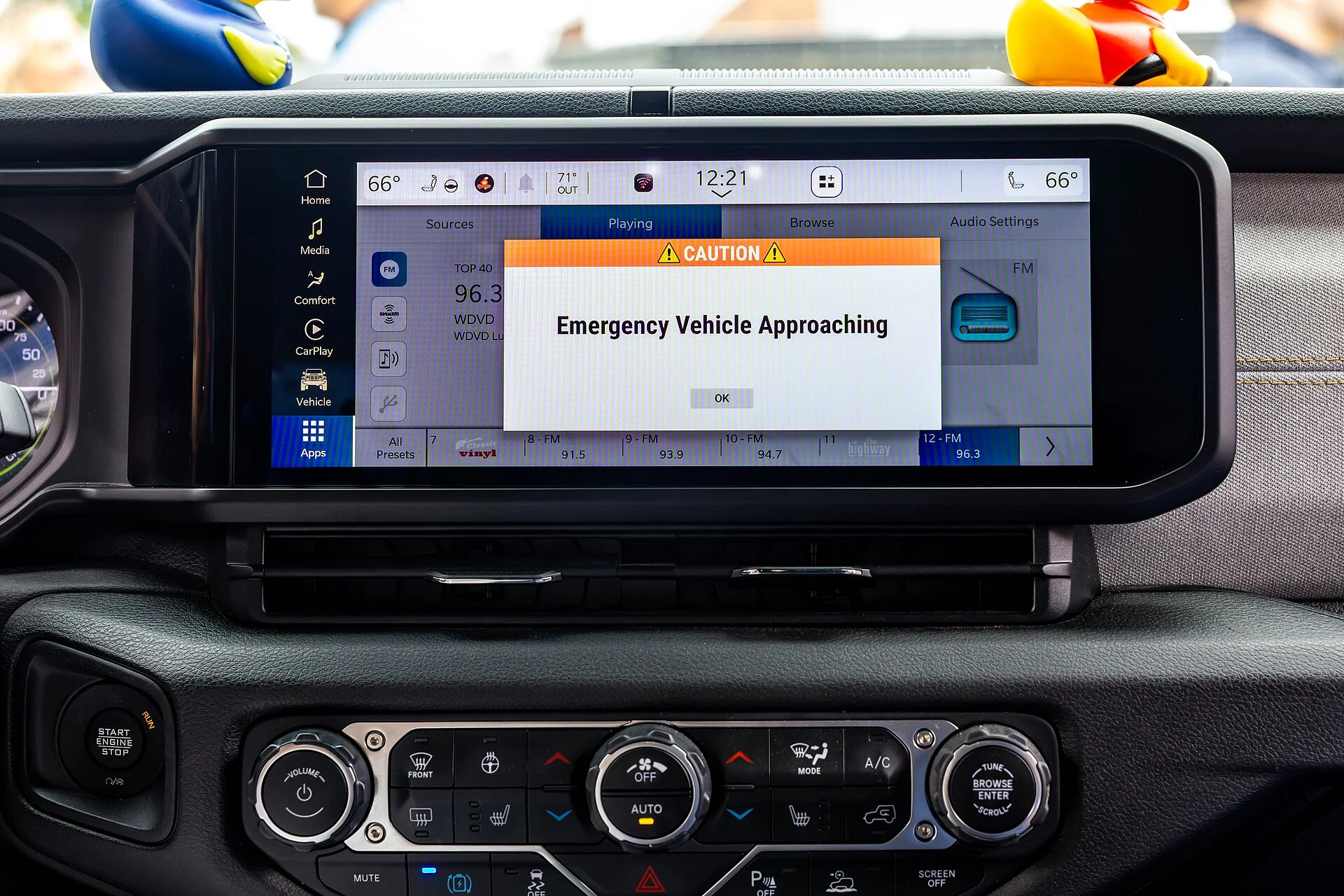
Forget the fancy marketing. Your typical dashcam just records, which is fine for insurance after some idiot pulls a 30-foot lane change directly into your fender. But what about avoiding that clown entirely? That's where Advanced Driver Assistance Systems (ADAS) come in, trying to glue some intelligence onto a dumb camera. Car and Driver explains these systems help you avoid the accident, not just document the aftermath.
I've seen too many cheap dashcams with 'ADAS' that are just glorified blinky lights, triggering false alarms every time a shadow crosses the road. The underlying physics of these systems relies on image processing algorithms, not magic. If the camera resolution is trash, or the processor can't keep up, you're getting garbage alerts. YUWEI notes they monitor the road ahead through an AI camera.
We're talking about Forward Collision Warning (FCW) and Lane Departure Warning (LDW). FCW looks at the closing velocity with the vehicle in front. If that rate of change exceeds a certain threshold, based on your current speed, it screams at you. LDW tracks painted lines, and if your trajectory deviates without a turn signal, it also screams. Simple optical recognition, but it needs good data.
The real trick is a solid mounting solution. A flimsy suction cup vibrating at 120 Hz will turn your crisp 4K image into a blurry mess, making any ADAS feature useless. The camera's internal accelerometer needs a stable reference frame. Otherwise, every pothole becomes a 'collision threat'. The dealer will still charge you $300 for a dashcam that falls off in July heat, though. Absolute joke. Wirecutter confirms the Viofo A229 Pro delivers clear 4K video.
Top Picks
Specs: 4K front, 2K rear, Starvis 2 sensor, GPS, Wi-Fi.
Pros: Excellent video quality day/night, reliable ADAS, discreet design, voice control. Wirecutter says it delivers clear and sharp 4K video. Solid thermal management for continuous operation.
Cons: ADAS can be overly sensitive in heavy traffic, requiring sensitivity adjustments.
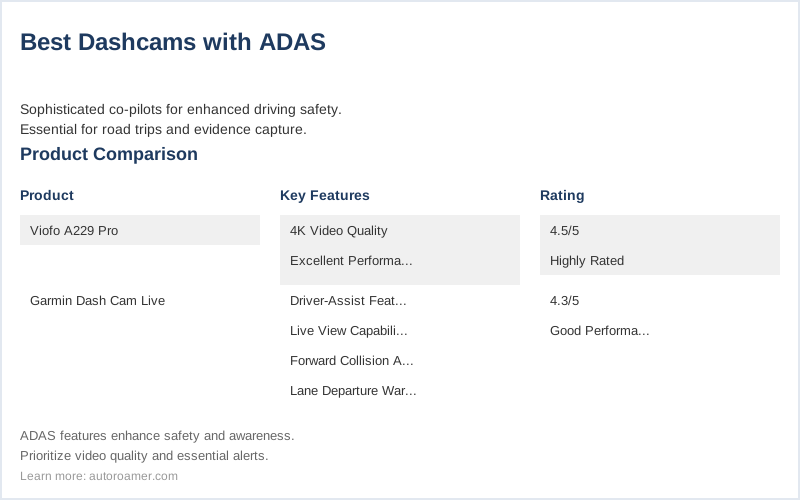
Best for: Drivers who want top-tier video evidence and functional ADAS without breaking the bank. AutoRoamer calls it the best overall choice for top-tier video quality and advanced safety features. Garmin Dash Cam Live (~$350)
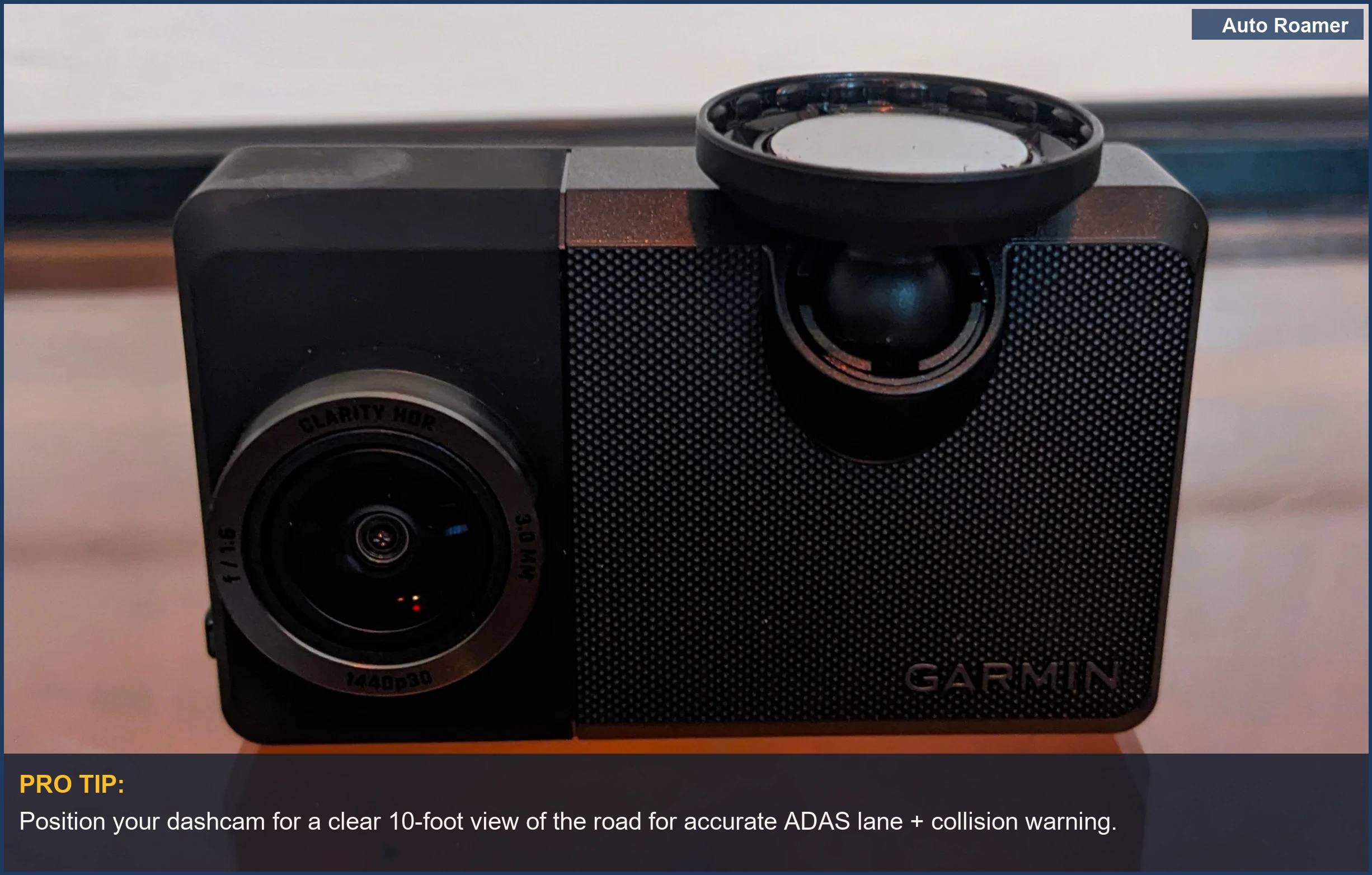
Specs: 1440p resolution, LTE connectivity, GPS, voice control, parking guard.
Pros: Very accurate ADAS, real-time alerts via LTE, robust build quality, cloud storage. PCMag praises its driver-assist features and 1440p video capture.
Cons: Higher price point, 1440p isn't 4K, requires subscription for full LTE features.
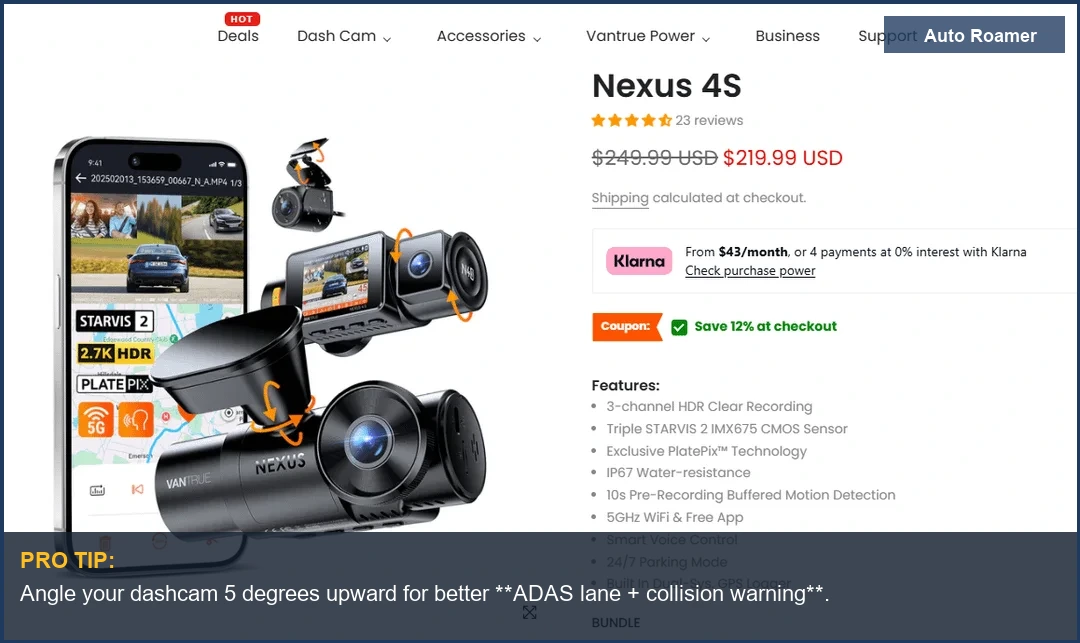
Best for: Fleet operators or those needing constant connectivity and top-notch ADAS reliability. The LTE adds a nice layer of 'where's my rig?' tracking. Vantrue N4S 3 Channel Dash Cam (~$200)
Specs: 4K front, 1080p interior, 1080p rear, Starvis 2 sensors.
Pros: Three-channel recording, great for rideshare, good low-light performance, ADAS features. PCMag lists it as a solid option.
Cons: ADAS is mostly FCW/LDW, not as advanced as some dedicated systems. Interior camera adds complexity.
Best for: Rideshare drivers needing full cabin and road coverage, with decent ADAS as a bonus. The thermal load from three sensors can be a concern in hot climates. 70mai A810S 4K Dual Dash Cam (~$170)
Specs: 4K front, 1080p rear, Starvis 2 sensor, GPS, Wi-Fi.
Pros: Excellent value for 4K and ADAS, good night vision, easy installation. Texas Diamond Garage recommends the 70mai A810S.
Cons: ADAS can be less refined than higher-end models, app connectivity can be finicky.
Best for: Budget-conscious drivers who want basic, functional ADAS and good video quality without a premium price tag. Just don't expect Mercedes-level precision. Thinkware U3000 (~$450)
Specs: 4K front, 2K rear, Starvis 2 sensors, radar parking mode, cloud connectivity.
Pros: Advanced parking mode with radar detection, robust ADAS, professional-grade build.
Cons: Expensive, complex hardwiring required for full parking features, ADAS alerts can be verbose.
Best for: Drivers who prioritize advanced parking surveillance and robust, always-on ADAS. The power draw for radar parking mode is no joke, so ensure your 12V system is up to snuff. YouTube reviews mention its features.
Quick Verdict
Choosing a dashcam with ADAS isn't just about getting footage; it's about trying to mitigate the squishy human element of driving. These systems are optical sensors looking for deviations from a programmed norm. They're not infallible, but they're better than nothing. Medium notes how accurate some of their forward collision and lane departure warnings are.
- Precision Matters: A 4K sensor isn't just for pretty pictures; it provides more data points for the ADAS algorithm. More pixels mean more accurate lane line detection and better object recognition. Don't fall for 'upscaled' 1080p claiming 4K.
- Thermal Stability: Your dashcam bakes in the sun. If the internal components aren't designed for high thermal cycling, you'll see premature failure of capacitors or even image sensor degradation. This manifests as blurry spots or complete unit failure.
- Power Draw: ADAS features, especially parking modes, draw continuous power. Hardwiring is almost always required. Ensure your vehicle's 12V system can handle the parasitic draw without killing your battery in three days. A 200mA draw on a 60Ah battery will kill it in about 12 days.
- Mounting Rigidity: Vibrations are the enemy of image quality and sensor accuracy. A cheap suction cup might seem fine, but over time, the plastic will degrade, and the bond will fail. A solid adhesive mount or a mirror-mount system provides a much more stable platform.
- Firmware Updates: ADAS algorithms improve over time. A manufacturer that provides regular, easy-to-install firmware updates is critical. Otherwise, your 'smart' dashcam will be stuck with its dumb launch-day programming. Bass Junkies emphasizes the importance of hardwiring and parking mode.
Ultimately, ADAS in a dashcam is a supplemental safety feature. It's not a replacement for paying attention. It's a second pair of eyes, which is useful when your own are tired or distracted. But don't rely on it to drive for you. YouTube comparisons highlight various dashcam features.